Hi there.
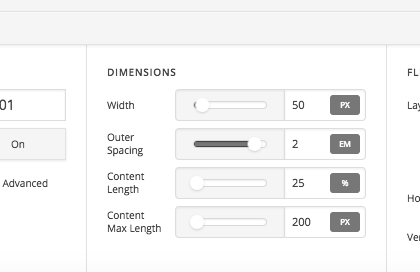
Since upgrade to latest version of Pro my header behaves unexpectedly. Before I scroll it displays as it should. Upon scroll the right margin changes (and correspondingly search icon as well as hamburger menu moves to the left). In my additional css I have the following
.x-bar-space.x-bar-space-left.x-bar-space-v {
position: fixed;
-ms-flex-preferred-size: 0px;
flex-basis: 0px;
}
which should stay there. But in combination with I guess native template it leads to described behaviour. It see the class
e20403-1 x-bar x-bar-top x-bar-h x-bar-absolute x-bar-is-sticky nbwrapheader x-bar-outer-spacers x-bar-fixed
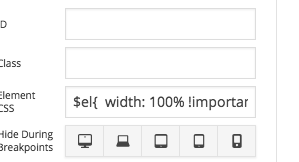
has a defined width: calc(100% - 50px);
I guess this is the reason. I don’t seem to be able to change that. Can you help, please?
Thanks.