Header issue again

Hi Themco team,

This is my second thread covering the same issue. I have created a 2 bar stacked header that should stick to the top of the site. When you start to scroll the site snaps up abruptly and is not smooth.

I’ve updated Pro to the latest build and it seem to have fixed that scrolling issue, however, when I updated the content in the header, the issue came back. I even made a copy of the fixed header but that also has the same issue. Am i missing something here? Could someone help?

Thanks,
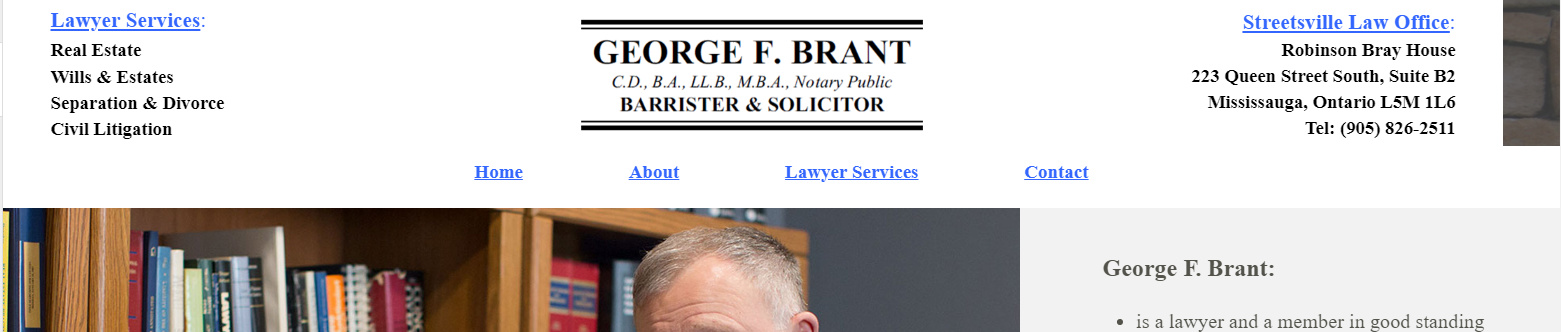
Site URL is : http://158.106.73.62/

Hi There,

Thanks for writing in!

I can see you are using tow different bars in the header. Can you please add the content in a single bar and make it sticky.
If that doesn’t help please send us your login details in a secure note so that we can have a look.

Thanks

Hi Basanta,

I sent the login details. I tried to put it on one bar before and it did not work.

Thanks,

Hi there,

Please add this CSS to your global custom CSS

.e361-1.x-bar, .e361-4.x-bar {
    -webkit-transition: all 2s;
    transition: all 2s;
    position: fixed;
}
.e361-4.x-bar {
    top: 150px;
    width: 100%;
}
.x-masthead {
    min-height: 210px;
}

Hope this helps.

Hi Rad,

Thanks for the code. When i applied this, the header moved to the left when you scroll up to the top. See attached image.

Hello There,

Sorry there was a missing line in the code. Please have it updated and use this code instead:

.e361-1.x-bar, .e361-4.x-bar {
    -webkit-transition: all 2s;
    transition: all 2s;
    position: fixed;
    width: 100%;
}
.e361-4.x-bar {
    top: 150px;
    width: 100%;
}
.x-masthead {
    min-height: 210px;
}

We would loved to know if this has work for you. Thank you.

This topic was automatically closed 10 days after the last reply. New replies are no longer allowed.