Header - Format WPML dropdown

Hi there,

Happy Xmas and New Year to the whole team!
I’m building a site here: http://birdie.tolgyessyzsofi.hu/kapcsolat/

My issue is the language switcher area:

The dropdown is just so much bigger than the content, it just looks off. I’m a bit new to flex and I don’t want to mess it up, could you please help me so that the dropdown matches the flag above it?

Thanks!

Hi @Pbalazs89,

Thanks for reaching out.

Looks like there is a bug with text alignment option (since your menu icons is part of the text). I’m adding this to our issue tracker, for the meantime, please add this CSS to your menu’s Element CSS

$el .x-anchor-text {
flex: 0 1 100% !important;
text-align: right  !important;
}

Hope this helps.

Thanks!

Hi, thanks for that. Almost what I want but it looks kind of messed up:

So it’s not positioned correctly, and the dropdown is still huge since it only needs to display a logo.

Thanks!

Hi,

You can adjust the width using custom CSS.

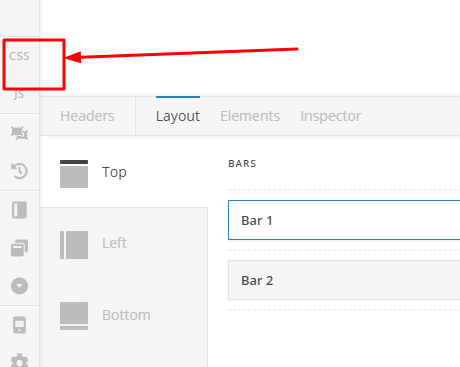
Please add the code below in Header > CSS

.menu-item-type-wpml_ls_menu_item .sub-menu.x-dropdown {
       max-width: 100px;
}

.menu-item-type-wpml_ls_menu_item .sub-menu.x-dropdown li.wpml-ls-item {
     display:inline-block;
     vertical-align:top;
}

Hope that helps

This topic was automatically closed 10 days after the last reply. New replies are no longer allowed.