Hi @noznewman,
Thanks for reaching out.
To make that the kind of header format using the Pro Header Builder. Please follow the steps below.
1.) Add a bar and 2 containers
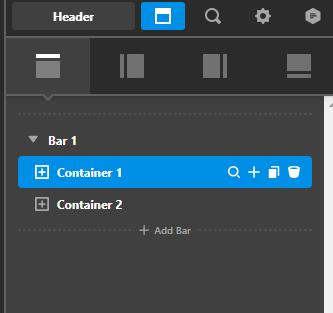
2.) Adjust the first container width to 20% for your logo ( this will depend on you how much width you want to set for your logo)
3.) Add a row inside your container 2, so that we will have a nested columns inside columns.
4.) After adding the row then choose the 2 columns format and then make sure that the layout of the row on all devices is set to 100% and same goes to the row width.
5.) Then you can now add the content, logo, buttons and navigations, see formats below.
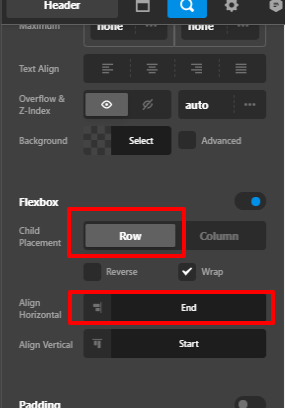
6.) Please make sure that you enable the flexbox of your nested columns.
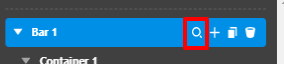
7.) After that, please go to your bar options and set the height to auto.
8.) Then you final output should look like below and the same with your desired output from your posts.
Hope that helps.
Thank you.


