I’m having the same issue as this forum: https://theme.co/apex/forum/t/header-appearance-issues-in-editor-only/50136/5?u=lodocinenam
I’m unable to see the content that is available and can be edited just not viewed
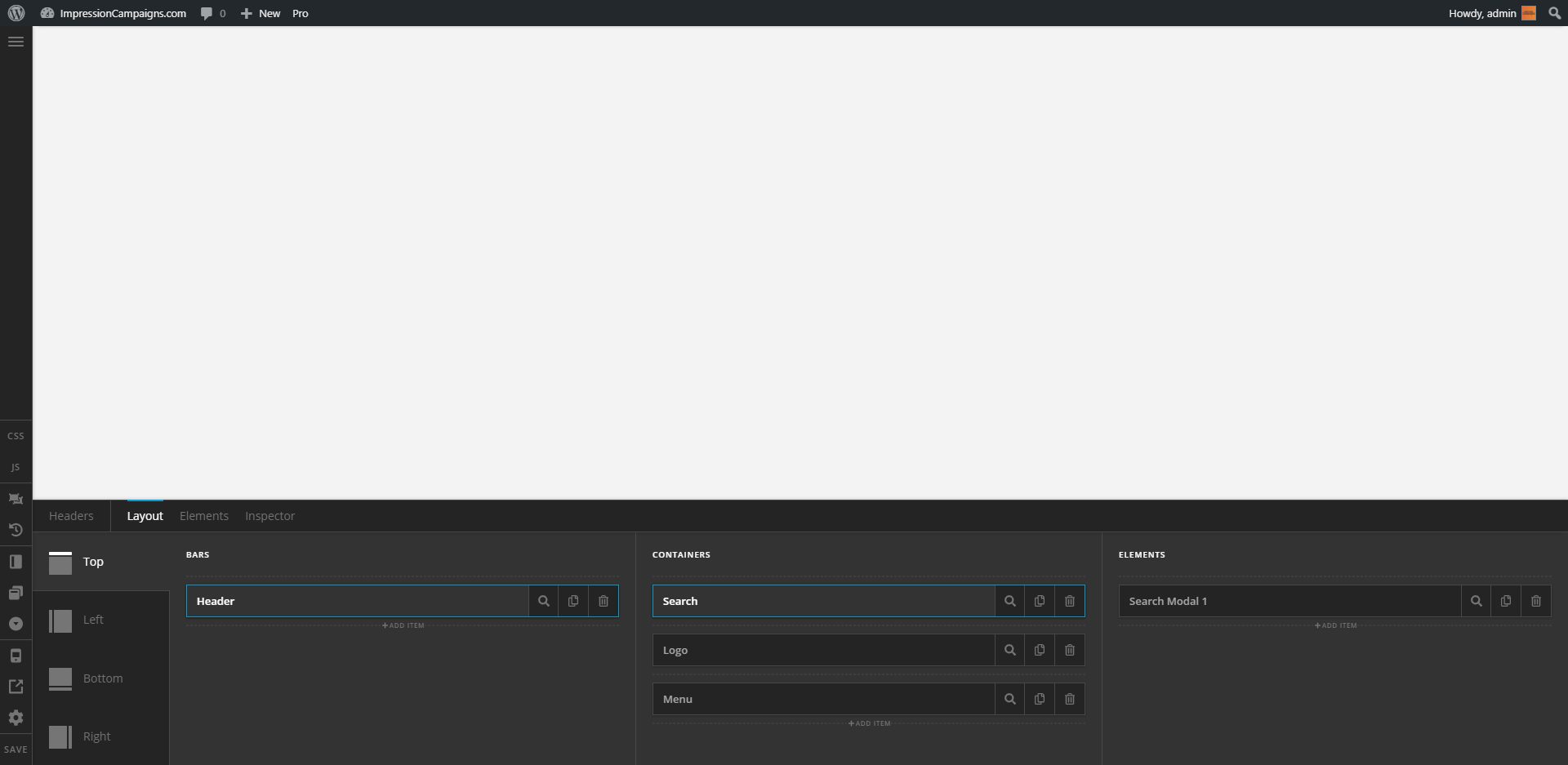
I’m having the same issue as this forum: https://theme.co/apex/forum/t/header-appearance-issues-in-editor-only/50136/5?u=lodocinenam
I’m unable to see the content that is available and can be edited just not viewed
Hi There @lodocinenam
Thanks for writing in! If you have already tried the solutions mentioned on the other thread, I would suggest you to do the following as well in-order to isolate your issue.
If you’re using a caching plugin on your server, make sure to purge full cache and re-test your issue again. You can refer to the following resource if required (https://www.wpbeginner.com/beginners-guide/how-to-clear-your-cache-in-wordpress/).
You can then test for a plugin conflict by deactivating all third-party plugins, and see if the problem resolved. If it’s fixed, you’ll know a plugin caused the problem, and you can narrow down which one by reactivating them one at a time.
Further down the line, make sure that you’re running at least PHP v5.6.x or later to avoid any WordPress related incompatibility issues. If you’re not sure what your server configurations and settings are, install a plugin like WP-Serverinfo (https://wordpress.org/plugins/wp-serverinfo/) and check your server info by head over to Dashboard -> WP Serverinfo area.
PHP Max Execution Time and set it for 120 or higher for optimal usage (https://thimpress.com/knowledge-base/how-to-increase-maximum-execution-time-for-wordpress-site/).If you still have problems kindly get back to us with the results of the steps above, your WordPress login credentials and FTP credentials of your server using the Secure Note functionality of the post to follow up the case.
Let us know how it goes.
Thank you.
This topic was automatically closed 10 days after the last reply. New replies are no longer allowed.