I’m really lost here—hoping you can help out. I’ve been slowly switching an older Cornerstone site to “native” Pro. In the process, I’m throwing out old page headers that I had added as raw code snippets, and replacing them with a genuine header template.
Here’s a page where I’ve done that: http://ferrellweb.com/arabian/
Here’s an older page, with (as far as I can tell) exactly the same layout and template: http://ferrellweb.com/english10/
That grey bar is set as “Global” in my header templates editor.
I’ve got no idea why I can’t get the header bar to appear on the second page! Any ideas?
Thanks!
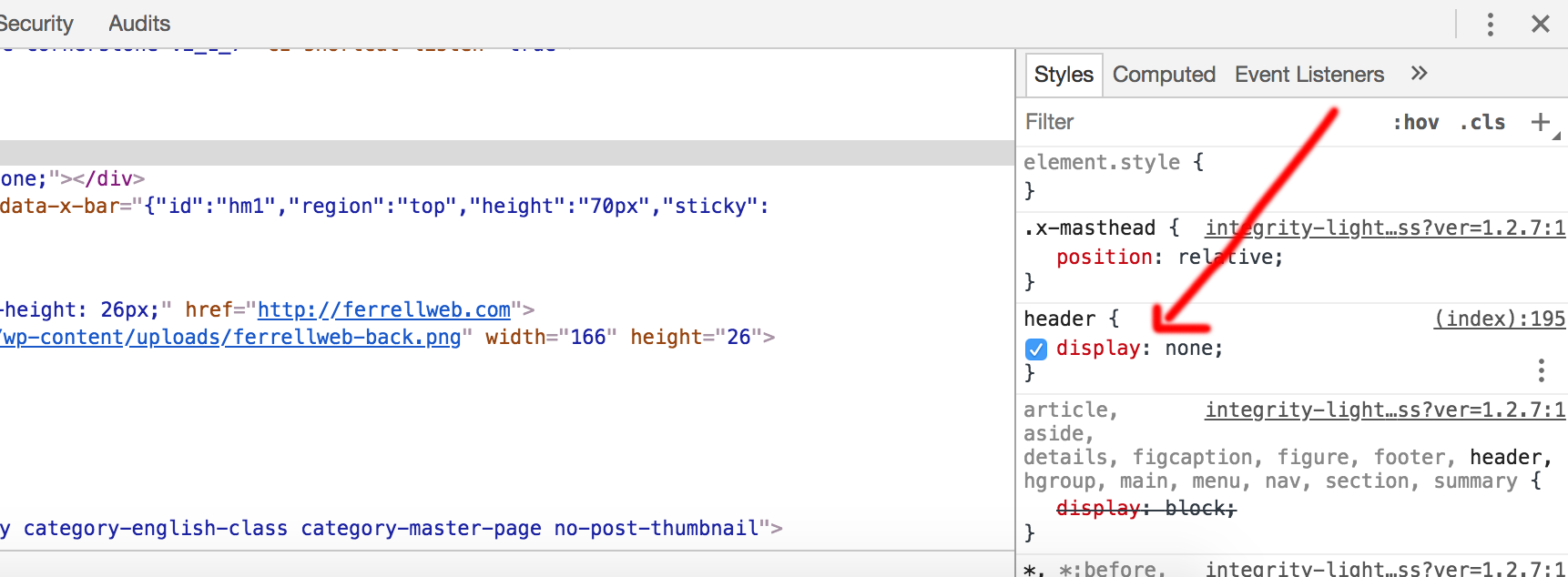
 Thanks for looking at that for me; I panicked and didn’t even think to check for basic CSS conflicts.
 Glad to know you’ve got things back in working order. Cheers!