Header builder - CSS issue with nav li animation

Hi there,

I’m building a site at:

http://www.padthai.decorolux.com/

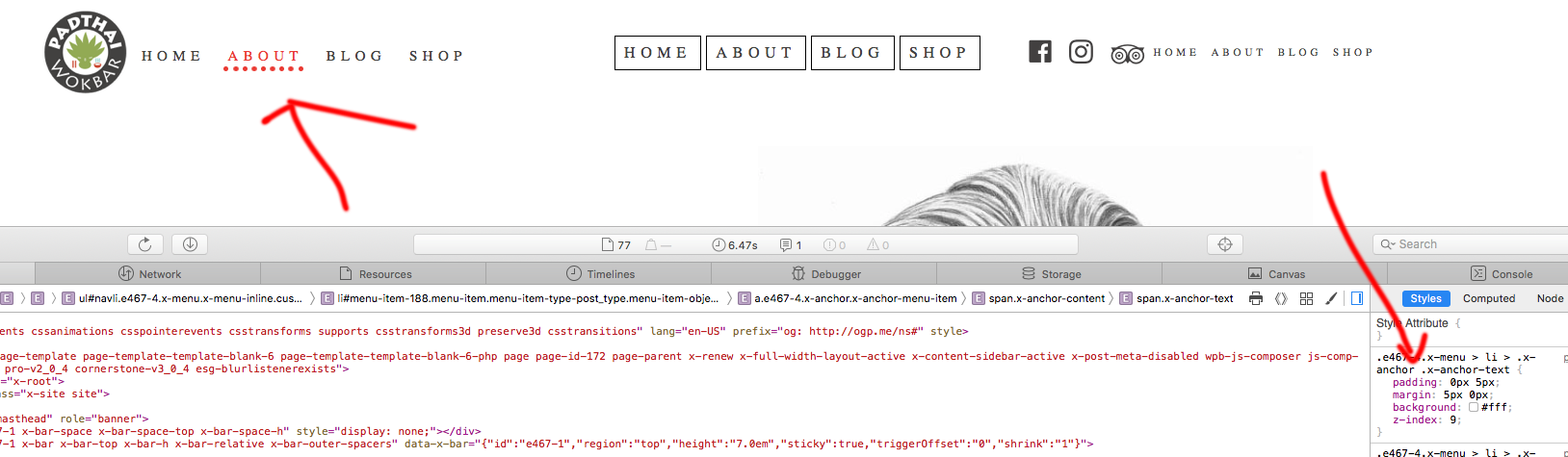
On Chrome, it looks great, but when viewing from Safari, the menu looks messed up:

https://dl.dropboxusercontent.com/s/0ienfua5jmqtcxw/Screenshot%202018-05-07%2014.38.06.png?dl=0

What can be the cause of this? I’d like to small circles to stay and the narrow dashes to go.

Any ideas?

Thanks!
Hi There,

Thanks for writing in!

Can you please send us the header template so that we can check this in our setup.
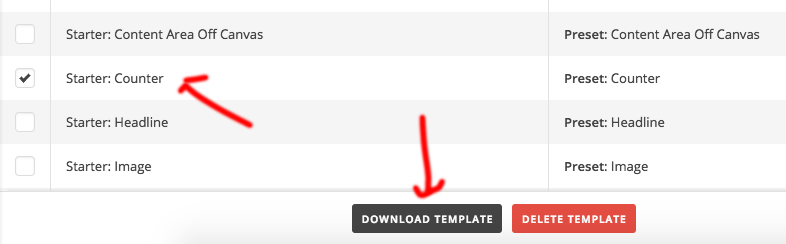
Just save the header as the template and go to template manager, select the template you have saved. Click on the download button.

attach the file here, so that we can have a look. Seems like a bug in safari browser, but we have to confirm this.

Thanks for understanding!

Hi, I can’t upload it here due to the extension, but you can find it here:

http://padthai.decorolux.com/wp-content/uploads/ptheader.tco

Thanks in advance!

Hi There,

Thanks for the file!
I found the issue with your SVG and the CSS.
Please add this CSS to your custom header CSS and let us know how this goes.

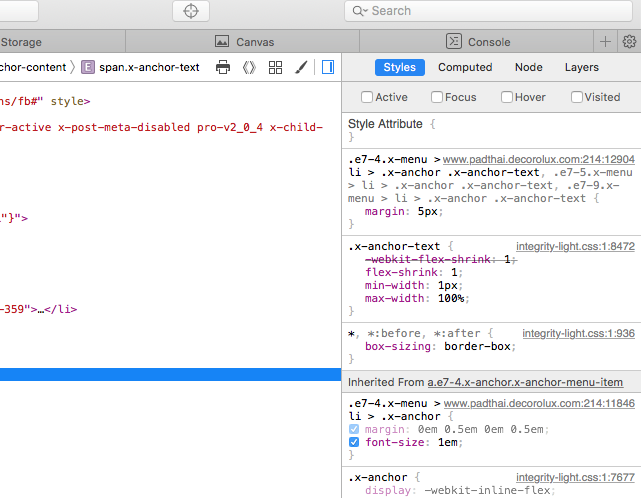
.e467-4.x-menu > li > .x-anchor .x-anchor-text {
  padding: 0px 5px;
  margin: 5px 0px;
  background: #fff;
  z-index: 9;
}

Hope this helps!

Hi there,

I added the code:

However, the same thing happens when viewing from safari, did I miss something?

Not sure what is happening on your end. But it works for me perfectly in safari browser.

Also I didn’t find the CSS on your site. Can you confirm if you have added it?

Thanks

We checked on numerous other computers, and the issue still persists. Could you please check if I somehow misplaced the code on my live setup, I’ve sent the login.

Also, sort of the same issue is happening here:

http://www.padthai.decorolux.com/gyik/

Thank you for your help!

*EDIT here’s an image from safari header editor with the code added:

Hi There,

Still I din’t find the CSS on your page. Can you please confirm if you have added the CSS in the Header builder CSS?
Also I didn’t find your login details, can you please confirm that too.

Let me clarify one thing, the issue is related to a custom CSS that you have added, not related to theme issue. I will try my best to give you a solution. It may not be 100% sure that it will fix the issue. This is also applicable to the content area issue.
I tried your CSS in a other theme and a HTML page the issue seems there in safari browser so its clear that there is no issue with the theme CSS.

Thanks for understanding!

Hi @basanta,

Your fix worked, also I found a workaround for the future.

Here’s the code:

background-color: none !important;
border:none !important; border: none;
border-top: 5px dotted #70c1bb !important;
border-top-width:5px;
border-right-width:0px;
border-bottom-width:0px;
border-left-width:0px;}

No need for a border-image-source, this does the trick.Example: http://www.padthai.decorolux.com/karrier/

Hi

Glad to know you were able to figure it out.

Have a nice day! :slight_smile:

This topic was automatically closed 10 days after the last reply. New replies are no longer allowed.