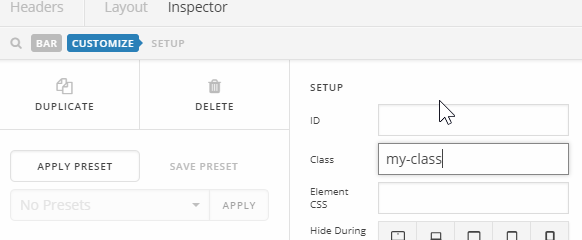
So I used this code to add transparency to my top header bar, then make it solid as you scroll down:
x-bar-fixed {
background-color: rgba(255, 255, 255, 1)!important;
-webkit-transition: background-color 1000ms linear;
-ms-transition: background-color 1000ms linear;
transition: background-color 1000ms linear;
}
.x-bar-h {
background-color: rgba(255, 255, 255, 0.4);
-webkit-transition: background-color 500ms linear;
-ms-transition: background-color 500ms linear;
transition: background-color 500ms linear;
}
It works great, but now the secondary bar, which appears when you scroll down (it has the buttons “Rates”, “Booking Form” and “Contacts” on it) now has a solid background. Any Header Background transparency setting is ignored.
On my other pages (other than the Home Page) the background becomes transparent.
Is there any way to fix this?
Thanks