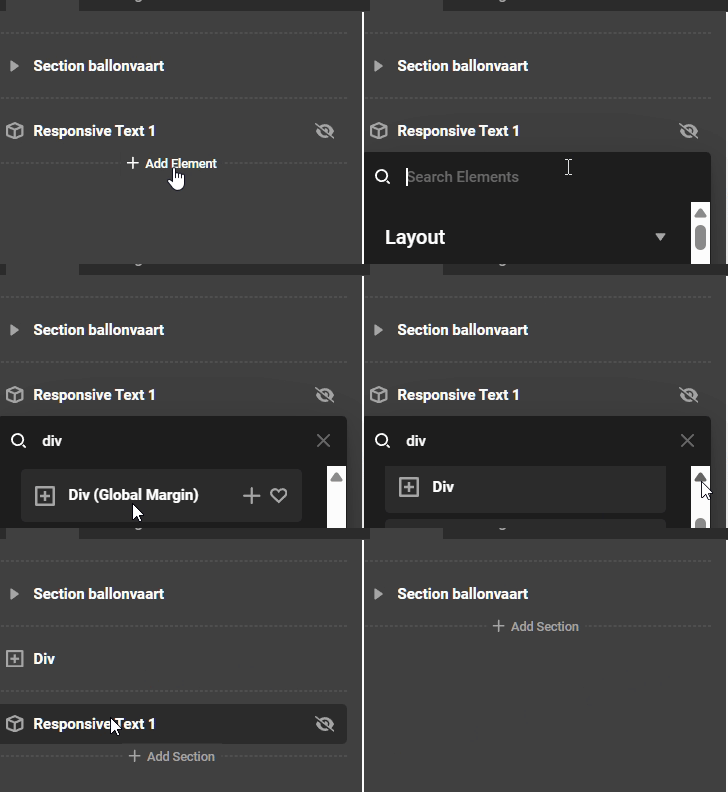
Header asignment and hide old responsive element

!!! I fixed the assignment of the header already by giving it a priorty of -10 !!!

Only to hide the classic Responsive text element.

I’m have 1 header with hero video for the frontpage asigned this way:
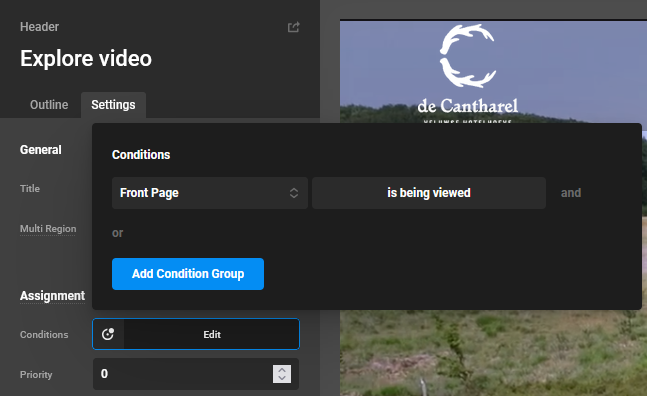
frontpage

This works okay.

For other pages a header asigned this way:
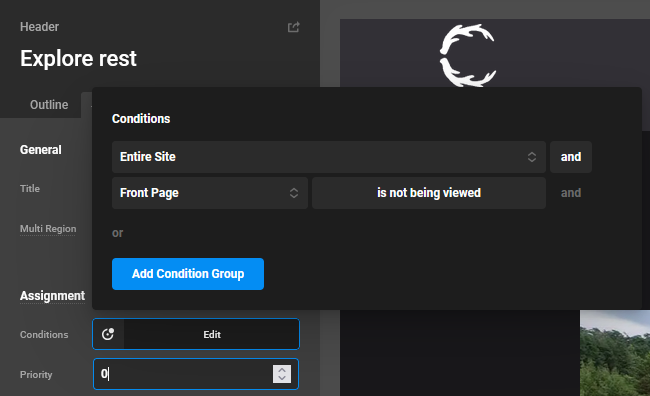
rest

This works also akay.

Now I want to asign an other header with a different menu to the page “outdooractiviteiten” and the pages under this page so with parentpage “outdooractiviteiten”. Here the pages:
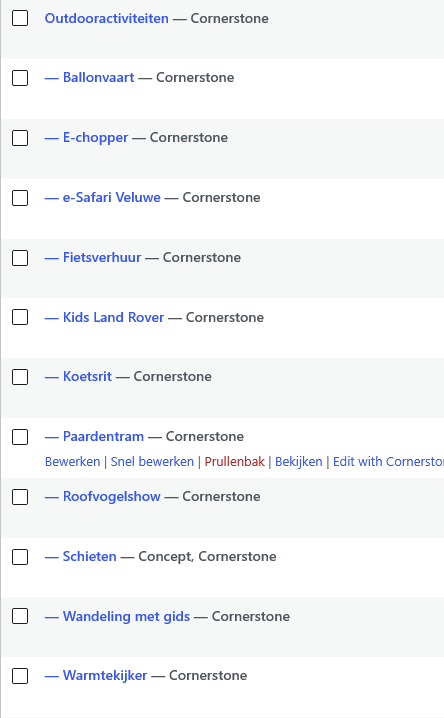
I tried this way but can’t make this work.
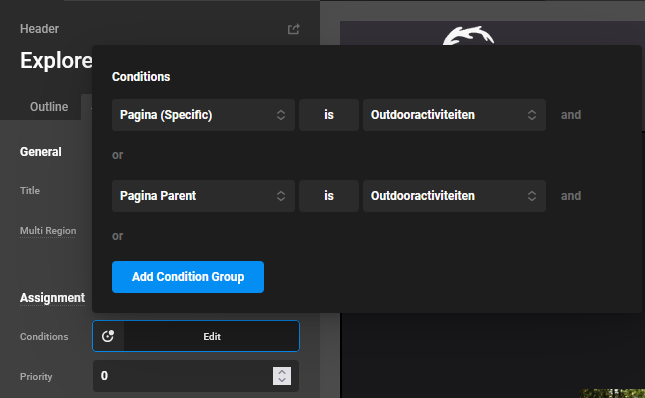
outdoor

How can I assign this header to those pages…?

And I updated all pages what still used some classic elements to actual elements and set in Cornerstone settings hide classic elements but still see the als Responsive text element and I can’t delete this. How can I get rid of those?
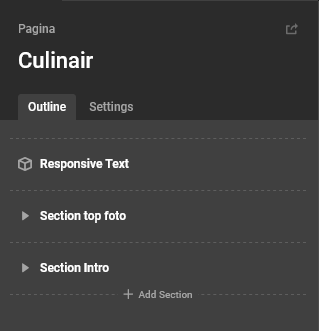
respansive text element

THX.

Hello @cvdw,

I tried to access your site dashboard, but the given login details are not working. Please recheck and send us again.

Thanks

Hi, I reset a new password in the secure note

Hello @cvdw,

I checked the parent page and child pages, and it seems that the selected header is working fine on my end. I would suggest you clear your browser cache and check again.

Thanks

Yes, I said in the topic I fiquered out! But my second question about how to hide the old Responsive text element …

Hello @cvdw,

It is a deprecated element. I suggest you go to Cornerstone → Settings → Permissions → Elements, enable “Responsive Text (Deprecated),” and then Toggle All Permissions.

Next, go to the Cornerstone page builder; the element control will be available there. I recommend clicking the eye icon to hide it, or, even better, remove the older element and use the Text element instead.

Thanks