I can’t get the breadcrumbs to turn off and I can’t get the footer stuff to go away. Both have little slider on/off buttons now and they don’t hold when I save. I can’t get rid of this stuff!
Hi @viamaria,
Thanks for writing in.
At this point, not sure what is the problem. We need more details.
First, please share us screenshots of the updates or changes to your set.
then, share us your admin credentials so we could check further why it is not working or not updating.
Thanks.
Attached: turn off things in footer
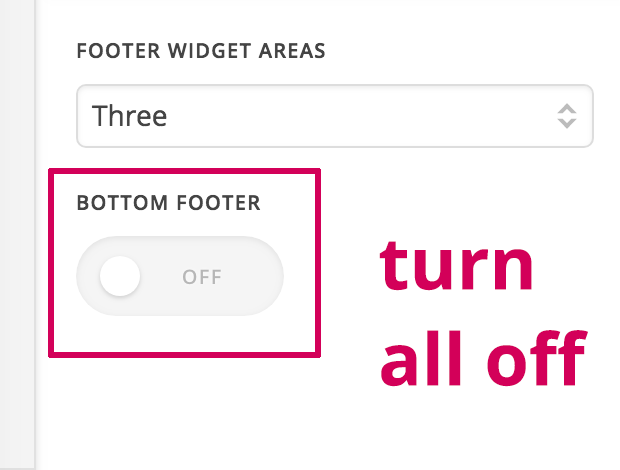
THEN…SAVE, doesn’t work. If you exit the dashboard, the changes made (turning those things off) don’t remain. Everything else seems to save except those on/off switches.
Attached: turn off breadcrumbs:
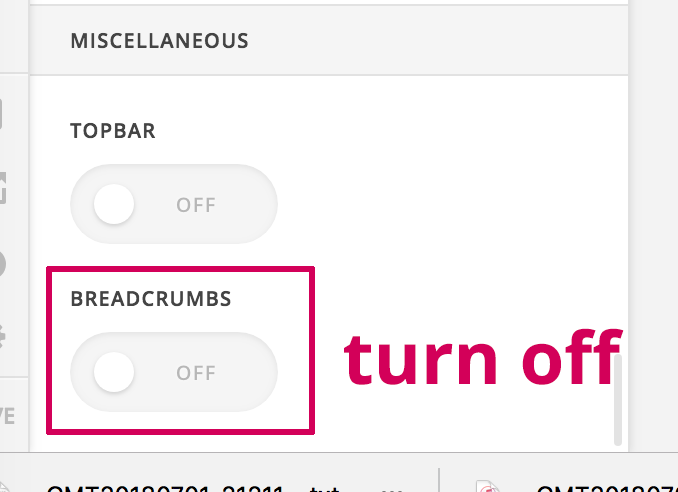
THEN…SAVE, doesn’t work. If you exit the dashboard, the changes made (turning those things off) don’t remain. Everything else seems to save except those on/off switches.
After saving and exiting, breadcrumbs are still there.
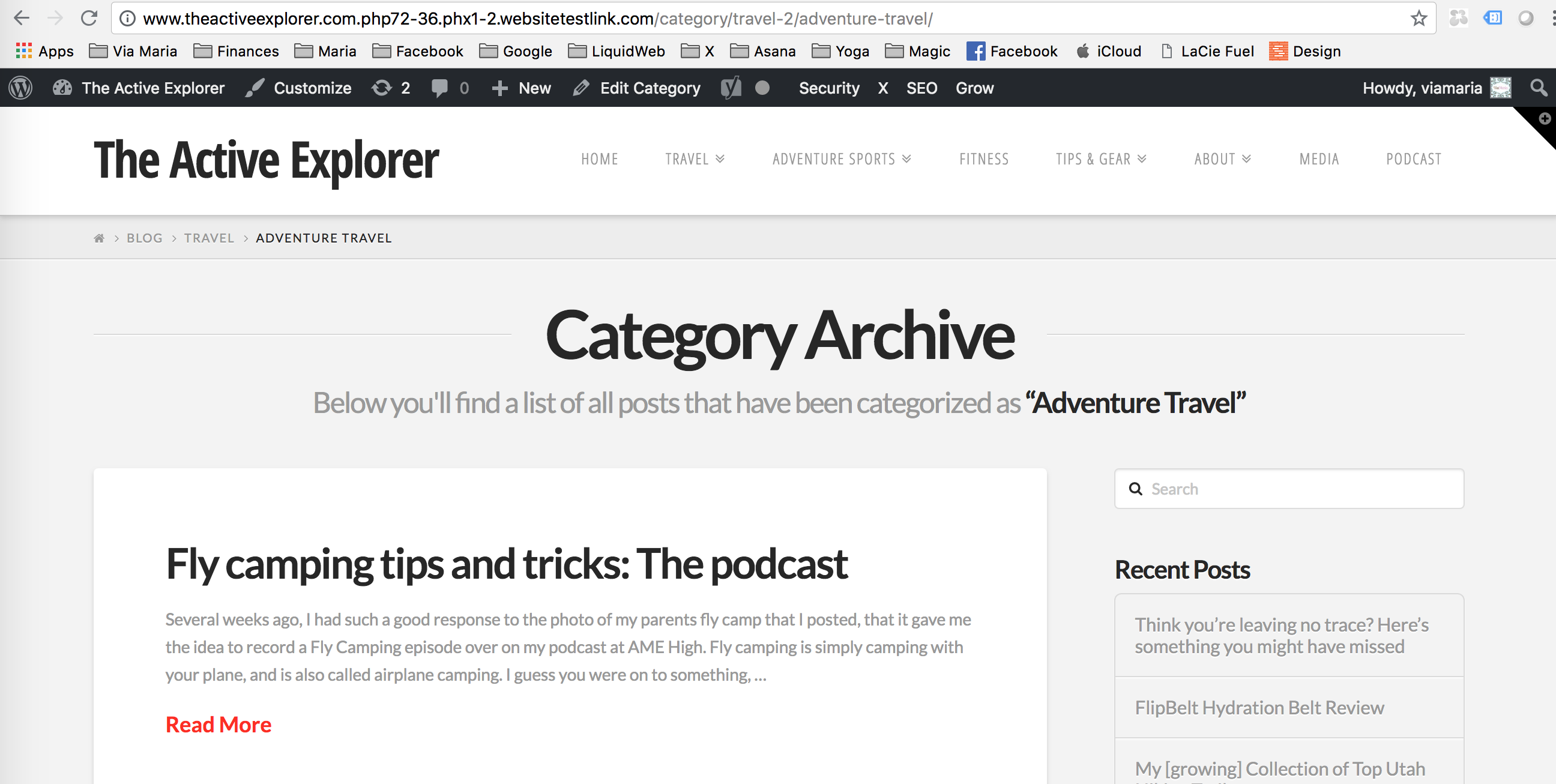
And the footer is still there.
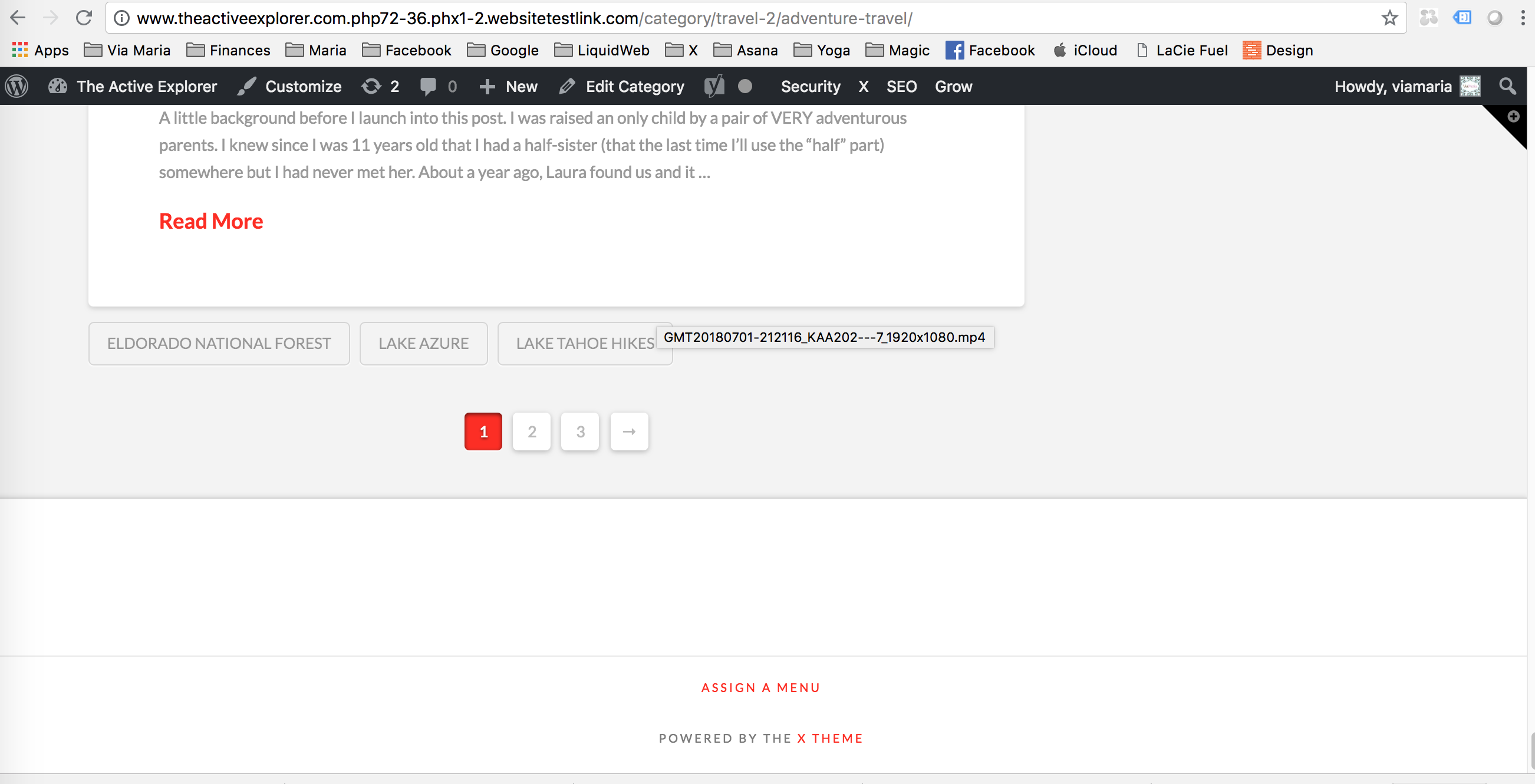
My developer just confirmed this:
Tell them you tested in the localhost with only cornerstone as the plugin and x as the theme but still you can’t save the “breadcrumbs” and footer
Hi,
I am sorry you are having these issues. This is a bug in the latest version of the theme and our developers are working to resolve this asap.
For a temporary solution, you can add this in Theme Options CSS
/* hide breadcrumbs - temp solution - please remove this code when issue is fixed */
.x-breadcrumb-wrap {
   display:none;
}
/* hide footer widgets - temp solution - please remove this code when issue is fixed */
.x-colophon.top {
   display:none;
}
Kindly monitor our changelog to see if bug is fixed
Thanks
Thank you so much!
You’re welcome.
This topic was automatically closed 10 days after the last reply. New replies are no longer allowed.