Hi guys,
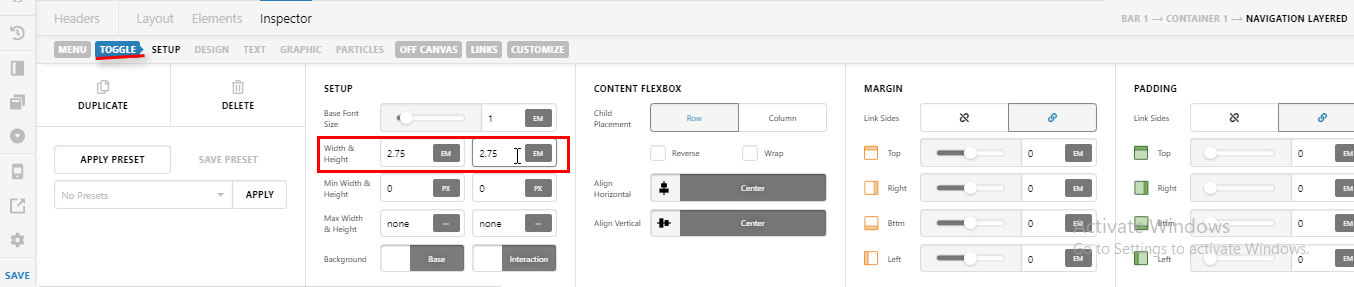
With the newest version of Pro, my hamburger menu disappears. I actually figured out what causes it, but I’m curious WHY this change was implemented into the theme if it breaks everything.
The change is to add a section of CSS to renew.css:
.x-anchor{overflow:hidden;
This breaks the entire menu. I had to add these lines in to my child theme to make it work again:
.x-anchor {
overflow:visible;
}
Interestingly the child of that element also changed from a div to a span, but I don’t think that had anything to do with it. This one line of CSS seems very pointless and seems to break it. Is it supposed to be there?
For demonstration purposes, see the secure note with the link to my dev site which uses a slightly older version of Pro.
And then there is the live version with the newest version of Pro. Note that I added the custom CSS in there, so you’ll have to remove that line with the inspector to see it disappear.
So I guess I’m good for now, but I’m just wondering if that was intentional CSS or not. It took some time to figure out why the menu was gone! Everything else was identical.
Thank you!