<?php
// =============================================================================
// VIEWS/GLOBAL/_BRAND.PHP
// -----------------------------------------------------------------------------
// Outputs the brand.
// =============================================================================
$site_name        = get_bloginfo( 'name' );
$site_description = get_bloginfo( 'description' );
$logo             = x_make_protocol_relative( x_get_option( 'x_logo' ) );
$site_logo        = '<img src="' . $logo . '" alt="' . $site_description . '">';
?>

<a href="<?php echo home_url( '/' ); ?>" class="<?php x_brand_class(); ?>" title="<?php echo $site_description; ?>">
  <?php echo ( $logo == '' ) ? $site_name : $site_logo; ?>
</a>
Hi There,
Thanks for writing in! Login to your server via FTP and navigate to this directory:
/x-child/framework/legacy/cranium/headers/views/global/
If that directory does not exist on your child theme, create it. Make sure the folder names are correct.
then on that global folder create a file named _brand.php and put your code above on it.
Make sure your child theme is active (in Appearance > Themes), and clear your browser’s cache before you preview the page.
Hope it helps,
Cheers!
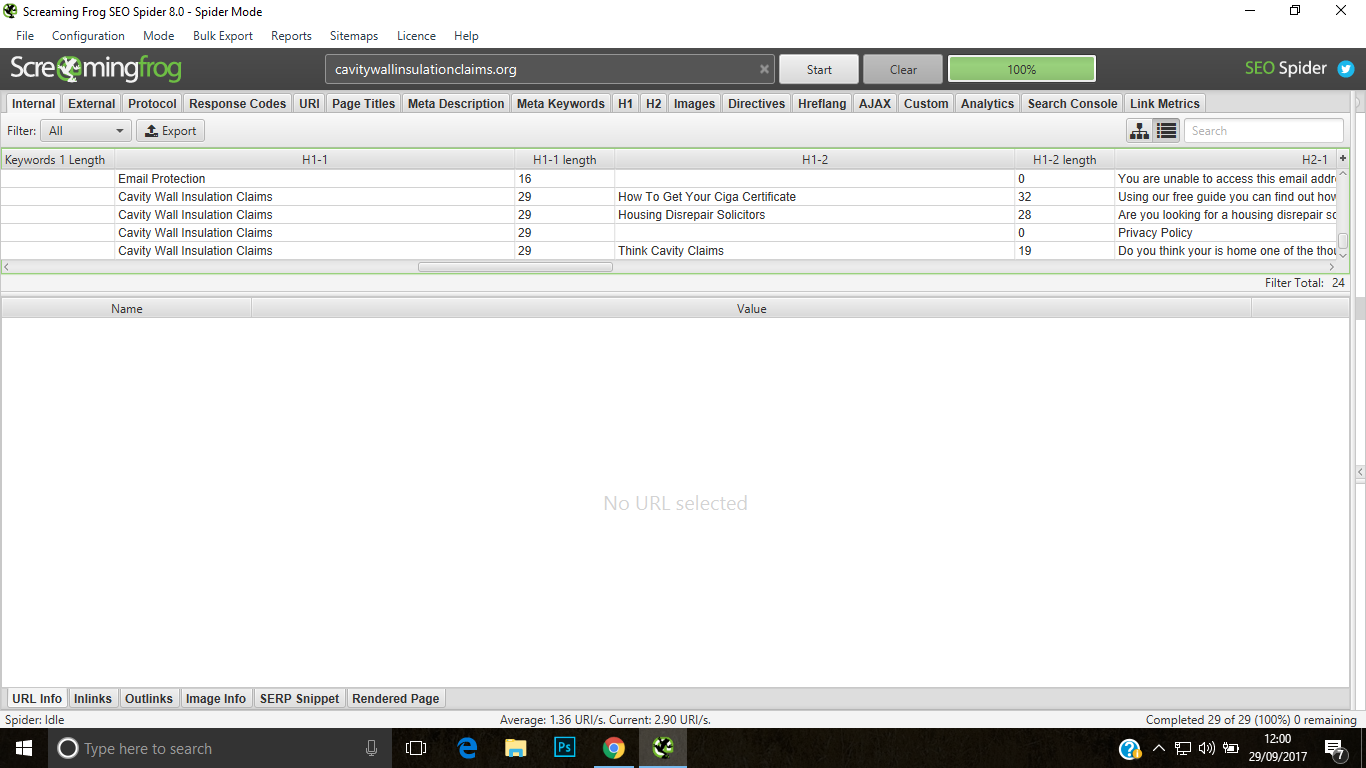
its still doing this and i have placed it here public_html/wp-content/themes/pro-child/framework/Legacy/cranium/headers/views/global
btw this is pro theme not x theme
Hi There,
Please provide your URL so we can take a closer look.
Thanks
Hi There,
Could you please try renaming the Legacy folder to legacy?
If it doesn’t work, please provide us with your FTP account so we can take a closer look?
Thanks.