Grid problems

hi i can’t seem to control the size of the essential grid plugin
please see how attached screen shoot

this is the test page
http://yadtabenkin.org.il/test-essintial/

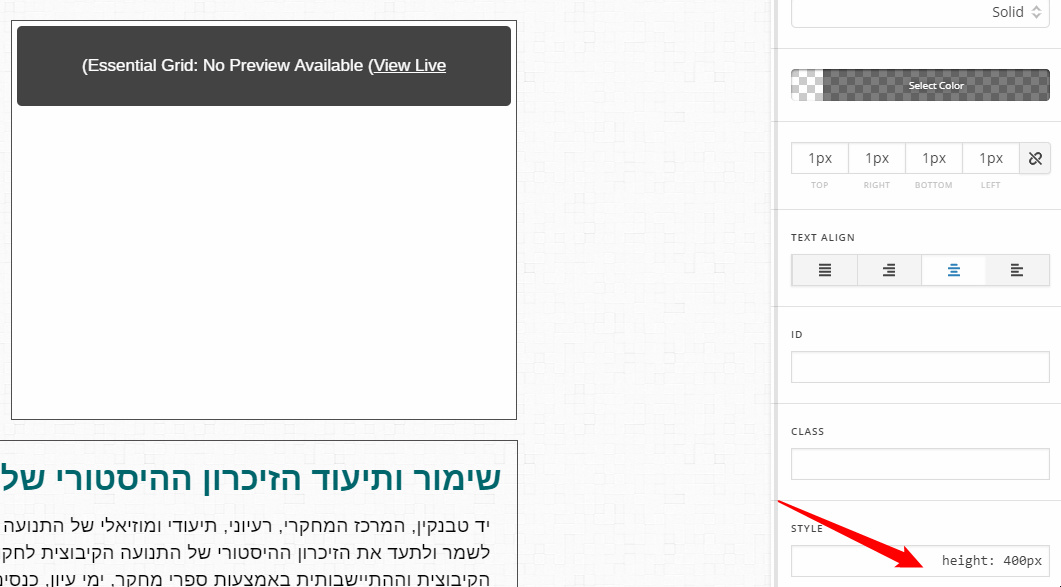
would love your help trying to limit it to its assigned column by the way the box it should be in is limited to 400 px hight
Hey Amir,

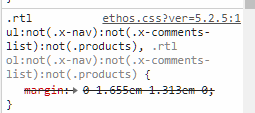
Please add this code in Theme Options > CSS.

.mainul {
    margin:0 !important;
}

It’s because the stack applies a margin to RTL ul.

Hope that helps.

ok thats great
but how can i control the image size for the post in essential grid (post size) so it fits the same size of the destination container? in my case the grid is set to only one item which i want to display in a box that’s 400 px high,. I cant find the settings in essential grid to control the single post size.
would love your help.
thanks

Amir.

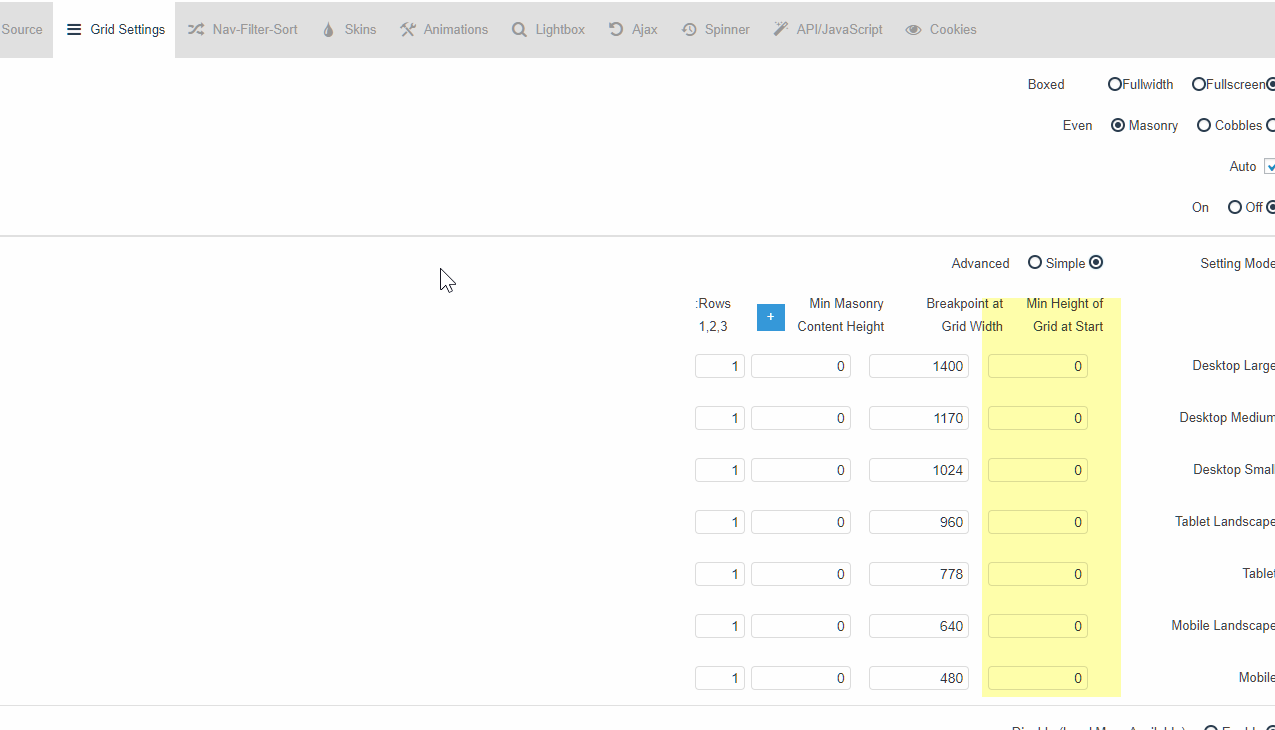
For that, you will need to set a Min Height so your grid will take up space before the item is loaded.

Your section, row or column must also not have a fixed height.

If you want the grid to fit in that square container, regretfully, that is not possible with your current setup. You will need to change your image to a landscape rectangle instead of portrait rectangle so that and the title and excerpt container will fit in the box.

Thanks.

thanks
i have tried to set the maximum height in essential grid but its not reacting.
am i missing something?

Amir

I see your column still has a fixed height of 400px. Please review my previous reply about the fixed height.

Thanks.

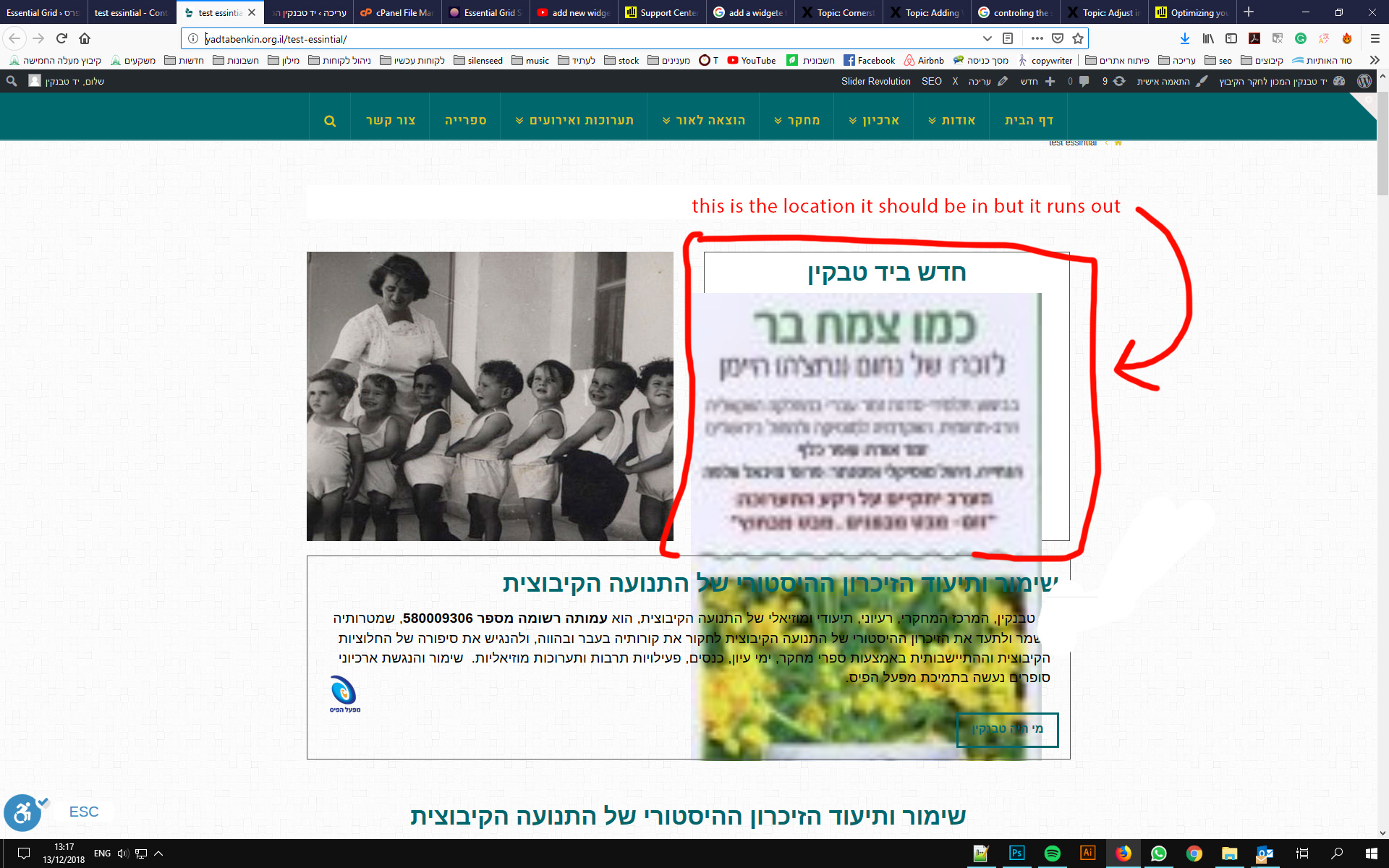
Please look at the attached screenshot
what i am trying to achieve is this.
i want the post to be smaller than the surrounding box
and i also want to leave the containing box height set to 400 px so it matches the design on the right
how can i controll the size of the grid output
the i cant seem to controll the height.

Hi Amir,

Fixing the dimension isn’t gonna work on a responsive layout. To add to the complexity, it’s essential grid that has its own responsive layout so it will not be restricted by setting the container’s height. The best workaround is creating a skin within the essential grid and size it accordingly (like square since height should respond to width, that’s the only way to restrict it based on your 2 column layout ) and assign it to your grid. Please check this https://www.themepunch.com/faq/masonry-grid-layout-with-even-image-heights/

Thanks!

This topic was automatically closed 10 days after the last reply. New replies are no longer allowed.