Grid || Adding Logo on Hover

Hi X!

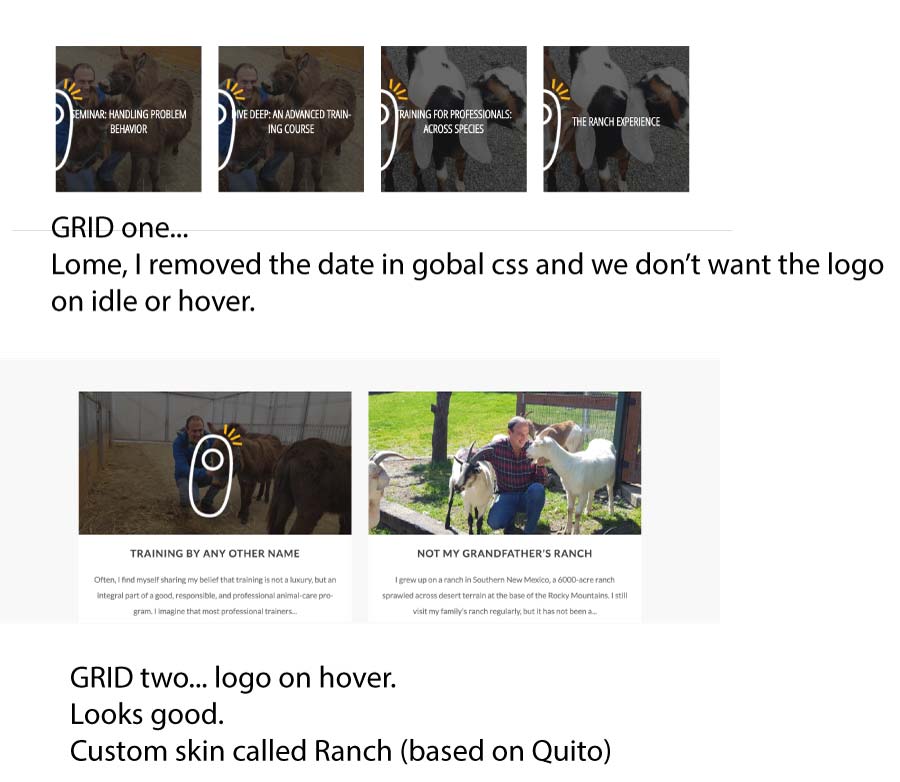
I am trying to add a company logo to the Grid (custom skin) on hover. Previously I did this over here (https://hyperbitsmusic.com/free/) but I can’t seem to tweak it so it works.

Differences are:
Ranch is Ethos whereas Hyperbits is Integrity (does that matter?)
Ranch Grid is a Post whereas Hyperbits is a Page

Page I am working on: (blog at bottom) https://theranch.clickertraining.com/the-ranch-dev/
Grid name is Blog Home. Skin is Ranch Custom.

Here’s the code:
/logo on grid/
.tg-item .tg-cats-holder *, .tg-item .tg-item-excerpt, .tg-item .tg-item-title, .tg-item .tg-item-title a {
hyphens: none!important;
}
.tg-bottom-holder .tg-item-overlay:before {
margin-left: -20px;
top: -50px;
position: absolute;
content: url(https://theranch.clickertraining.com/wp-content/uploads/2017/05/clicker.png);
/END OF logo on grid/

Additionally, I’d like to remove the Feature Image on the posts but for some reason, this isn’t working?

.single-post .entry-featured{
display:none;

Sample post: https://theranch.clickertraining.com/training-by-any-other-name/

Thanks for your help!!
With gratitude!
Sierra

Hello There,

Thank you for the very detailed post information. I have inspected the page and it seems that you inserted and invalid css.

Please remove your custom css block first. This should resolve the issue where the featured images will not be displayed in singe post page.

/*logo on grid*/
.tg-item .tg-cats-holder *, .tg-item .tg-item-excerpt, .tg-item .tg-item-title, .tg-item .tg-item-title a {
  hyphens: none!important;
}
.tg-bottom-holder .tg-item-overlay:before {
    margin-left: -20px;
    top: -50px;
    position: absolute;
    content: url(https://theranch.clickertraining.com/wp-content/uploads/2017/05/clicker.png); 
/*END OF logo on grid*/

And to add a logo in the grid just like this:

Please make use of this code:

.tg-item-media-holder .tg-item-overlay:before {
    margin-left: -50px;
    top: 50px;
    position: absolute;
    content: url(https://theranch.clickertraining.com/wp-content/uploads/2017/05/clicker.png); 
}

Please let us know how it goes.

It worked perfectly, thanks!
The only issue is that this is global so it’s appearing on all of the Grids (and logo sizing and position is off). How do I make this fun effect specific to one Grid? I wrote in .ranch (the name of the skin) but it didn’t work… it simply removed the hover. Below is an image to help clarify.

.ranch .tg-item-media-holder .tg-item-overlay:before {
margin-left: -50px;
top: 50px;
position: absolute;
content: url(https://theranch.clickertraining.com/wp-content/uploads/2017/05/clicker.png);
}

Hello There,

Thanks for updating in!
If you want to target a specific grid, you can make use of the grid ID http://prntscr.com/grhgck

#grid-830 .tg-item-media-holder .tg-item-overlay:before {
    margin-left: -50px;
    top: 50px;
    position: absolute;
    content: url(https://theranch.clickertraining.com/wp-content/uploads/2017/05/clicker.png); 
}

Hope this helps. Please let us know how it goes.

Brilliant! Worked perfectly. Thanks for the help and screenshot.

You’re most welcome!

It’s almost over!

I’ve noticed that the logo doesn’t stay centered on various screen sizes. How can I make sure the logo is always centered?

And semi related, how can I make a slight overlay over all images (for a different grid). For example. Client uploads a “normal” image. Grid adds a slightly darker overlay (so white text on top is always nicely visible). then on hover, the darker grey appears like normal.
I’m struggling with this page in particular: First grid
https://golficity.com/dev/

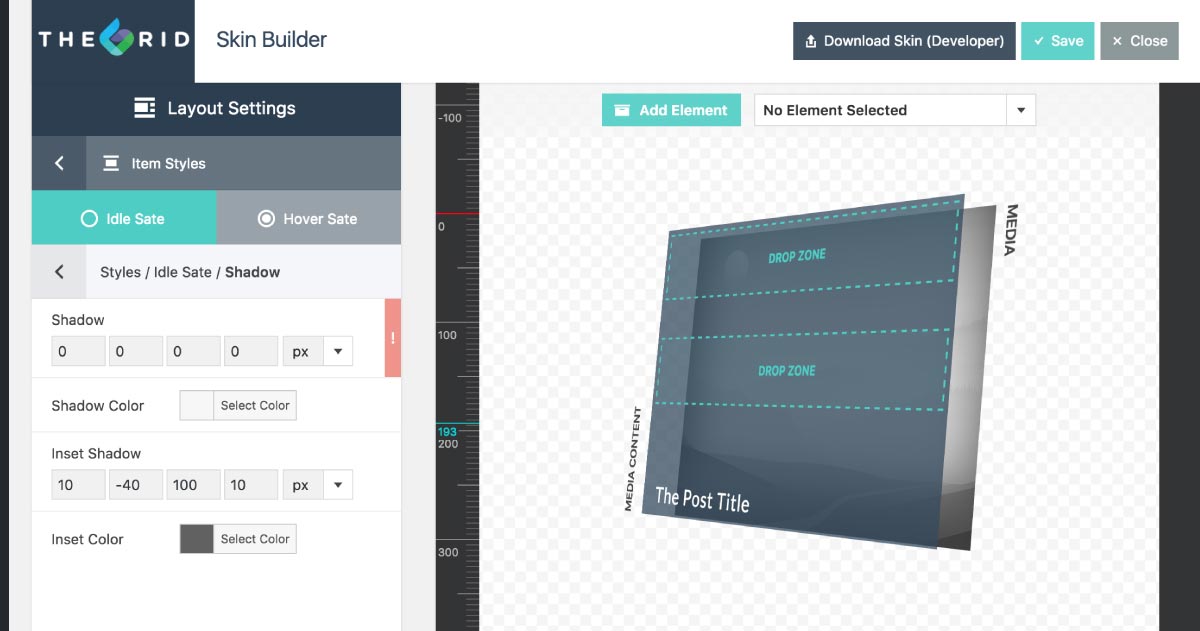
I’ve gone into Overlay Styles, Background (idle) but that only changes the hover color.
I could also do it with Inset Blur but still, I can only make it appear on hover… what am I missing?
When I go into 3D mode I see something appear but never on Preview or on the page. Here’s an example of what I am trying to achieve (slightly darker blur on bottom of image so text is always readable… or just a full color overlay on static).

thanks as always!

Hi there,

Unfortunately, the page which you asked for having a logo is not available anymore and redirects to a 404 error page. Please kindly get back to us with the URL of the page you are talking about and we will be glad to give you proper suggestions.

Also, this thread is getting long and is getting hard for us to follow as it reverts from the original goal. For the sake of clarity for other customers and give us a chance to serve you better I strongly suggest that you open up a new thread for the additional question.

Thank you for your understanding, patience, and cooperation.