Google Maps followup

Hi,

I reached out to you recently about my Google Maps not working and you told me to get a new API key.
https://theme.co/apex/forum/t/google-maps-help-needed/38784 - login included in this string

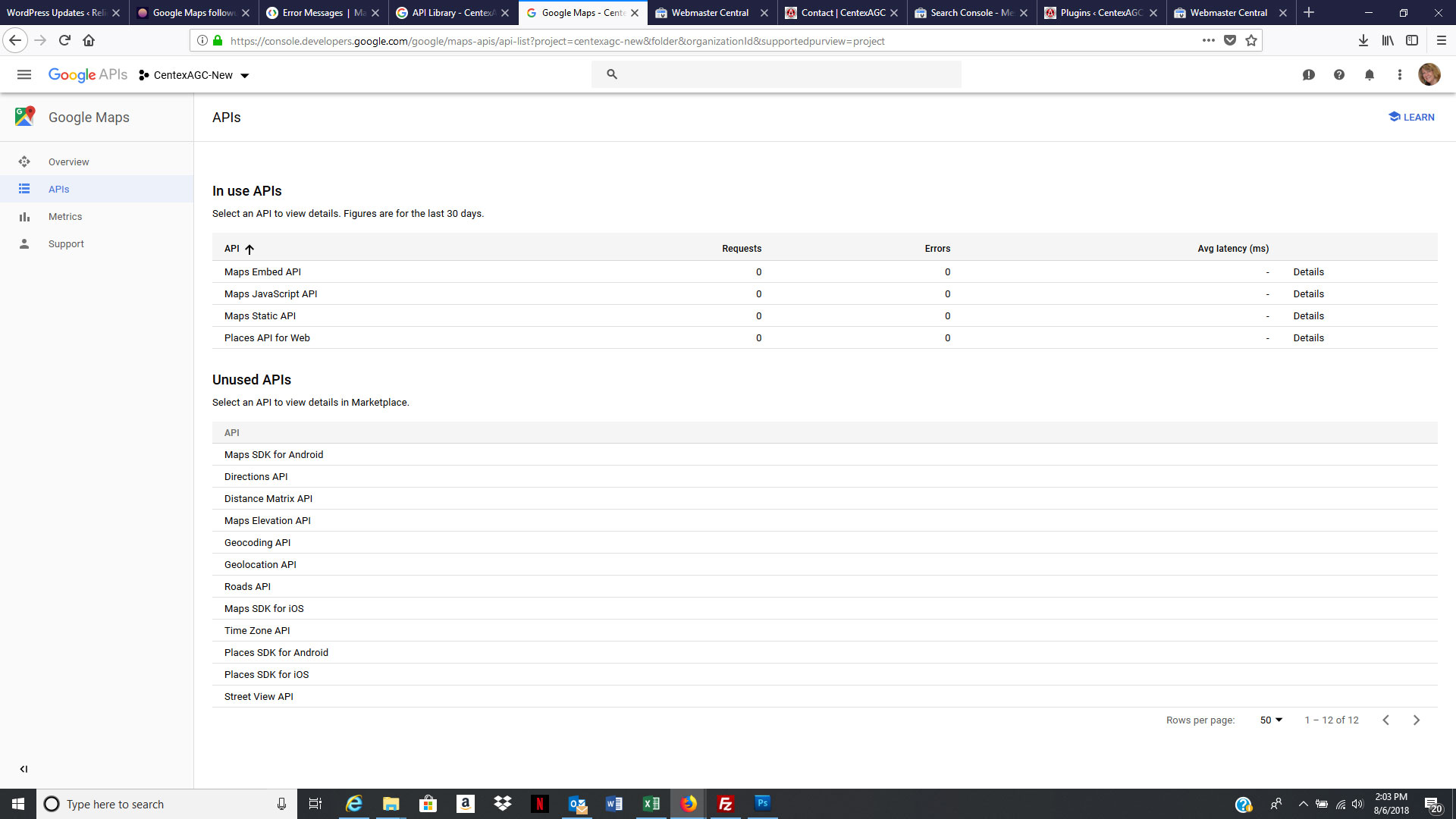
I have worked on this several times since then and still have not been able to get the maps to load. I have tried the following. My understanding is that I should be using the Javascript API.

Nothing is working. Please help!
Dawn
Hi Dawn,

I have checked your site and the error from the console is:

Google Maps API error: RefererNotAllowedMapError https://developers.google.com/maps/documentation/javascript/error-messages#referer-not-allowed-map-error
Your site URL to be authorized: https://centexagc.org/contact/

Please check here on how to solve this issue.

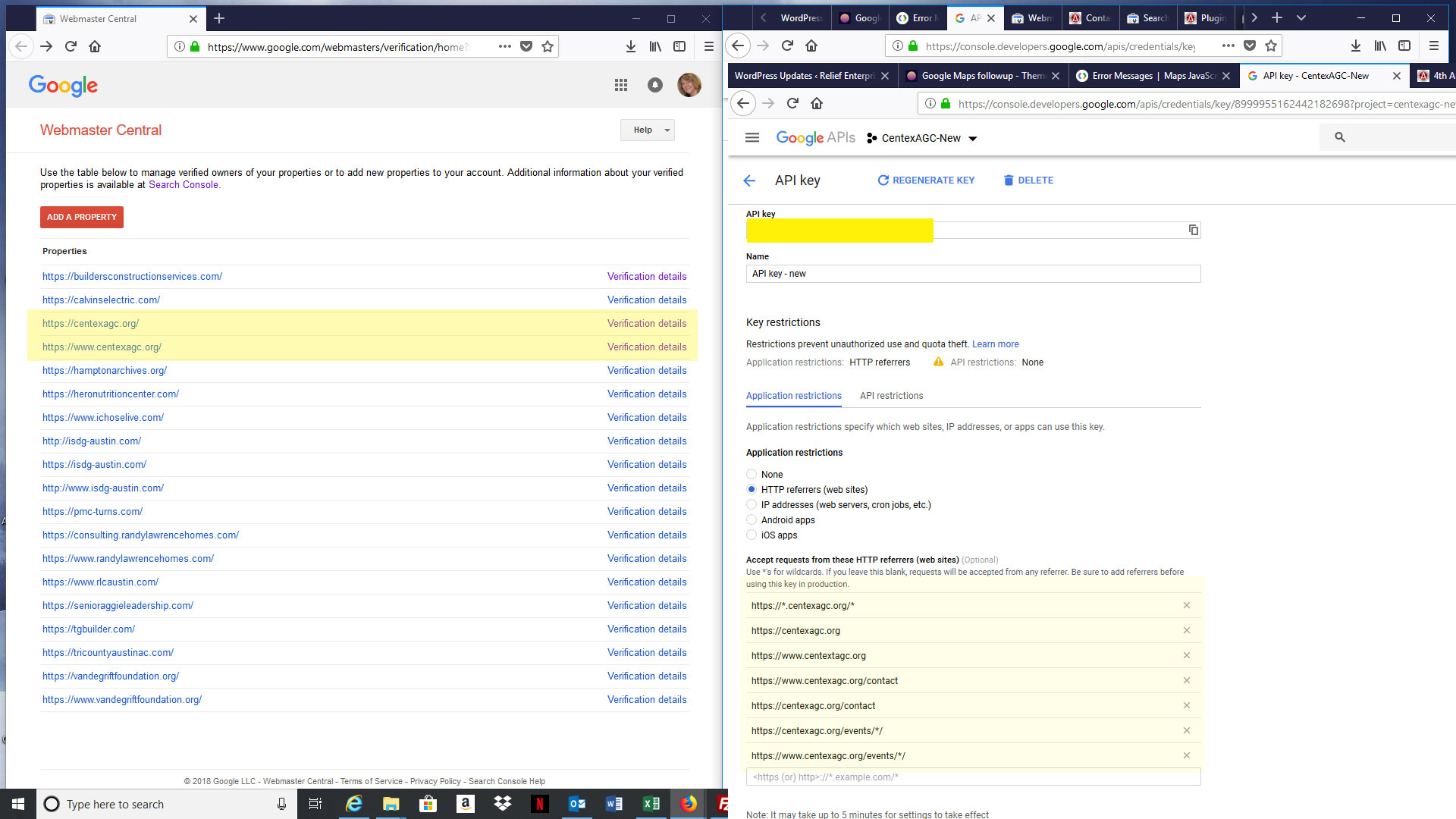
Kindly make sure that you are using the https link for your site in the API settings.

Hope this helps.

OK, I’ve got it partially working… the map is finally showing on my contact page, but it is not showing on my Events pages. Without the map, it doesn’t show the address for my events at all, so I really need this to work on the Events detail pages. I am using the Events Manager plugin for this portion of the site. Any suggestions on getting the maps to display on these pages too?

Attached is a screenshot showing that I have the Events pages listed in the referring urls.

Hi There @isdg01

Are you referring to Modern Events Calendar ?

If so, head over to M.E Calendar -> Settings -> Google Maps Options and there you can add your API key.

Hope that helps.

No, that’s not the one I am using, but you pointed me in the right direction! I still had my old API key inserted in the plug-in configuration. Didn’t even think about updating it there since it was so long ago that I set it up. After updating, the maps came right up!

Thank you so much for helping me though this. Much appreciated!

Glad to hear it’s sorted.

Cheers!

This topic was automatically closed 10 days after the last reply. New replies are no longer allowed.