I have successfully inserted a tiny flag icon (for switching language) into the menubar of our webpage using jQuery .after() statement in the global JS of the X Theme Options. It works fine on almost all pages, but there are a few where it just won’t show up. How can that be? Please compare http://klimatriksdagen.se/ with http://klimatriksdagen.se/framsida-skiss-2019/. Can you tell why the flag shows up on the former page but not the latter?
Hi @Kalle_Johansson,
Thanks for reaching out.
Could you try changing this line
$("a.x-brand.img").after(flagcode);
with this
$(flagcode).insertAfter('a.x-brand.img');
I tried that code on that page and it works.
Thanks!
Hi Rad,
Sorry, that does not work for me when entered into X Theme Settings’ Global JS. When entered in the JS Console of Developer Tools, both variants produce the desired result, but not from the back end.
Is .after() deprecated btw?
Sorry. I just noticed an unrelated error in the local page JS, so all JS executions were disabled because of that. Problem solved now.
Another thing: On my computer, the JS syntax colouring is almost gone. Most keywords are gray. Is that as expected with the new X theme or should I look for plugin conflicts?
Hi Kalle,
Glad it’s working now, both after() and insertAfter() function the same, but after() produces unexpected end of error on my console. I thought you’re getting the same.
As for coloring, gray means comment, there could be a comment block in your javascript code that’s left unclosed affecting other codes. The examples are
// this is comment
/*

this is comment, and anything within is going to be grey in color

*/
Please fix your comment block, I see this and I’m not sure if it’s intentional.
/*

jQuery( function($) {
   $("div #category-posts-3").html(function() {
     var anch = "<p class='meraom'><a href='/category/kr-nytt'>Mera om detta</a></p>";
    $(this).after(anch);
   });
});

jQuery( function($) {
   $("div #category-posts-2").html(function() {
     var anch = "<p class='meraom'><a href='/category/motioner'>Mera om detta</a></p>";
    $(this).after(anch);
   });
});

*/
Thanks!
I enclose a screenshot from the JS editor. Keywords like “function” and “if” used to be colour-coded which they no longer are. I have turned off practically all plugins without any change in appearance of the code. Is this a known issue?
Browser: Chrome Version 72.0.3626.109 (identical in Firefox)
OS: MacOS 10.13.6
Device: MacBook Pro (Retina, 13-inch, Early 2015)
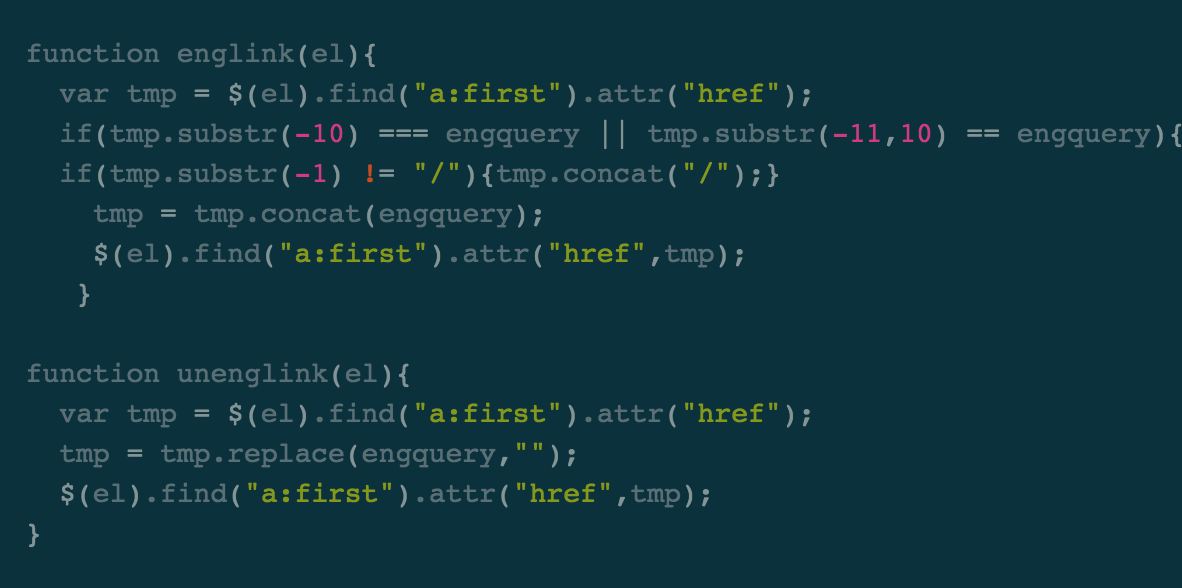
Hello @Kalle_Johansson,
The colours were correct. It has been updated in the latest release of the theme bearing that new colors.
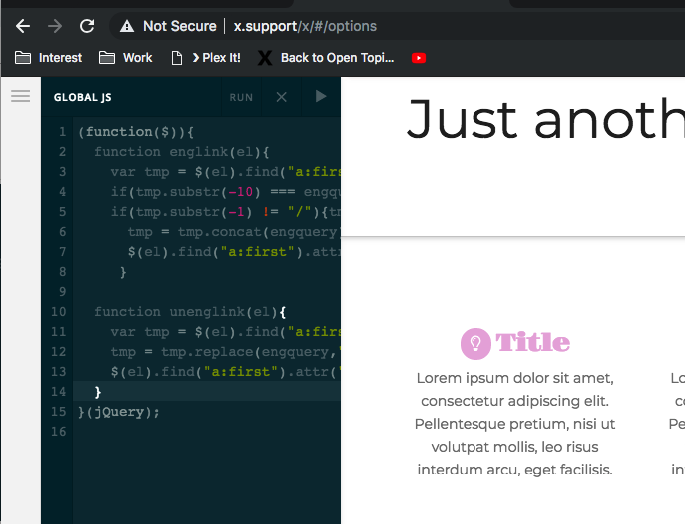
Hope this helps.
Pity. The old syntax colouring was very helpful. Not least the colouring indicating whether a variable had been properly declared (orange if declared; gray if not). Any plans to restore the colouring?
Thanks for your feedback, Kalle. Regretfully, there’s currently no plans for syntax highlighting. But, I’ll forward your feedback as feature request so it might be considered for future developments.
This topic was automatically closed 10 days after the last reply. New replies are no longer allowed.