Global Blocks Plugin Showing Code on Page After Updating to Cornerstone 5.2.2

Hi, I updated Cornerstone to 5.2.2 and have several issues with it, the main ones being:

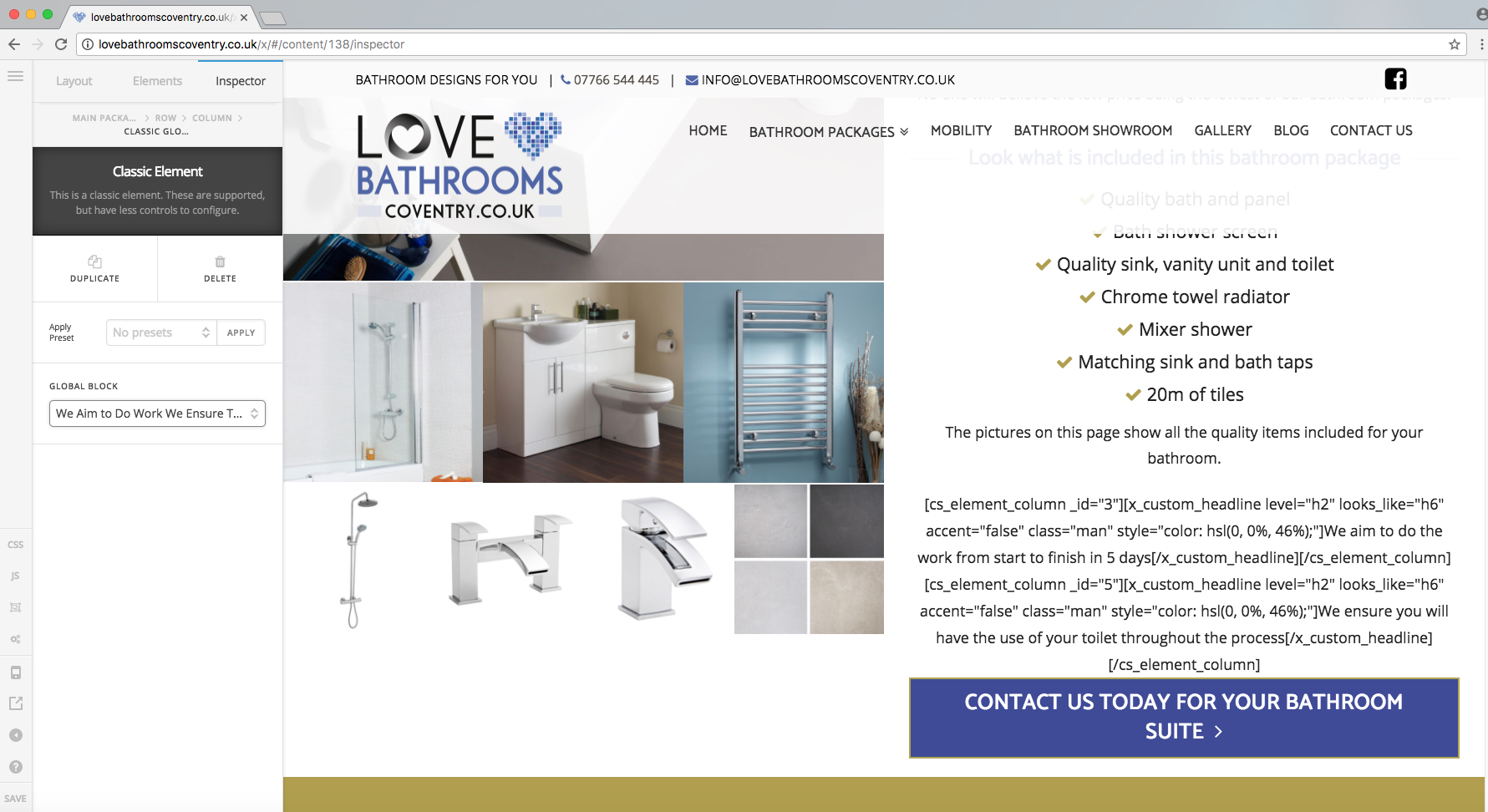
  1. I’m using the plugin Global Blocks for Cornerstone and it’s just showing code on the page instead of the graphic! Please see screen grab attached.

  2. After selecting a colour for anything, whether it’s the text, or background image, and I go back to check the colour so I can copy it to another element, it shows as 0 0 0 0.

  3. The colour structure keeps changing from element to element, from RGB to HSL and it’s really annoying! Can it stay as RGB please!

Thanks
Hey,

  1. You need to check with the plugin`s author about this issue and compatibility with the current version of the Cornerstone.

  2. About the other issues, would you provide your website link and the WP credentials in a secure note?

Hi, I’ve contacted the plugins author so I’ll wait to see what they say.

With regards to the other issues, I think it’s the Classic elements that it’s only effecting after the most recent update. I’ll add a secure note with the details.

Thanks!

Hi There,

Regarding 2 - I can confirm it as a bug and I have already forward it to our developers and it should be fixed soon.

Thank you

For anyone reading, I can confirm Global Blocks is not compatible with V2 elements or V2 sections/rows/columns. This is due to a shift in Cornerstone shortcode logic. I will be updating the plugin in the near future.

2 Likes

That’ll be great, as your plugin is really useful!

Thanks!

Ok, that’s much appreciated, thanks! Hopefully it’ll be sorted soon!

Thank you for letting us know @michaelbourne - Keep up with the awesome work, xthemetips.com comes very handy very often :slight_smile:

Hi Michael, any update on when this will be sorted? I’m having this issue and I’ve got 180 pages to churn out!!

1 Like