I was creating global blocks today when the global blocks builder stopped working.
When I click on a block to edit or view it, the editing area loads my home page content.
Any ideas what’s going on?
I was creating global blocks today when the global blocks builder stopped working.
When I click on a block to edit or view it, the editing area loads my home page content.
Any ideas what’s going on?
Hello @Definity33,
Thanks for asking. 
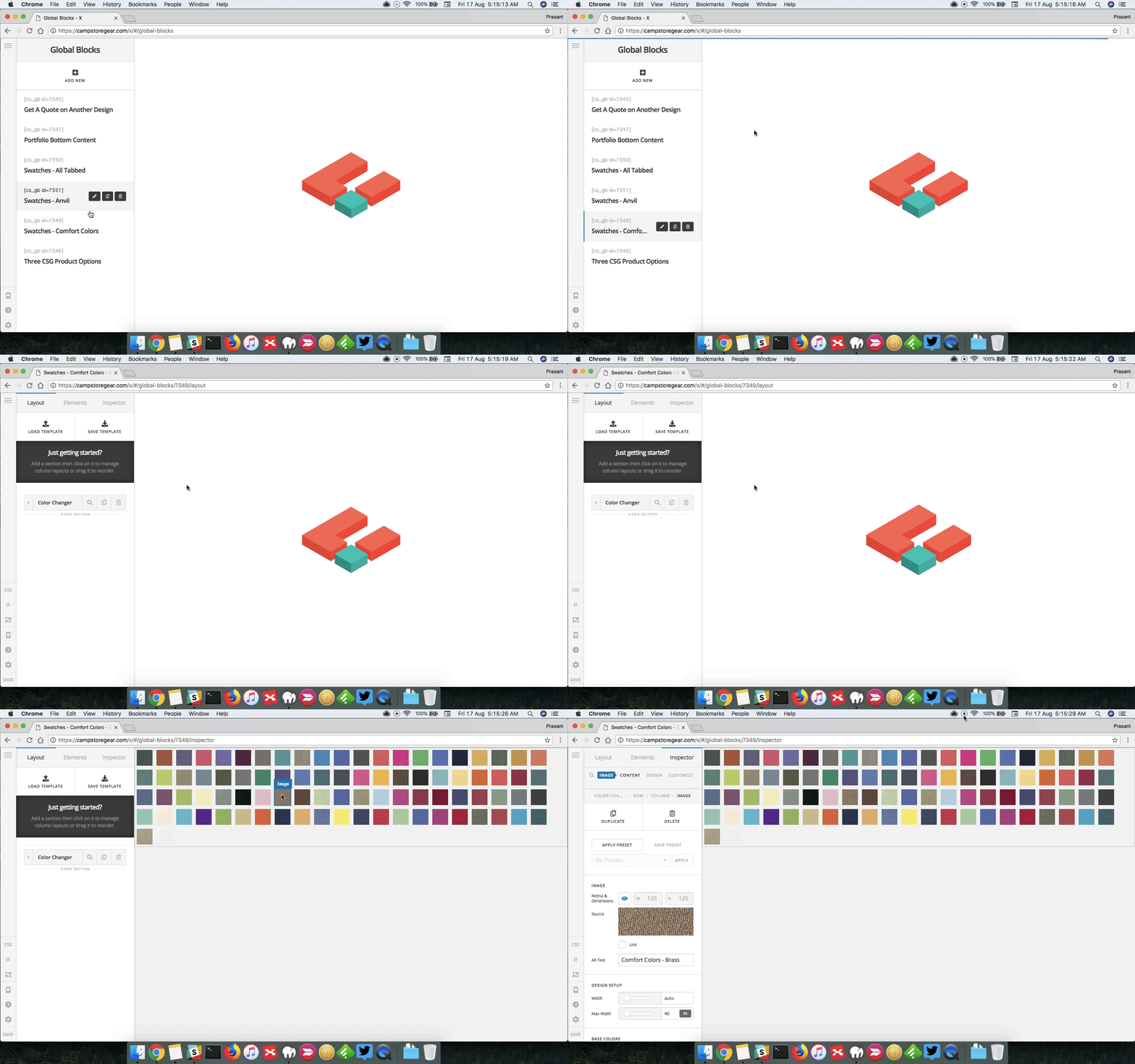
Have you tried cycling on the pencil icon to edit global block element? I checked that on your website and I am able to edit the elements. Here’s a screencast.
Thanks.
Thanks for checking it out. when I cycle the pencil, I am able to edit the block.
The preview is still showing the homepage content. Is the a bug?
Hello @Definity33,
Thanks for updating the thread.
Yes, preview is showing the home page not the global block. After doing some troubleshooting I found that plugin is causing the problem. I deactivated all plugins other then Cornerstone and then tested Global Blocks preview and it’s working fine. Please see screencast.
I have reactivated all plugins back. So, I suggest you to deactivate all plugins and then reactivate one at a time to narrow down that plugin that’s causing the conflict.
Let us know how it goes.
Thanks.
Thank you. I’ll give that a shot and see what I can figure out.
You are most welcome.
This topic was automatically closed 10 days after the last reply. New replies are no longer allowed.