Fullwith post ETHOS theme

Hi there,

We are looking for a solution for the ETHOS blog settings

We dont want the blog-index on fullpage width.
We want the single post, on fullpage width layouts.

How can i fix that?

Thanks you for helping me… :slight_smile:

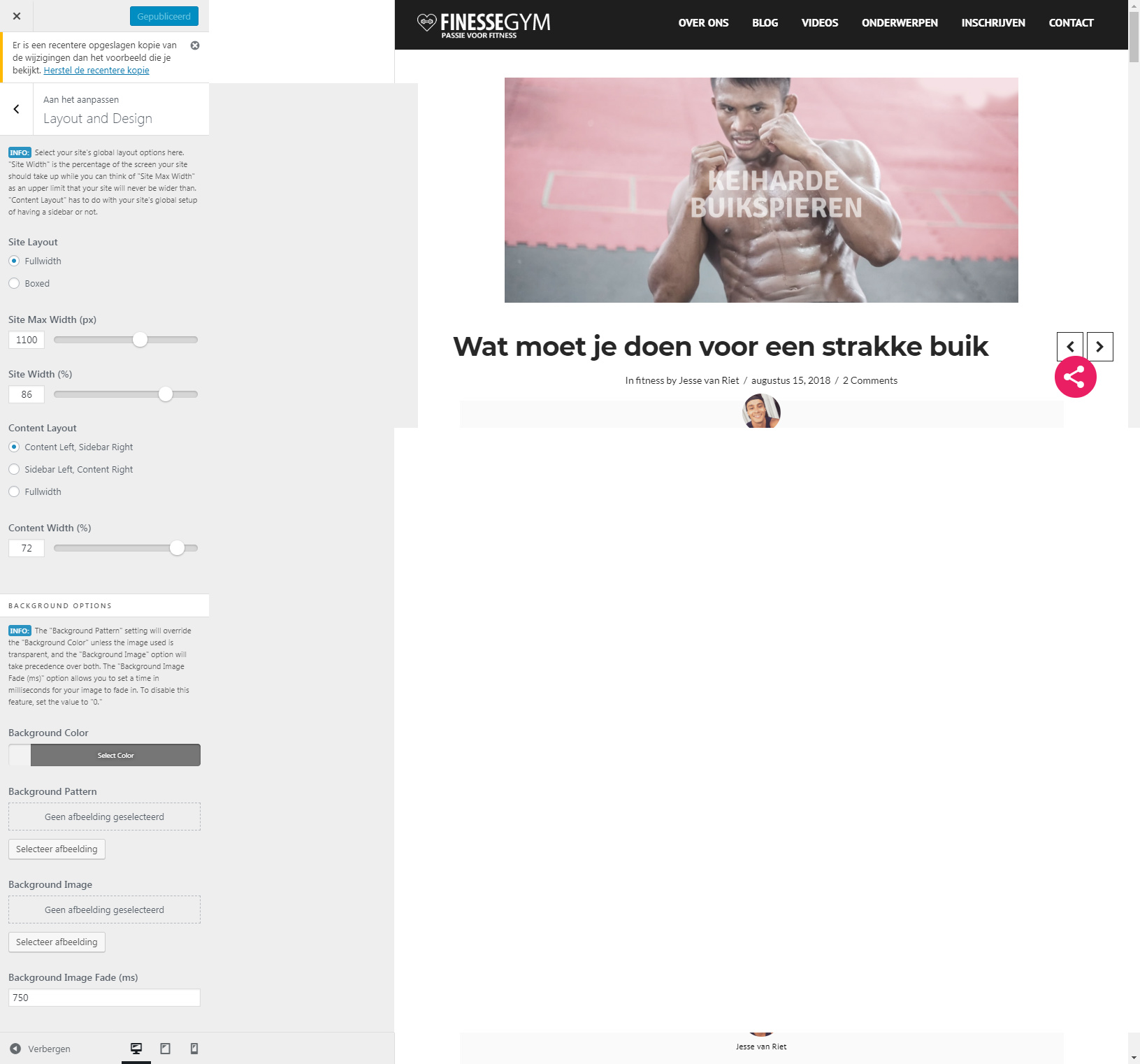
  • You see here the customizer settings ~ MAIN…
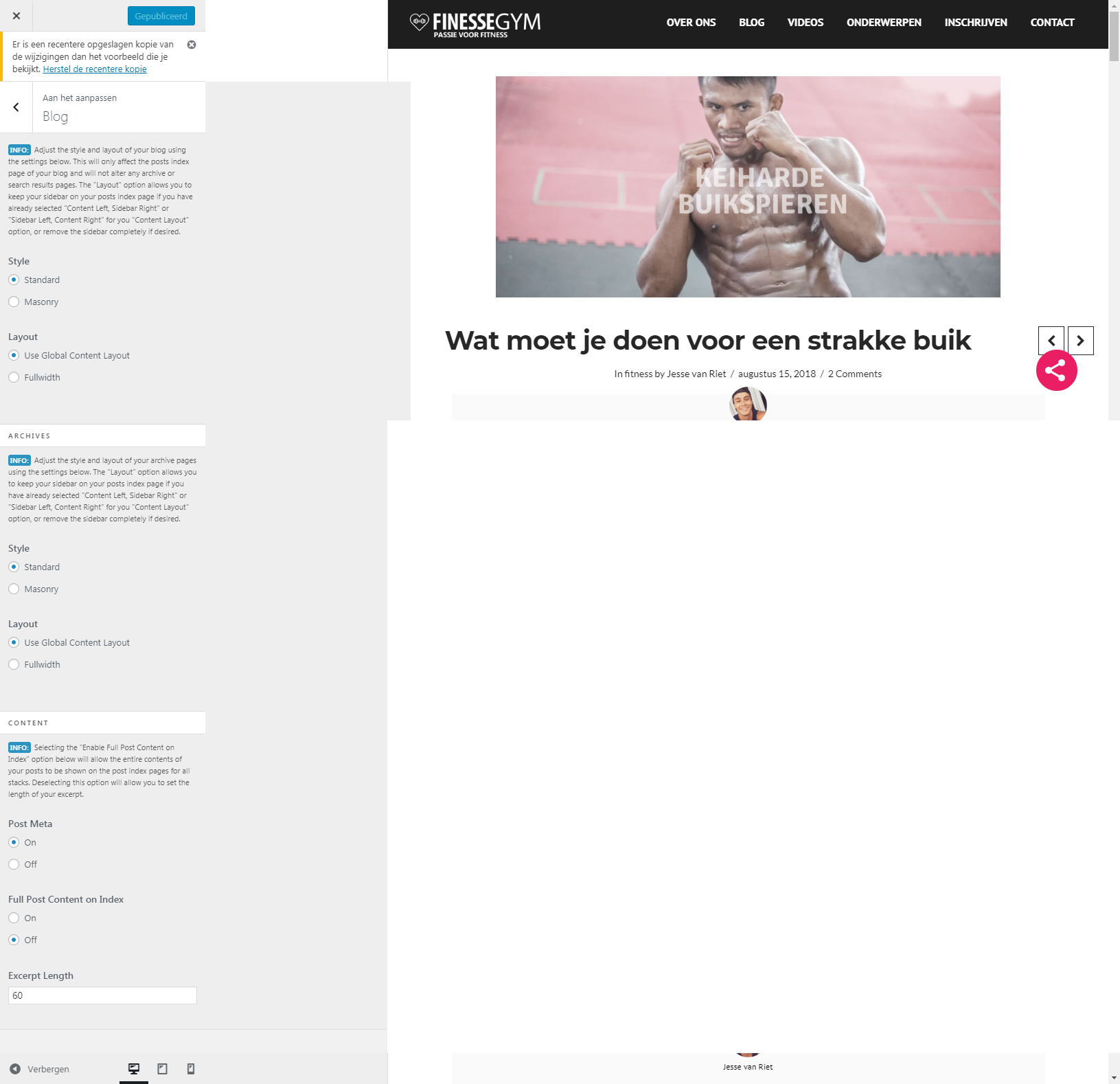
  • You see here the customizer settings ~ BLOG…
Hi Nick,

Thank you for writing in, do you want the blog index page to be fullwidth? If so, on Theme Options > Blog please set the layout to Fullwidth


Hope it helps,
Cheers!

Hi there,

No not the blog index.
I want the single post, on full with layout

Hi Nick,

Thank you for the clarification, but your single post is already in Fullwidth layout.

Do you mean, you want that space on the side to reduce? If so, please update this custom CSS of yours:

body.post-template-default.single.single-post .x-container.width {
    width: 100%!Important;
    padding-left: 2%;
    padding-right: 2%;
}

Add a max-width property to it.

Also, adjust this Class (w600), this limits your container width from being taking up the width of the page.

.w600 {
    max-width: 900px;
    margin: auto!important;
}

Cheers!

Its sad but even with that CSS code it not work out that good…
https://finessegym.nl/test/

The w600 code is gone, but if you check the site, its still boxed layout.

password = demo for that page

Hello @SoZeker,

Thanks for updating the thread.

My colleague suggested you to add a max-width property of container and change the values of max-width in .w600 class. You do have the option to remove .w600 and the related CSS code. After that change the code with following.

body.post-template-default.single.single-post .x-container.width {
    width: 100%!Important;
    padding-left: 2%;
    padding-right: 2%;
    max-width: 100%;
}

If you want to keep .w600 then please change the max-width values with following:

.w600 {
    max-width: 100% !important;
}

Thanks.

This topic was automatically closed 10 days after the last reply. New replies are no longer allowed.