How to stretch the entire width of a block in Cornerstone?
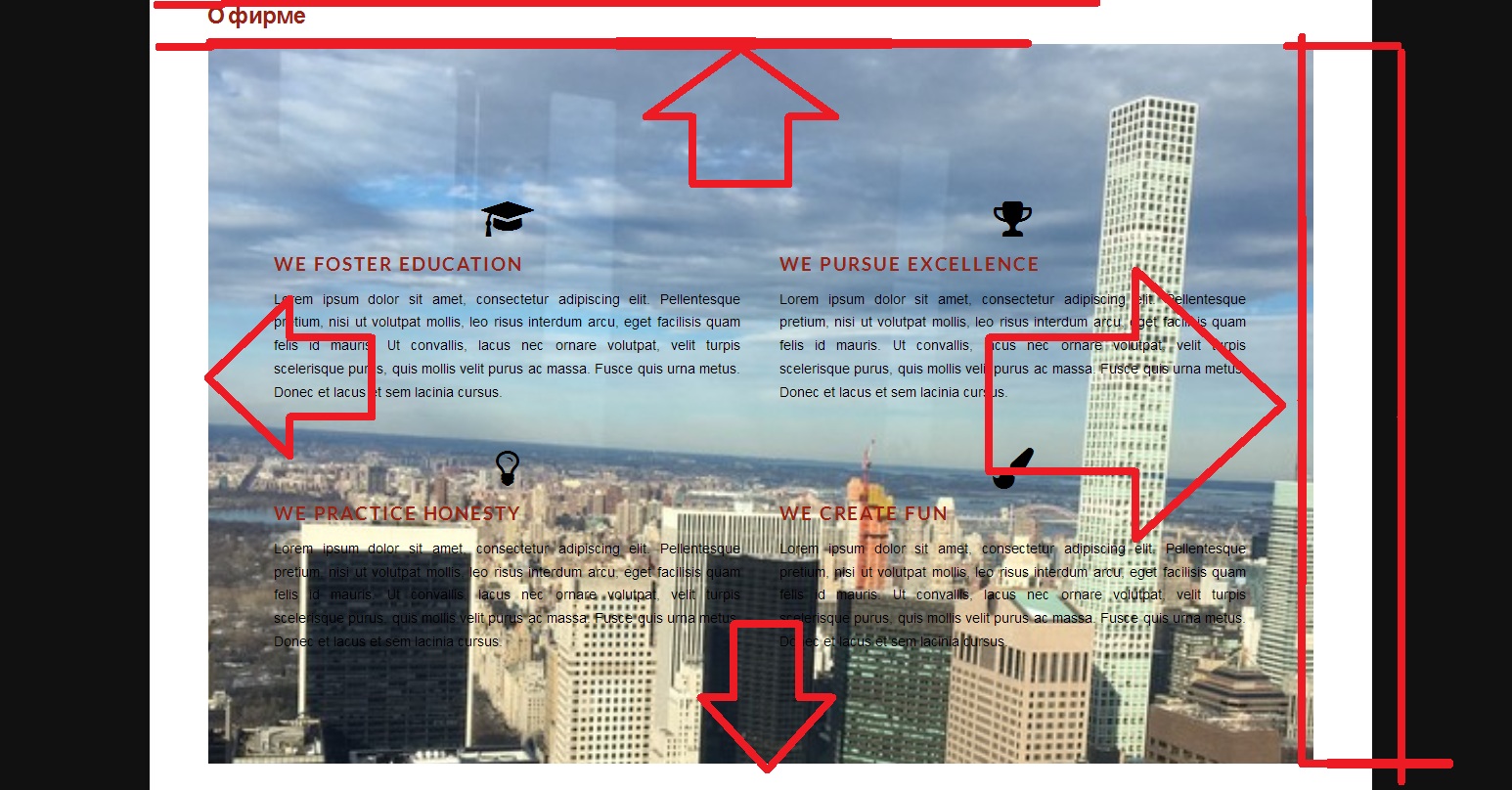
How to stretch the entire width of a block in Cornerstone?
Hello There,
Thanks for writing in!
To have a fullwidth section with Cornerstone, please go to the settings tab, Settings > General and change the Page template from default to Blank - No Container | Header, Footer page template.

Hope this helps. Please let us know how it goes.
Thank you so much 
On behalf of my colleague, you’re welcome. Cheers!