Hi there,
I want to make one of my pages full width and remove the side bar.
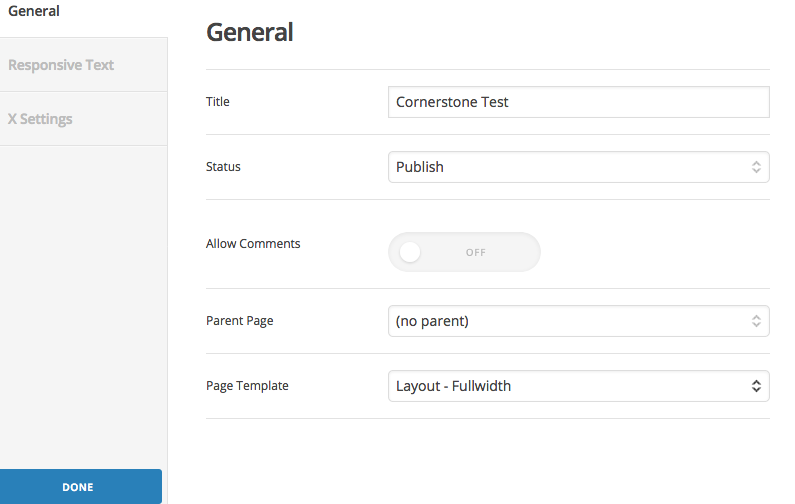
On the old cornerstone, before the recent update, you used to be able to do so by changing the page template setting here:

However, I cannot find this setting anywhere in the new cornerstone.
If i change the settings in the customiser or in cornerstone options, it changes the site from content left sidebar right to full width site wide, whereas I only want to do this for one specific page.
Any help would be greatly appreciated,
Thanks!