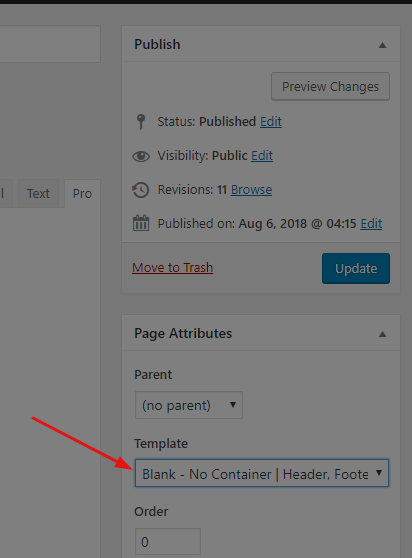
Using Pro’s editor and the Icon stack, I have set our website’s width to full, and in individual pages have set sections, rows, and containers to “inner container OFF” and “marginless ON” and yet images/containers are still not full width.
Here are screenshots of the settings I have that still produce no result.
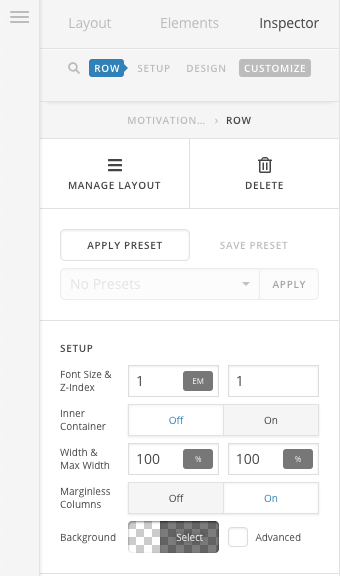
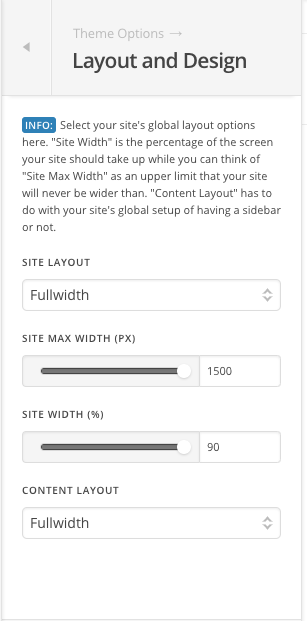
For some arbitrary reason, the slider on Pro’s theme settings page limits you to 90% or less (as seen above — why?). But you can type in 100 manually, yet it still doesn’t produce a result:
I don’t think I should have to set individual CSS classes for sections/rows to accomplish this. It should work using Pro’s native settings interface and without tweaking CSS. The fact that some of the content presets in Design Cloud show content working in full width tells me this:

But here’s how it looks on our site with the above settings:
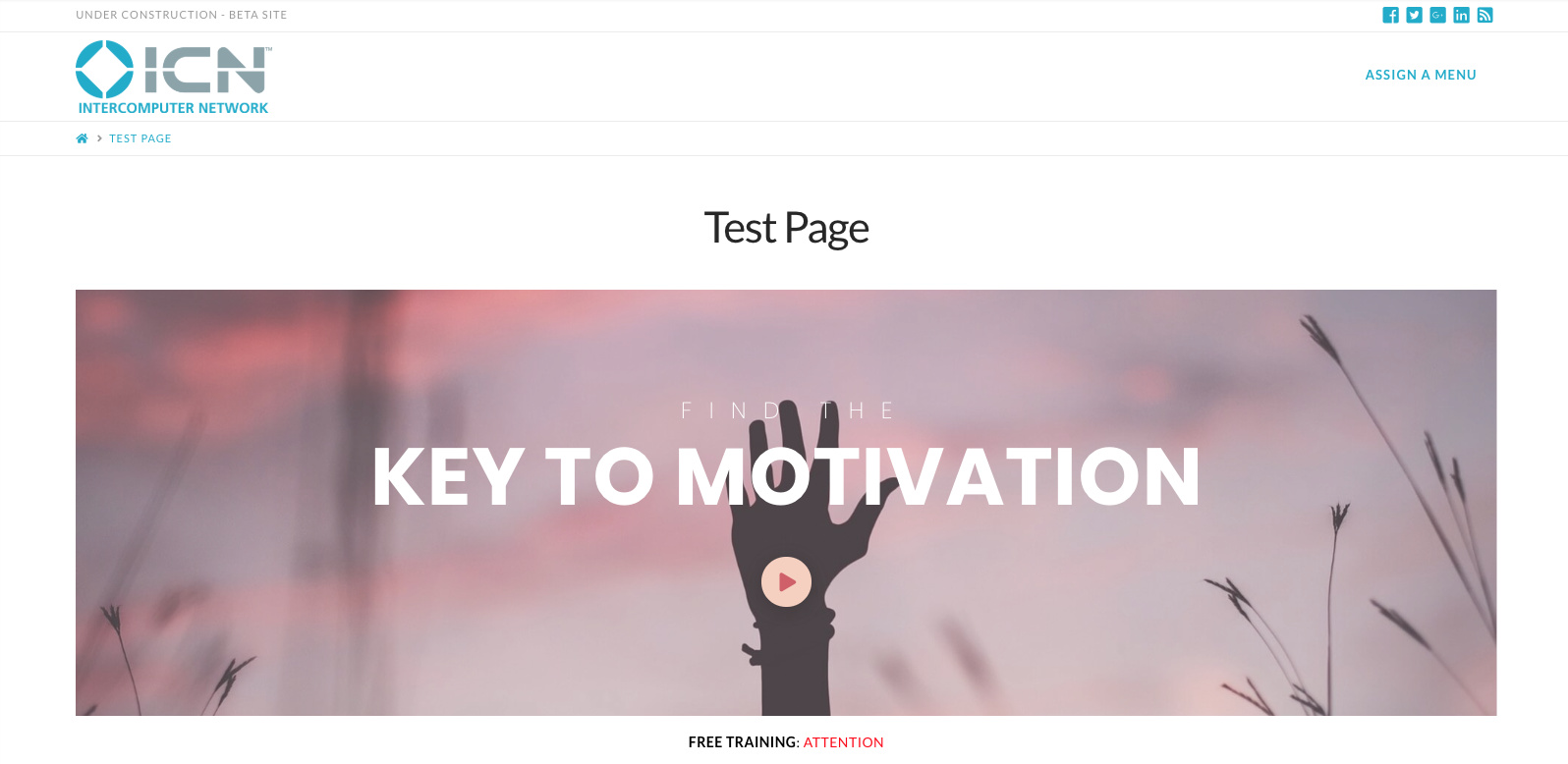
I don’t have any plugins that should be affecting this as this is a clean install of WordPress and just includes Pro and the plugins it comes with.
Please advise on how to get this working. Thanks.