Full-width background video not working

I am trying to create a full-width background video that has a headline in front for the top of a subpage (https://ericacorder.com/?page_id=541). I can’t get the video to extend all the way across the page and can’t get the headline to right justify in the lower right corner. How do I do this while keeping it responsive?

Also, on the back end of my site, as I am editing in cornerstone, the video does not actually appear – I have to go to preview it for me to see what my adjustments are doing.

Thanks in advance for any help!
Hey Erica,

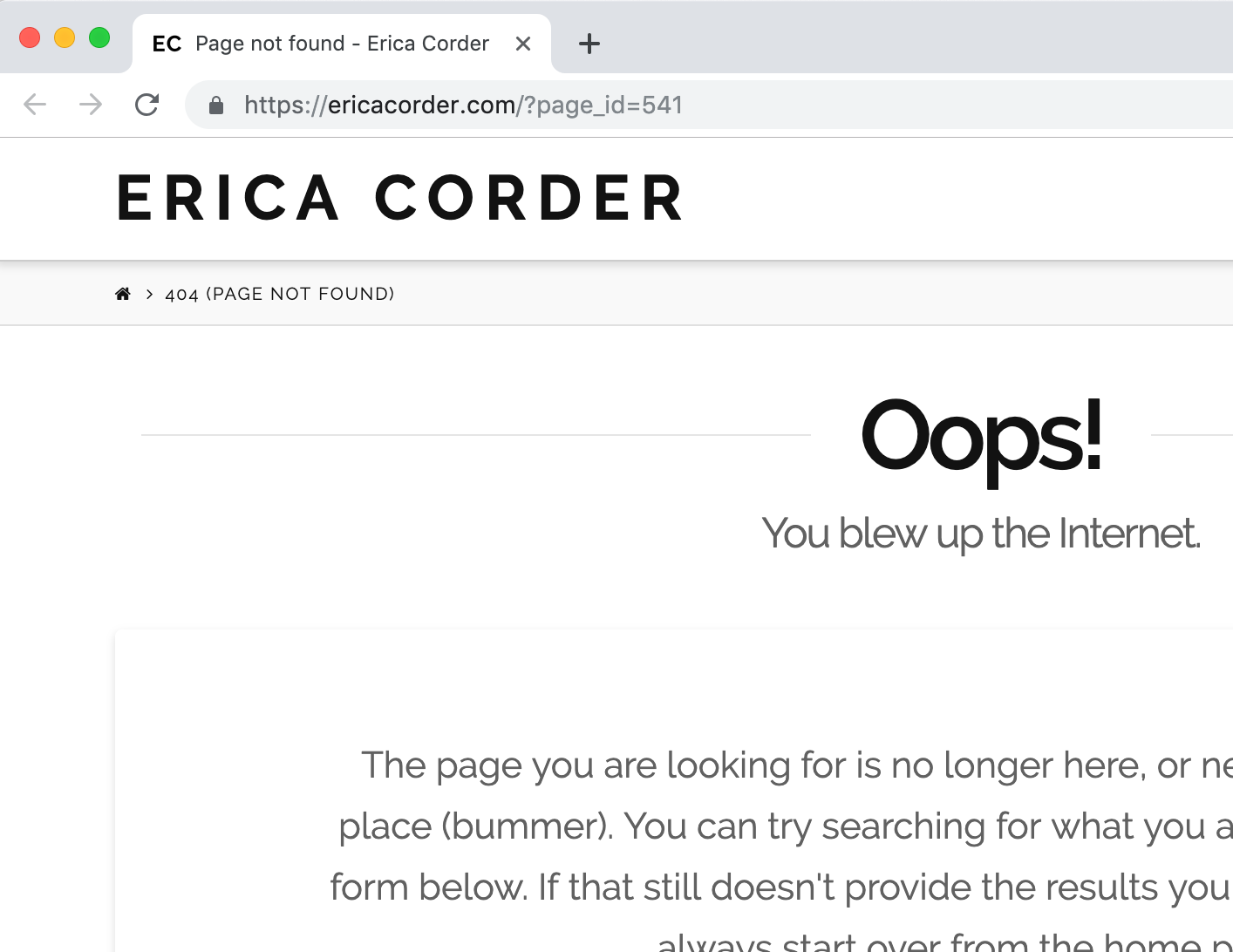
It could be depending on the current setting of your section and content but when I tried to check the page that you have linked, it goes to a 404 page.

Did you happen to delete the page you are working on? Kindly have it up so that we can check and provide some suggestions.

Hope this helps.

It’s not published yet, I don’t want to push a page live without it being properly formatted.

The setting of the section is fullwidth, so that’s not it.

Thanks!

Hi Erica,

In that case, please provide your admin login credentials in the secure note. We need a way to check it if it’s not publicly accessible.

But if you’re referring to blank no container template to make sure the section is full-width then please check this https://theme.co/apex/forum/t/full-width-containers-and-images-not-working/44043/3

Thanks!

This topic was automatically closed 10 days after the last reply. New replies are no longer allowed.