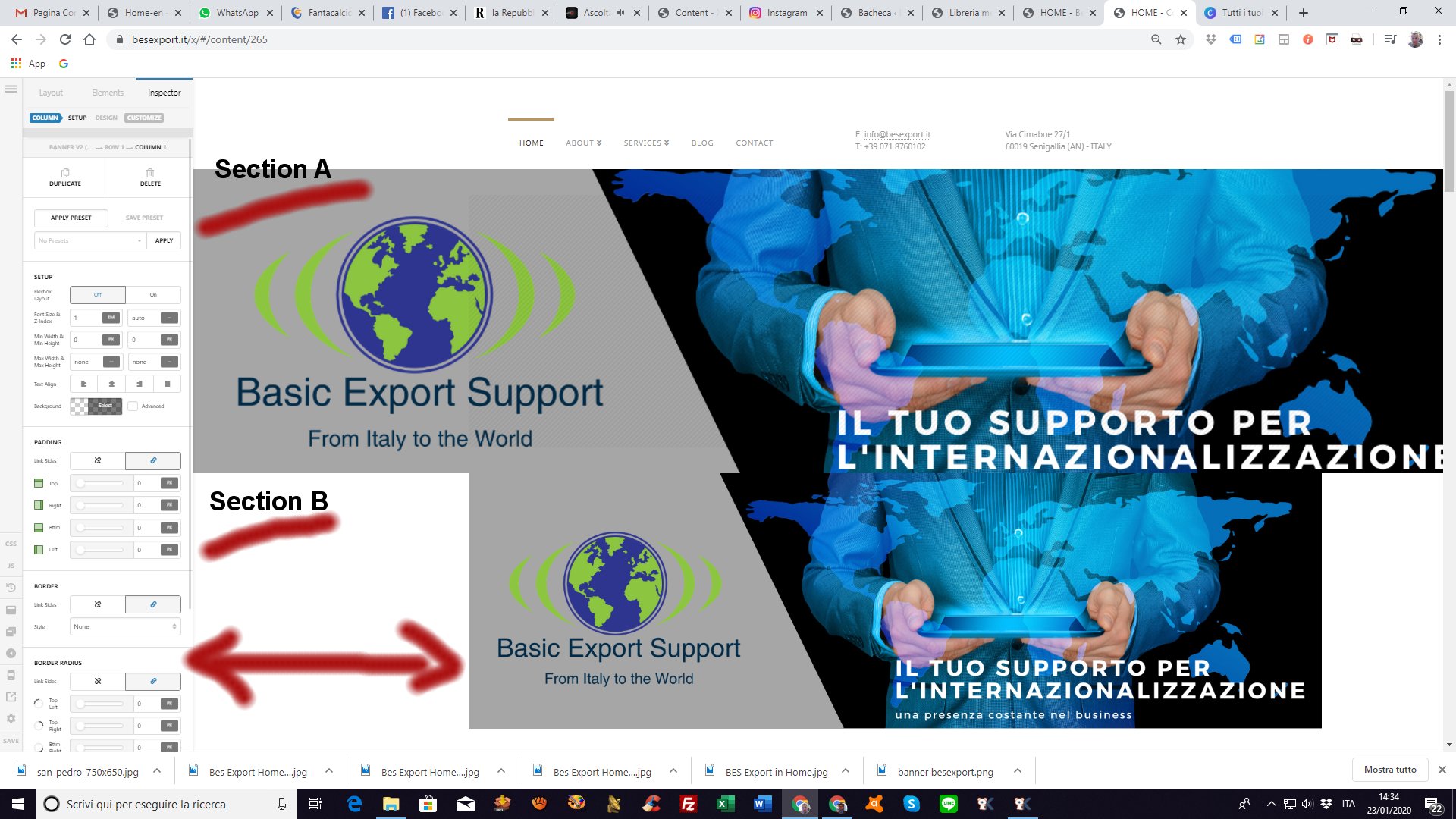
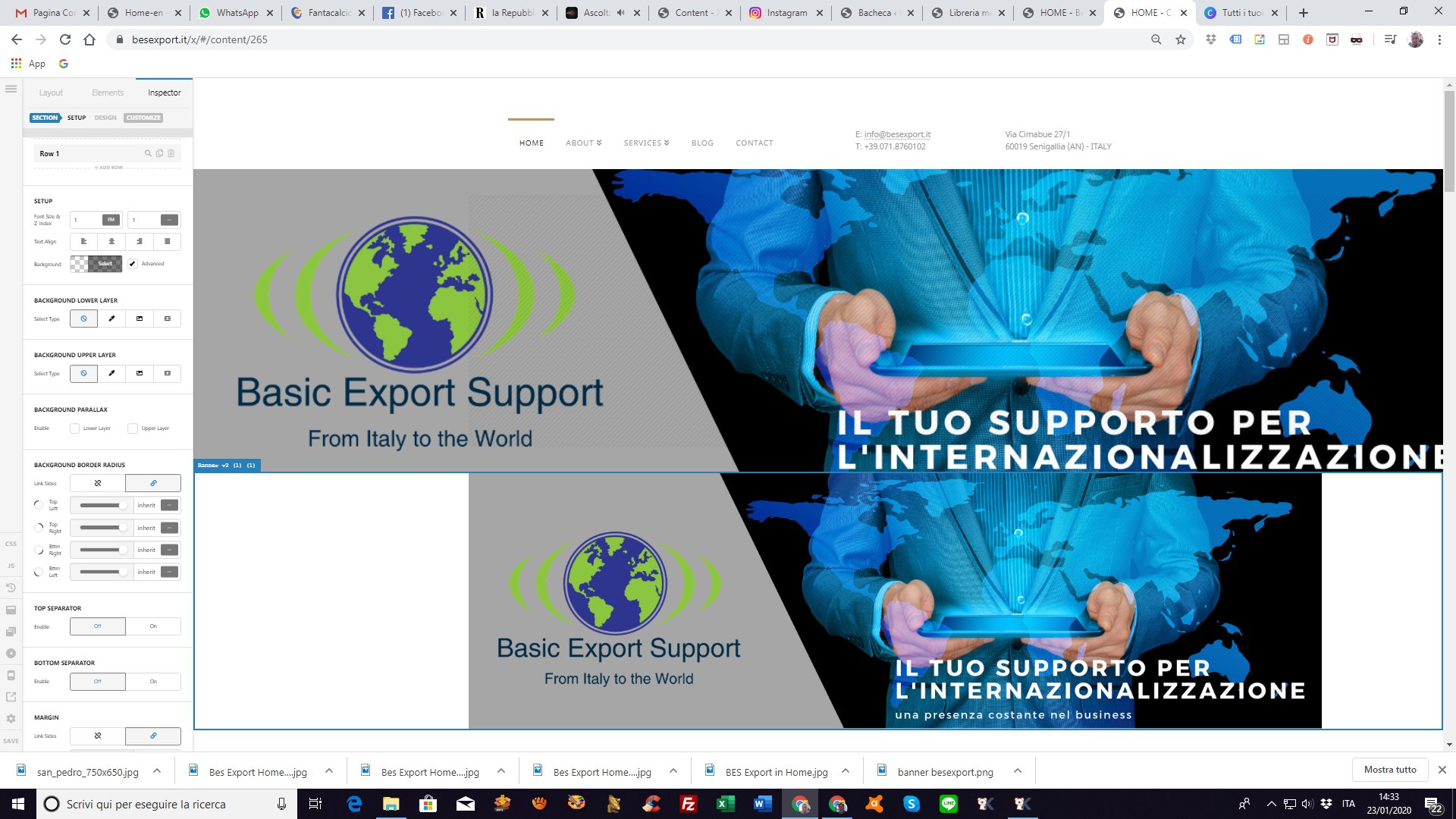
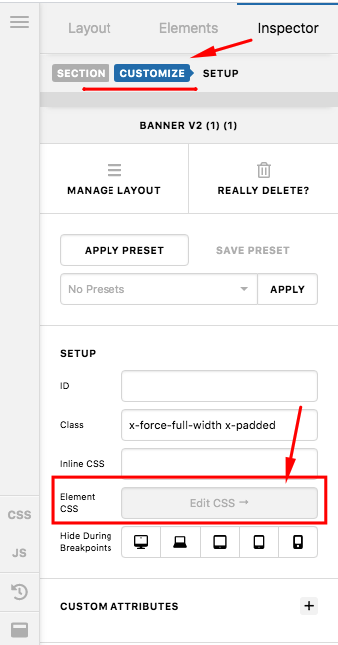
Full no container image

hi there,
I’m using one of your demo template. Very nice, tnx.

i’m trying to use a banner on the top just below the menu, but I’m not able.
I set no margin, no containe, but… the row doens’t set on the left without offset.
Where can I change this offset?

Here some picture

Web site is: www.besexport.it
pw for under costruction is “bes2020”
Hello @Neetra,

Thanks for the very detailed post information. I have inspected your site and you are having this kind of issue because of your custom css. You seem to have added this:

.x-force-full-width.x-padded, .x-colophon {
    padding-left: calc((47.5vw - (1170px / 2)) + 1em) !important;
}
.x-force-full-width, .x-colophon {
    position: relative !important;
    left: calc(0vw - ((50vw - (1170px / 2) + 1em)));
    width: calc(100vw + 3em);
    padding-left: calc((50vw - (1170px / 2)) + 1em) !important;
} 
.site {
    padding-left: calc((50vw - (1170px / 2)) + 1em);
    padding-right: 3em;
}

Please remove any related css because it affects the page layout.

Kindly let us know how it goes.

Yes, ok, that works but I should remove a very important CSS code and the style of your demo will be drastic changed.
Is there no any option to force this section just only?
Tnx,

Hello @Neetra,

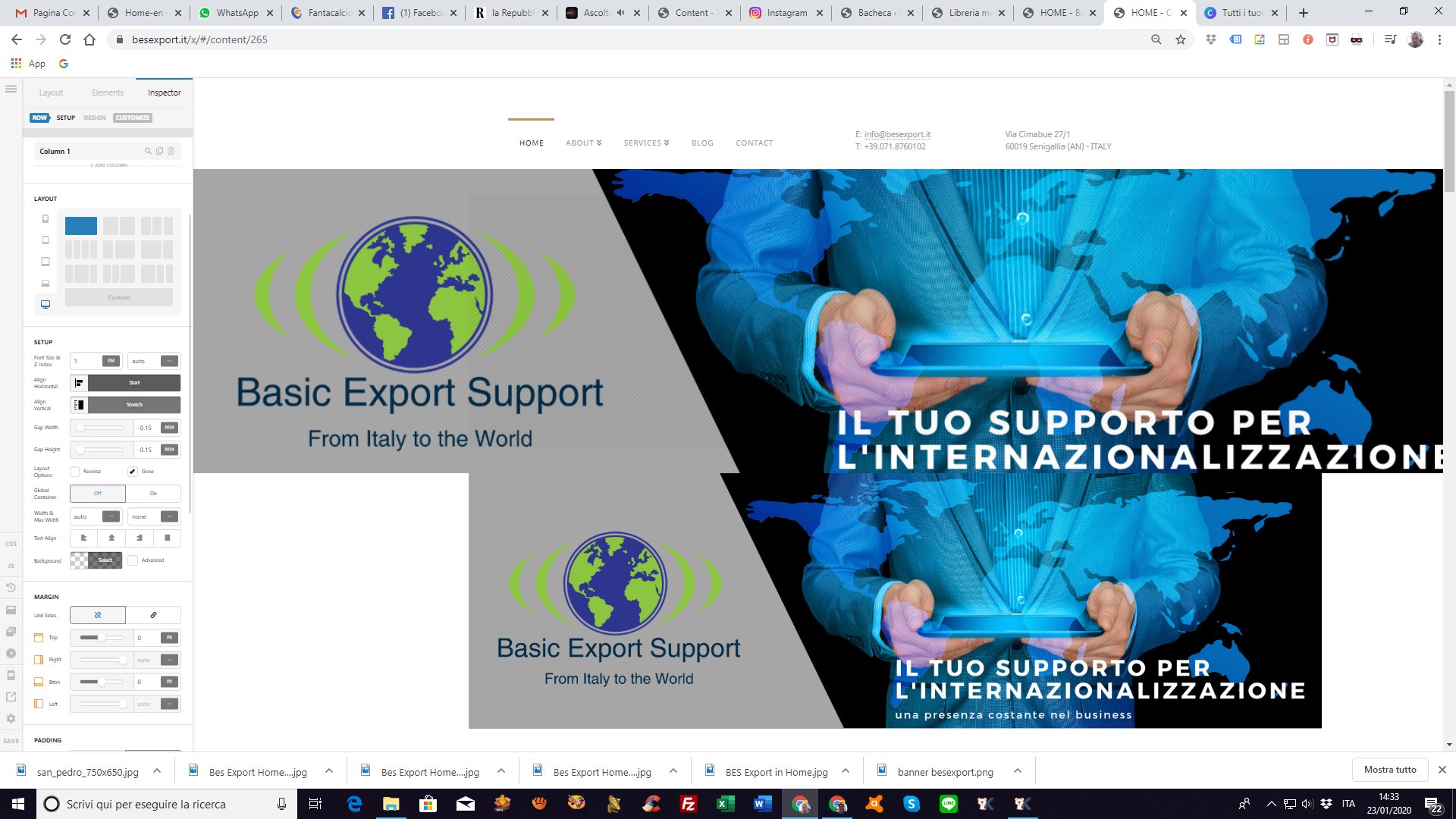
If you want the only section to be fullwidth, please edit the page and click on the section. Find the the “Customize” tab in the section settings and insert this inline element css:

$el.x-force-full-width.x-padded {
  padding-left: 0 !important;
}

Hope this helps. Kindly let us know how it goes.

Tnx RueNel,
thats works properly!
Tnx for your kindly assistance
Hv a nice days!
Francesco

We are delighted to assist you with this.

Cheers!

This topic was automatically closed 10 days after the last reply. New replies are no longer allowed.