FTP Restrictions require Password

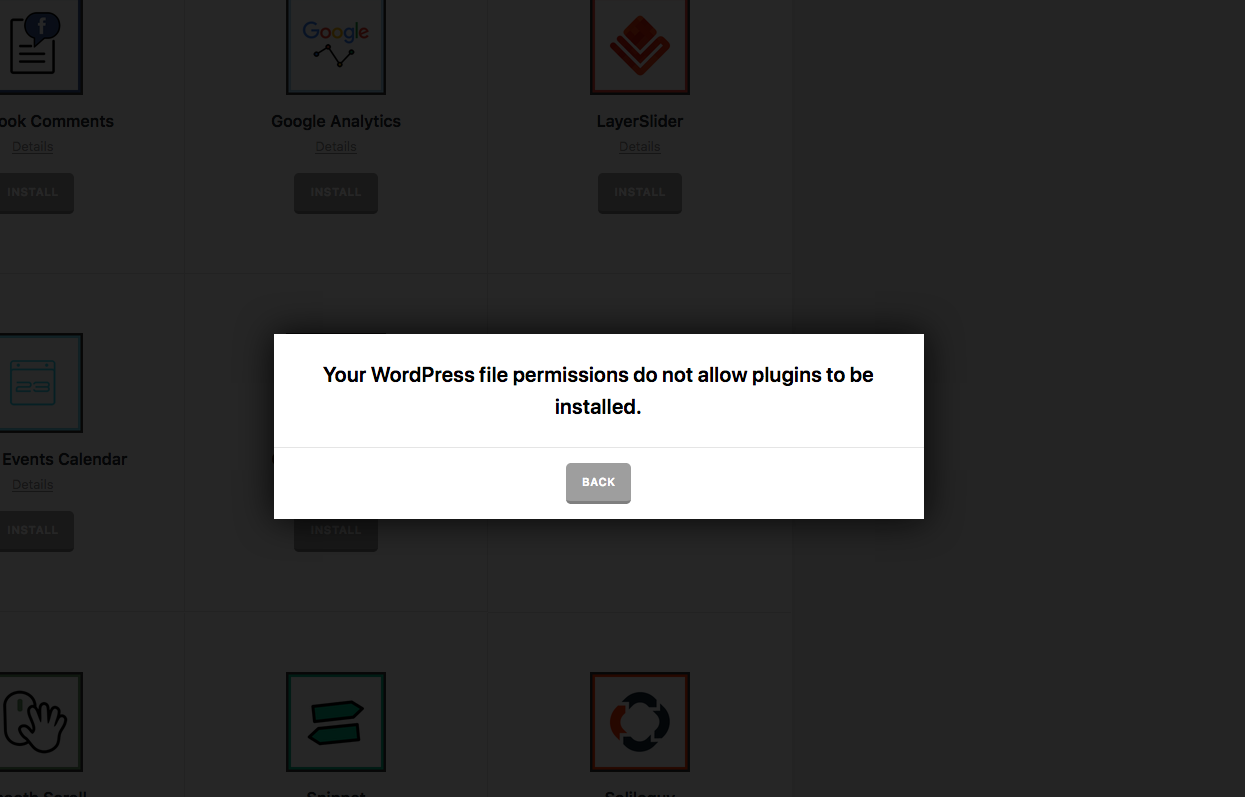
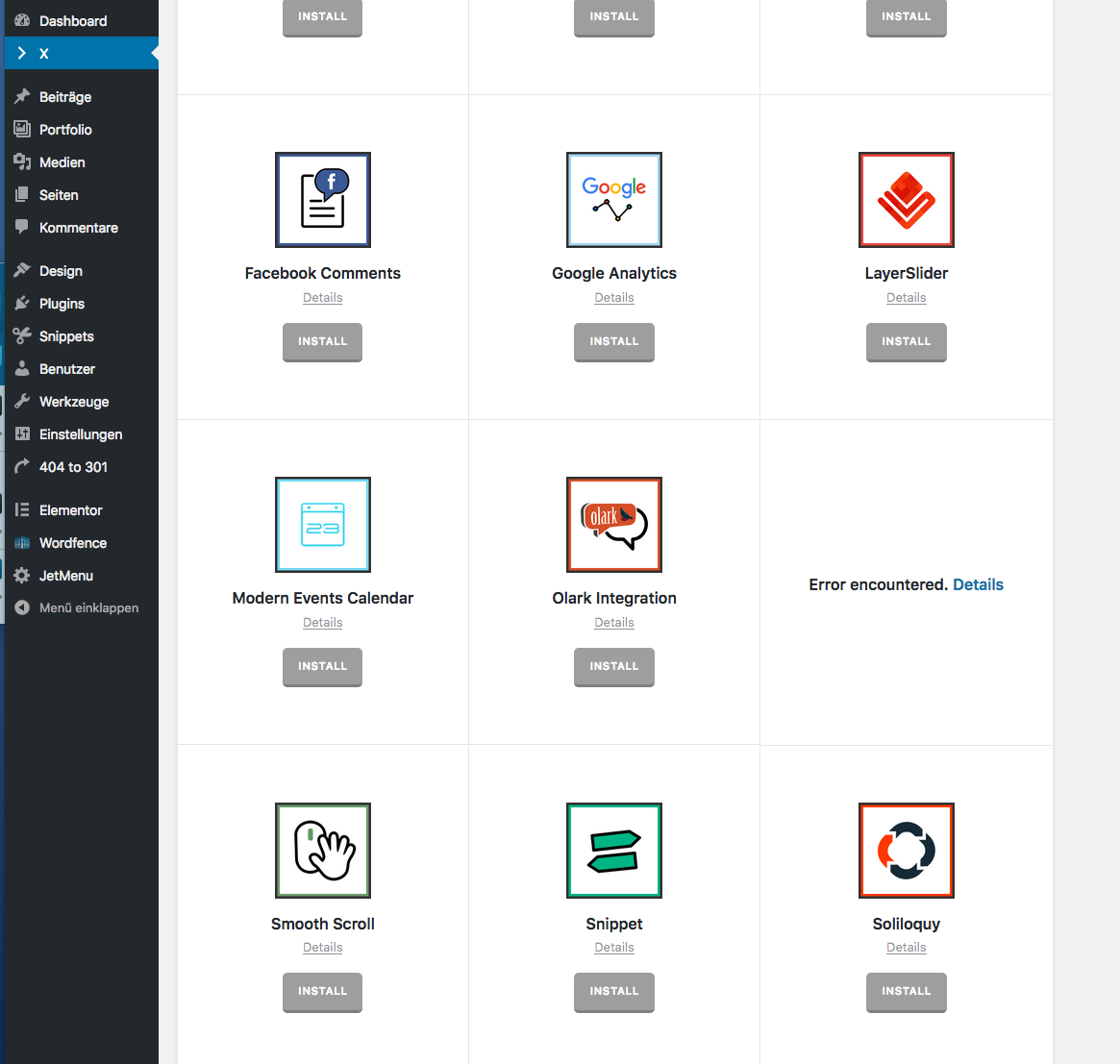
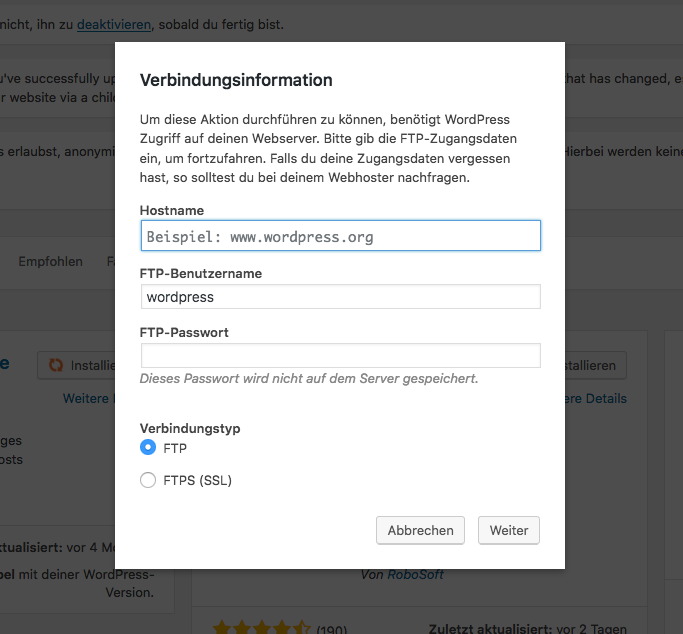
Du to FTP Restrictions WordPress requires the FTP Password for installing a Plugin. That’s ok so far, but I get an error notice when I want to install one of the built-in plugins of the theme. For further understanding please see the screenshots attached. The first screenshot shows the window that appears when installing a plugin via WordPress or updating plugins and that also should when installing a them-built-in plugin. For the moment I stored the FTP password in the config.php. That works, but that’s not a solution in the long run. Any solution?

Thanks for helping

Yours
Stephen

Hi There,

Could you please try adding this code under wp-config.php file before the /* That's all, stop editing! Happy blogging. */ line?

define('FS_METHOD', 'direct');

Let us know how it goes!

This works for the built-in Plugins but now I can’t install from the WordPress Repository. Unable to create a directory.

Hi @sStiwano ,

You can then remove it and re-add it when needed. It’s also your host restriction and they only permit on how you’ll install things. Wordpress only provide that options when installation fails due to file system restrictions.

Thanks!

Ok, I will do so. Thank you.

You’re welcome.

This topic was automatically closed 10 days after the last reply. New replies are no longer allowed.