Four issues: Mobile version, grids, posts not showing up, media not appearing in grids (Pro theme)

Hi,

I downloaded the Pro theme and my issues are still not solved. Three things are still running extremely wrong, and I haven’t been able to find any solution online nor by the answers or my questions. Is there anyone here who could help me? I don’t know anything about coding so it would be better if it’s a solution where i don’t need that kind of knowledge.

  1. Posts not showing up completely: only the excerpt of the articles appear and the picture is really large. How can I fix this? It is a newspaper so I really really really really need the posts to show up.
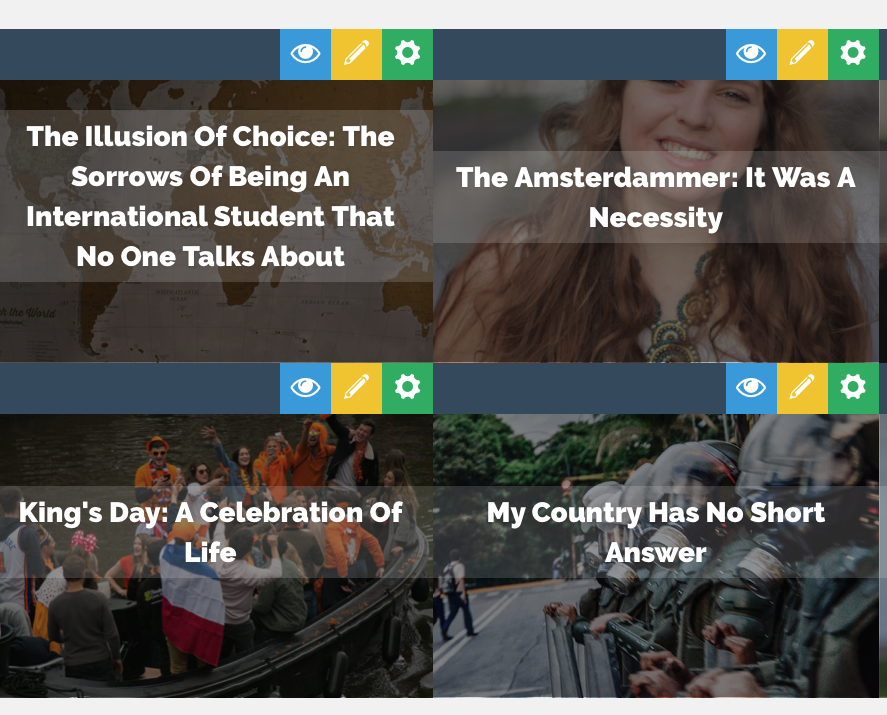
  2. My grids don’t show up with the pictures even though I selected all the images options as the source, you can see an example here. If this has no solution, what is another way to show all the posts from a particular category in my page?
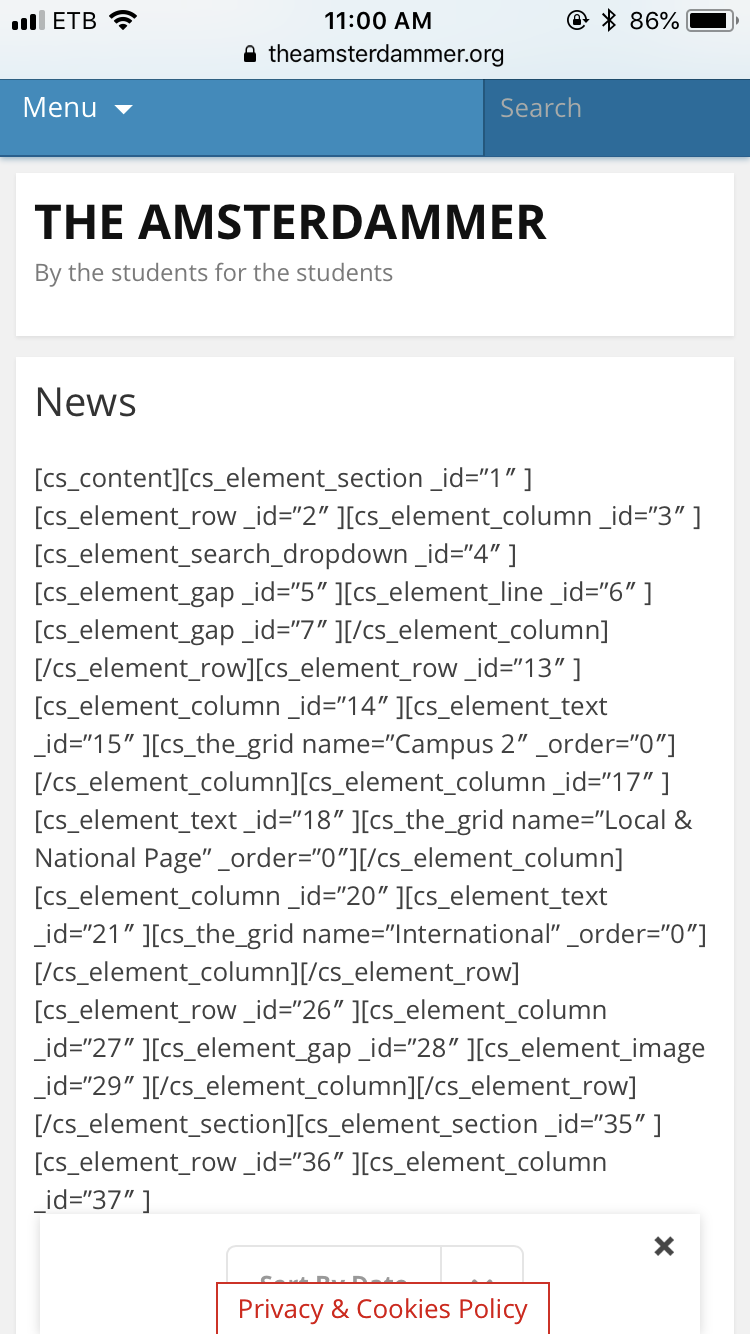
  3. The mobile version is showing this (below), however when I check the templates it says it should appear similarly than in the computer version. How is this possible?
  4. The media gallery are not showing up: as you can see in my home page, I should have a grid that shows up my images and videos but it doesn’t appear…
My website is theamsterdammer.org, you can see the issues by yourself there.

Thanks in advance!!!

Hello @isabelbonnet,

Thanks for asking. :slight_smile:

  1. Full post: If you would like to display full post on Index page, the same can be activated from Pro > Theme Options > Content > Full Post content on Index.

On the other hand if you would like to display full post on category page, please take a look at the solution mentioned in following thread.


2. Grid Image: Please take a look at the solution mentioned in following article.

https://www.themepunch.com/faq/grid-images-not-showing-up/

  1. Mobile version: I see that you are using Jetpack plugin. It seems that you have activated Jetpack mobile theme. Please turn that off and issue should get resolved. From Jetpack > Settings > Theme Enhancements turn off Optimize your site for smartphones.
  2. Media gallery: Please turn off the mobile theme and media gallery should start showing up.

Let us know how it goes.

Thanks.

Hi,

Thank you for your reply!

Regarding the issue for the 3), it worked so thank you.

However, I keep having issues for 1) and 2) due to the following reasons:

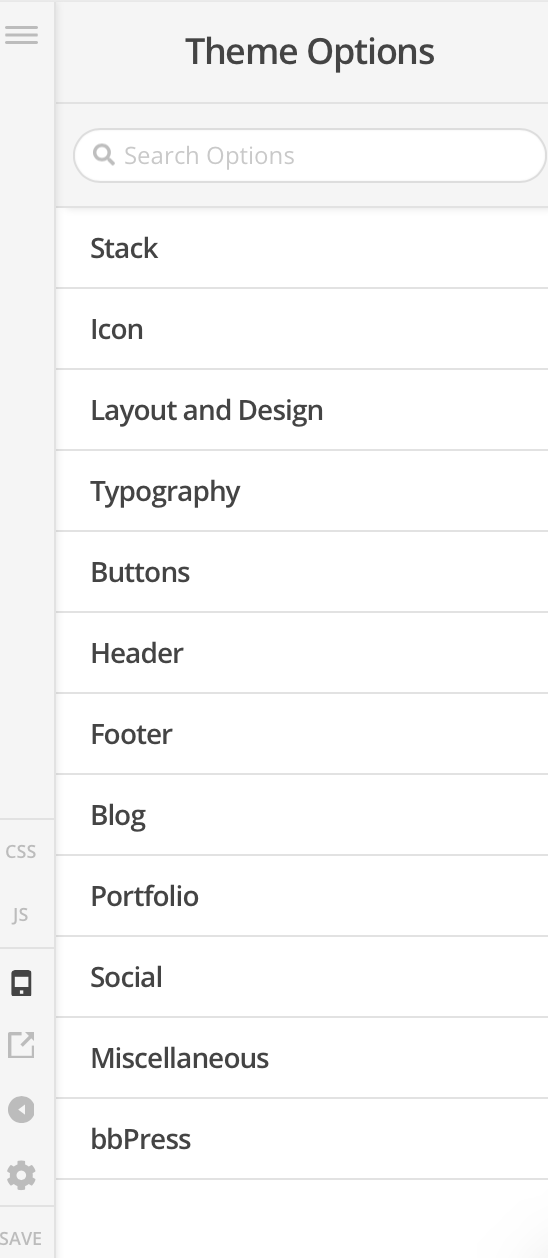
  1. The option “content” does not appear in my page… This is what I have:

  2. I have followed already the steps from that article but they pictures still don’t show up.

I wanted to add that in the preview it looks well but in the website the pictures don’t appear…

Hello There,

We apologize for the confusion.

1.) The correct path is this: Pro > Theme Options > Blog > Content > Full Post content on Index.
Please check it out again.

2.) Since you have Jetpack plugin installed, please disable the Photon Module and the Lazy images module. This could be the reason why you images is not showing.

Please let us know if this works out for you.

This topic was automatically closed 10 days after the last reply. New replies are no longer allowed.