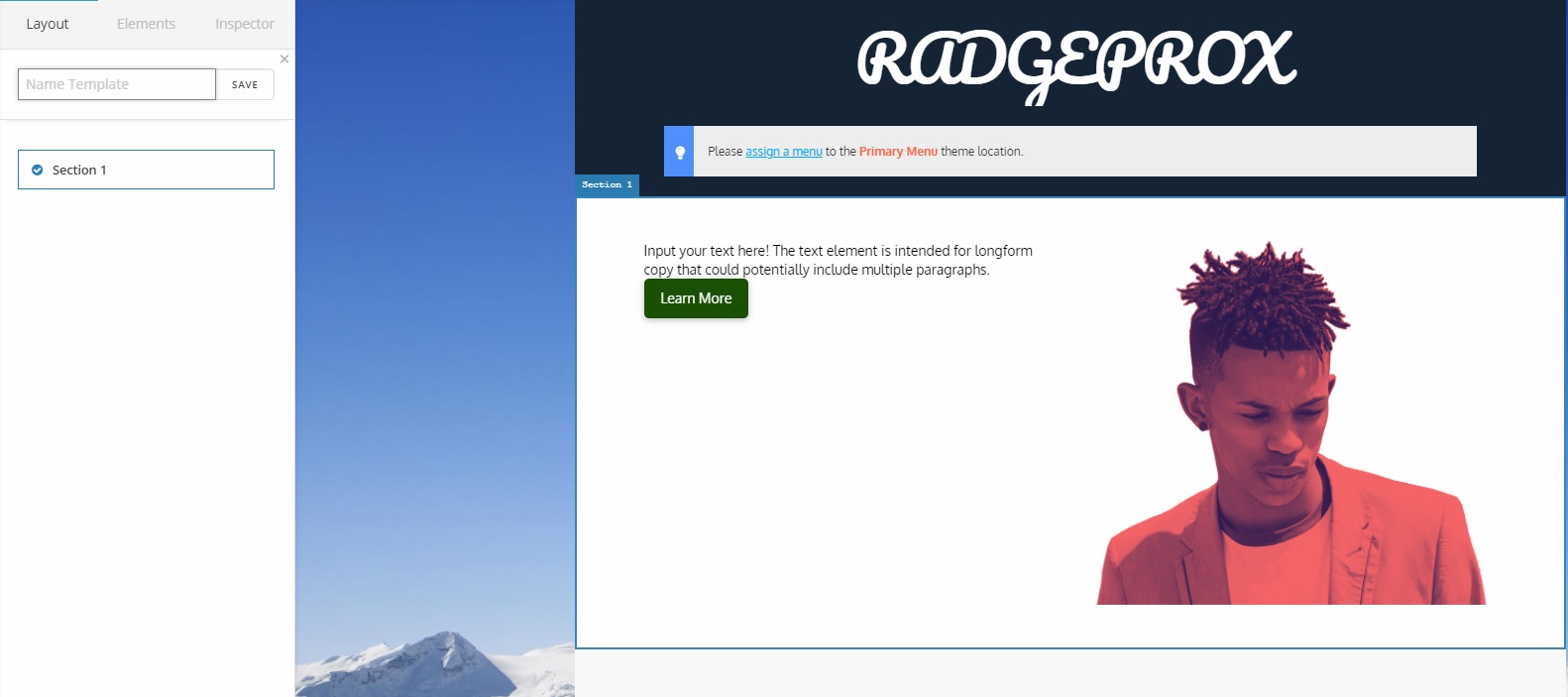
Formatting Font and Size for Landing Pages and Blog

How do I get a landing page like this formatted in Cornerstone: https://d.pr/rgSBRO/qjjWQhPYuK

Are the buttons, forms, etc all in Elements in Cornerstone. I am unable to see it all because it is loading so slowly and in some cases not loading at all.

How can I get the blog font, font size etc to look like this: https://d.pr/jJpSvv/fJYA4Mgr6S

Where is the form creator to create something like this: https://d.pr/mKNc5k/7DXFP7HbVO

Hi,

  1. Yes all of those were created using Cornerstone Elements. The width of the page was reduced by adding padding to column elements.

  1. You can set those under Theme Options > Typography but if you want specific change to affect only your blog page.
    You can use Custom CSS

eg. Add this in Theme Options > CSS

/* BLOG FONT SIZE */
.blog .entry-title {
    font-size:30px;
}

.blog .entry-content.excerpt  {
     font-size:20px;
}
  1. On that site the form was created using Formidable form.
    https://wordpress.org/plugins/formidable/

Thanks

How do I add the exact same button and images and other elements in that sample post? Kindly show me screenshots in Cornerstone so I can find it.

Hi there,

You mean a group of content like template that has button, images, and such? Or are you referring to styling?

You can just click Save Template, then only select the section with the buttons and images and save it. You can then import that template to any pages.

Else, please provide further information :slight_smile:

Thanks!

This topic was automatically closed 10 days after the last reply. New replies are no longer allowed.