Form issues with Convert Plus

Hi,

I’m having a few issues with convert plus that I’d love to have some support for. The url for the convert plus form is http://dev2.verdenergia.org/verdenergia-internship-application/

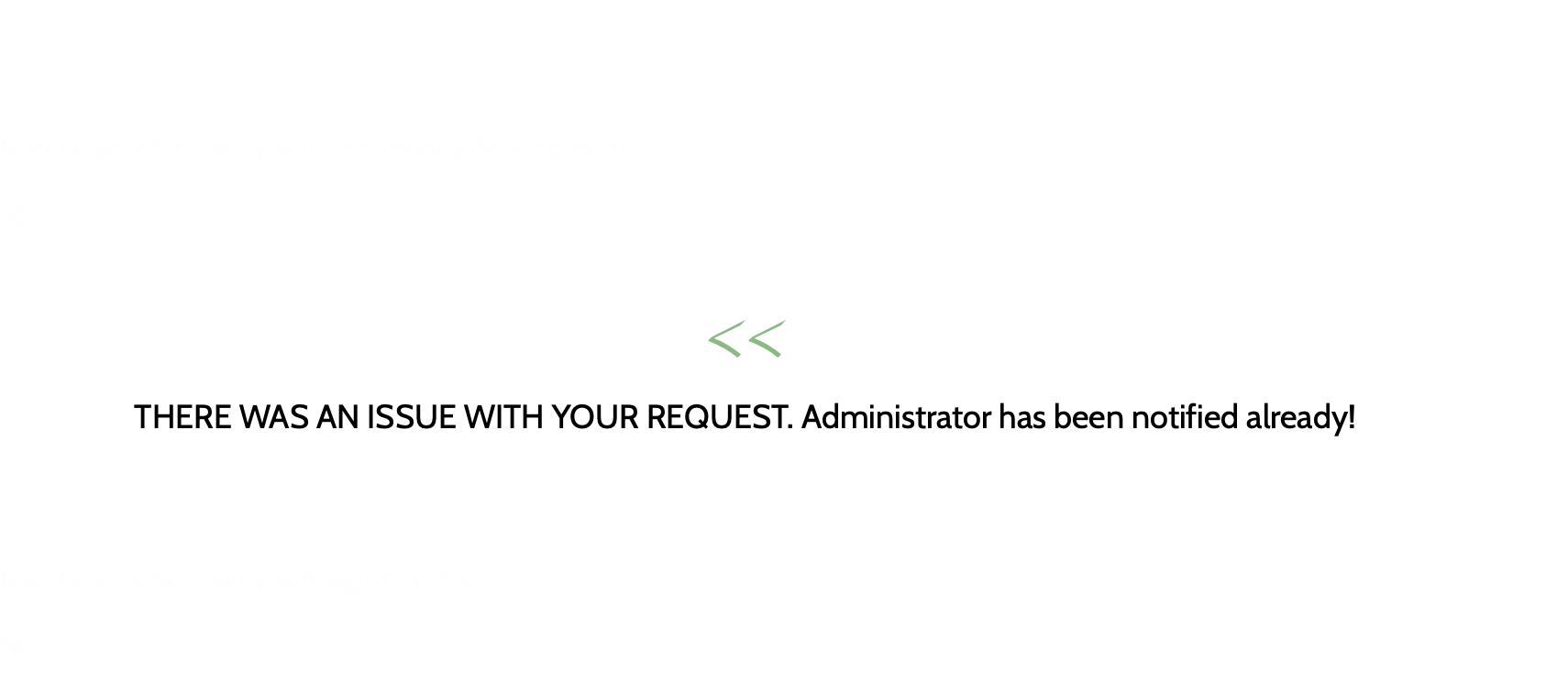
I integrated convert plus with my mailchimp account by following the instructions on this link. However, when I submitted a trial application, I get the following error message (shown on the image):
How can I resolve this?

Also, I have a few questions on the form itself. I want to separate some field labels into two separate lines. Is there a way for me to do this?

Also, when the app is not accepted, the relevant field gets highlighted in red. But is it possible to display a message close to the submit button that says, “please issue the field(s) highlighted in red to submit your application.”

Also, is there a way to add a hyperlink in the field label itself?

Hi @Web_Services,

Thanks for reaching out.

I checked and it seems to be related to data being sent between your site and Mailchimp server. The data are submitted and correctly processed on your site, it just doesn’t go through Mailchimp server. Would you mind providing your Mailchimp login credentials as well?

If this is about fields conflict then I recommend to correctly add the fields on both Mailchimp server and ConvertPlus form designer with proper naming.

Thanks!

Hi,

Thanks I just got the integration fixed for Mailchimp. It was a field conflict. We may have issues later though so I may reach back out.

In the meanwhile, could you please answer these questions for me:

I want to separate some field labels into two separate lines. Is there a way for me to do this?

Also, when the app is not accepted, the relevant field gets highlighted in red. But is it possible to display a message close to the submit button that says, “please issue the field(s) highlighted in red to submit your application.”

Also, is there a way to add a hyperlink in the field label itself?

Hi @Web_Services,

You need to manage the field on the MailChimp end first, and then edit the fields on your form. For example the FullName you need to change that to FirstName and then add another field for LastName, that way you have a separate field for FirstName and LastName instead of one FullName.

That is not quite possible without customization, but I could be wrong. Please see the ConvertPlus Online Documentation.

Thanks,

This topic was automatically closed 10 days after the last reply. New replies are no longer allowed.