Form in Tab element: editor breaks code

Hi!

I’m trying to put a manually coded payment form inside a Tab element, but whenever I open the content editor of the Tab element, the editor will force its own prefered HTML on the form, causing the form to break and lose its functionallity. is there a way to prevent this?

Kind regards,

Hugo
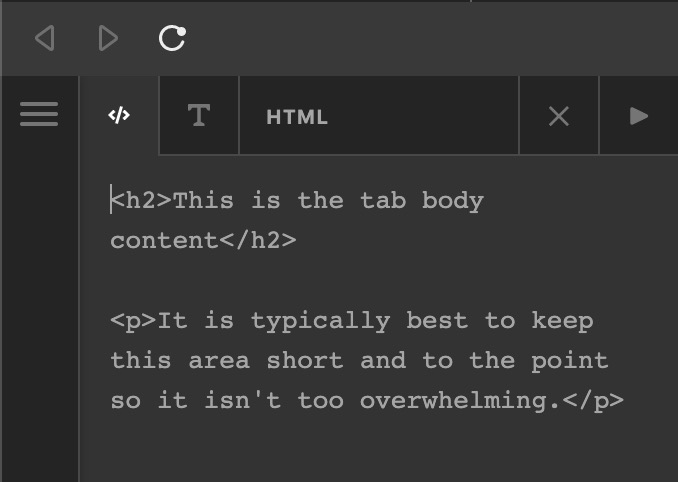
Hello Hugo,

Thanks for writing in@ When inserting a custom HTML code in the tab item content, please make sure that you are in the HTML view and also make sure that your custom HTML code is valid and correct.
Screen Shot 2020-11-02 at 5.29.27 AM

And by the way, you are only allowed to insert custom HTML. Any PHP code will not be rendered.

Best Regards.

Hi Ruenel,

Thanks. My mistake: there was a stray slash in my code… First time I use this theme and although I sometimes feel a bit anxious about the overwhelming number of functionalities (there’s a lot that can break…), I’m very impressed by the cleaness of the code and the flexibility of the theme.

I was looking for a theme that would allow me to go wild, without spending much time on making my own template files and stylesheets, and this is really what I was looking for.

Best regards,

Hugo

Hi Hugo,

Yes, you can explore more on our theme and if you have any questions or concerns, feel free to reach us.

Thank you.

This topic was automatically closed 10 days after the last reply. New replies are no longer allowed.