Hey the Content of one page is very small.
I want the footer to stick at the bottom of the viewport. but only if the content is small.
Look at my screenshot:
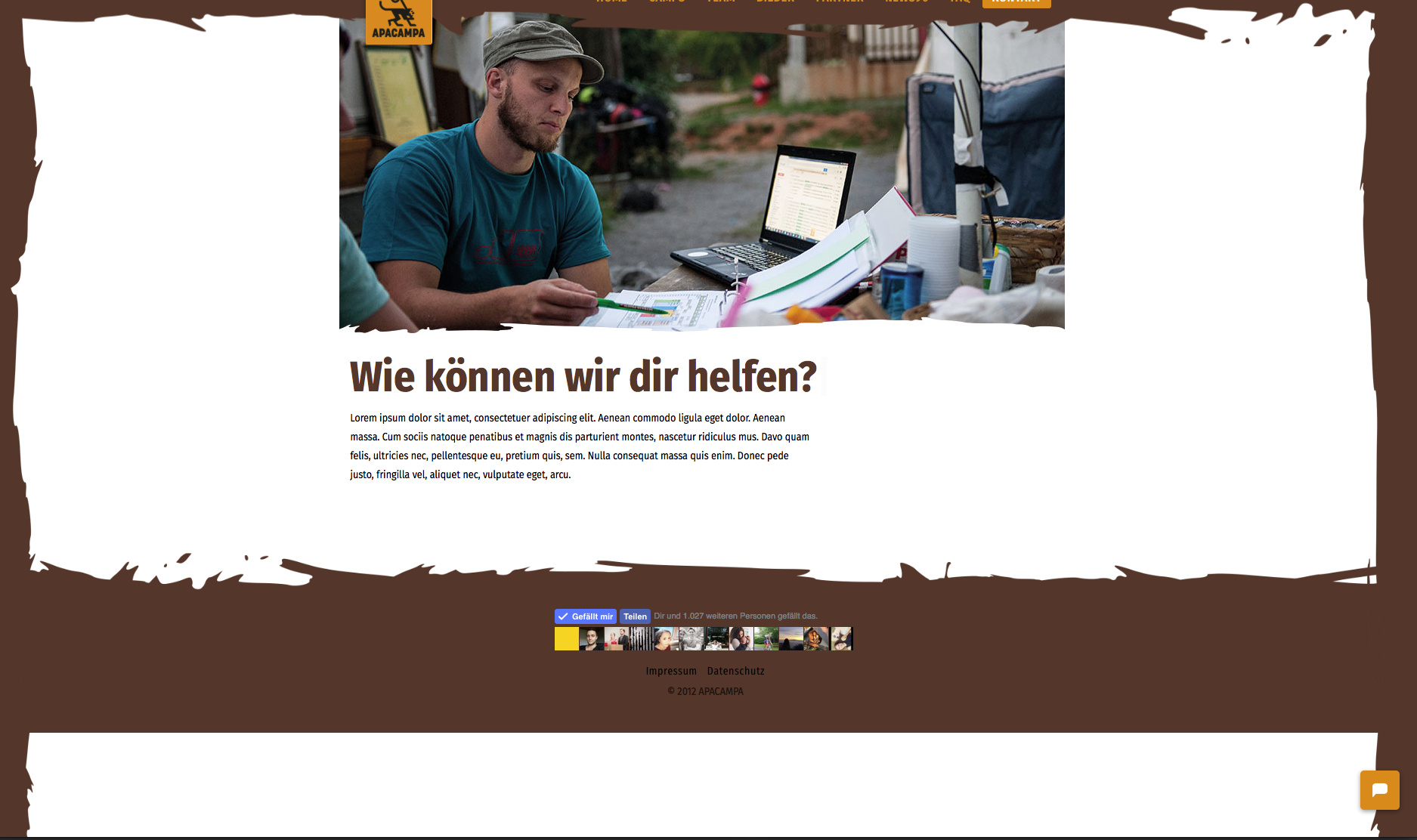
Hey the Content of one page is very small.
I want the footer to stick at the bottom of the viewport. but only if the content is small.
Look at my screenshot:
Please add this to your global custom css
.site > .x-container-fluid.max {
min-height: 768px;
}
this does not work. first i thought it is working. but actually is not.
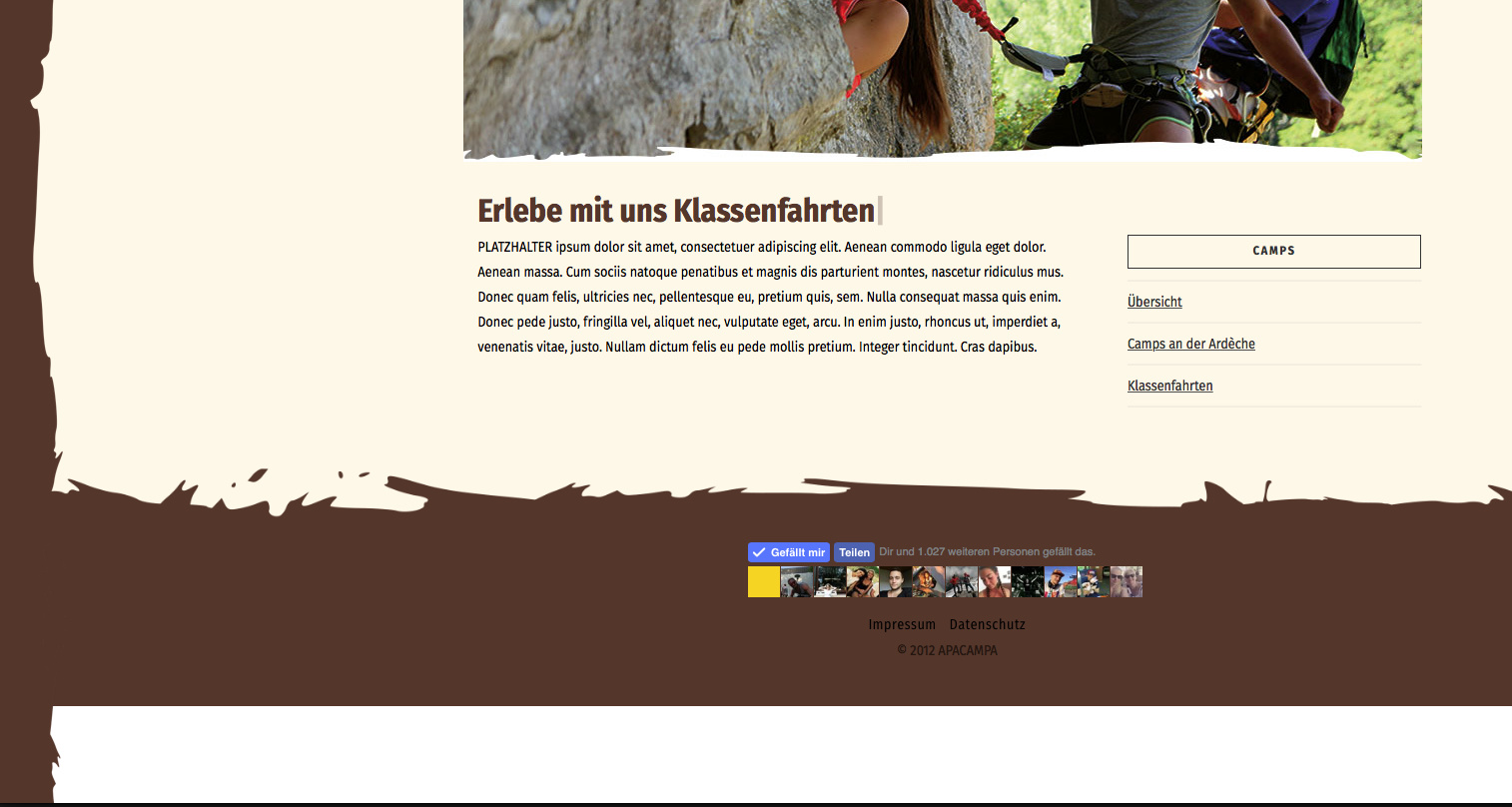
and this?
#top > footer.x-colophon.bottom {
position: absolute;
width: 100%;
bottom: 0;
min-height: 40px;
height: auto;
}
Hello There,
Thanks for writing in! I have checked your screenshot and this issue will always happen if your page height have less contents which is lesser than the height of your browser. To resolve this, we need to set a minimum height to your content area. Please add the following CSS code in the X > Launch > Theme Options > Global CSS (http://prntscr.com/evui3r)
.x-container.max.width.main {
    min-height: calc(100vh - 297px);
}
The height of the main content area is set to at least the browser height minus the height of your header and footer and in my example it is 297 pixels. Something like this: http://prntscr.com/gpdwxx
Please let us know how it goes.