Our footer text and icons look too small but also washed out/faded. The navigation elements also disappear on hover-over. I’ve tried some custom Css snippets but this does not seem to want to change.
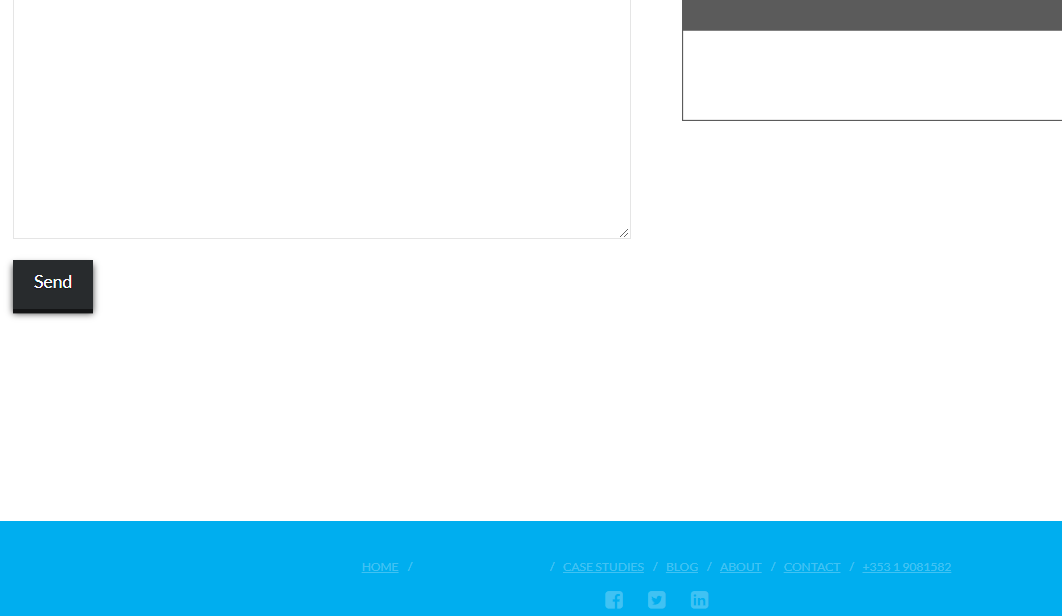
Our footer text and icons look too small but also washed out/faded. The navigation elements also disappear on hover-over. I’ve tried some custom Css snippets but this does not seem to want to change.
Hi There,
Thank you for writing in, that is happening because your Navbar Links Hover is the same color as the footer background. To resolve this issue, please add this to Theme Options > CSS or on your Child theme’s style.css file.
footer.x-colophon.bottom .x-nav li a {
	font-size: 1.25em;
	color: #000;
}
footer.x-colophon.bottom .x-nav li a:hover {
	color: #fff;
}
Feel free to change the color values.
Hope it helps,
Cheers!
Thanks for that tip. I’ve added that code to the child CSS theme and no change I’m afraid. Is there something else it could be?
Hi There,
Could you please provide us with your website URL so we can take a closer look?
Thanks.
This topic was automatically closed 10 days after the last reply. New replies are no longer allowed.
Hey @delanest,
I don’t see the previously given CSS was implemented. Ethos’ style is still being used (see Secure Note)
Please disable CSS minification and clear all caches then check again.
Thanks.
Hi there,
Sure, you can implement this additional CSS for social icons.
footer.x-colophon.bottom .x-social-global a i {
    display: block;
    font-size: 25px;
}
Hope this helps.