Hi there,
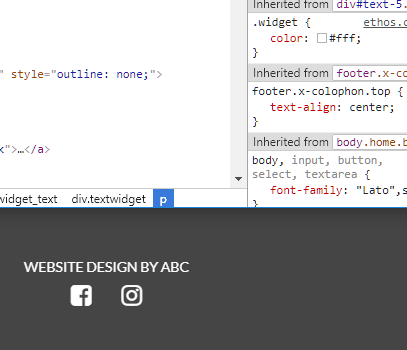
It seems I have some styling issues regarding the footer.
I have currently this:
And it needs to be something like this, but then only facebook and instagram icons:

The “website design” text should have a link.
The whole footer should be small like in the second screencast.
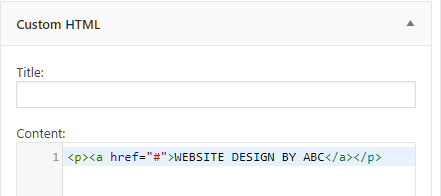
- My footer has now two widgets, one text and one html.
html:
Also some css:
footer.x-colophon.top {
background-color: #454545; /Change to your preferred background color/
}
footer.x-colophon.top .h-widget {
color: black; /Change to your preferred color/
}
footer.x-colophon.top {
text-align: center;
}
.textwidget .x-social-global {
text-align: center;
}
.textwidget .x-social-global a {
font-size: 24px;
margin: 4px 15px;
text-decoration: none;
}
.textwidget .x-social-global a:hover {
opacity: 0.7;
color: #fff;
}
.x-colophon.bottom .x-social-global a {color: #000;}
.x-colophon.bottom .x-nav li a {text-decoration: none;}
.x-colophon.bottom .x-nav li a {color: #000; font-size: 18px;}
- It also seems i have this second footer menu area, which is probably enabled from an old theme.
I cannot find a way to remove it.
Could you help out?