Footer Style

Hi,

Hope your weekend is going good.

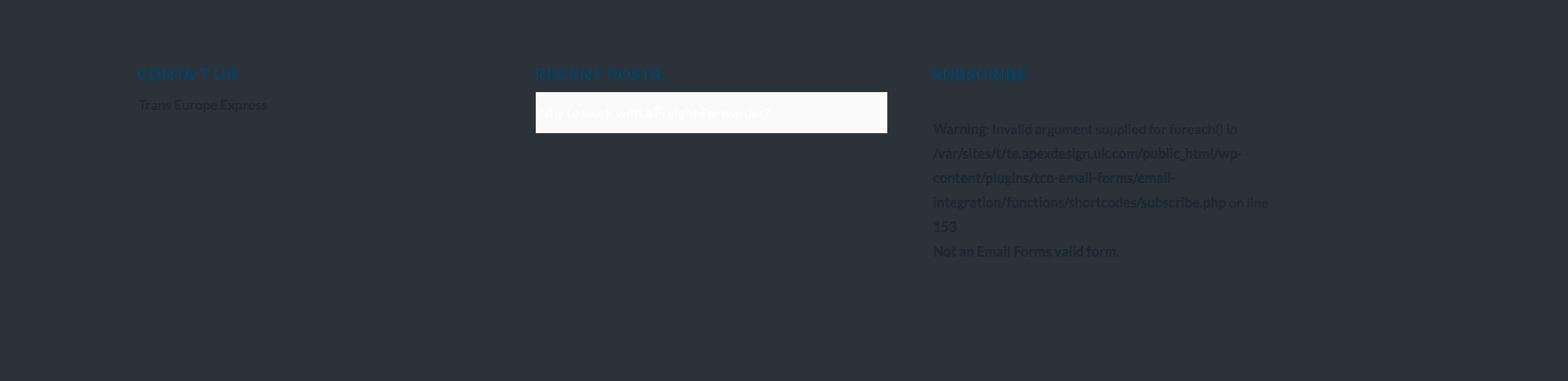
I am trying to style the footer in X. I have created 3 colours see screenshot.

How can I change the heading colour of each colour? I have the following CSS but no joy.

footer p,

}footer h4 {
color: #fff;
}

As you can see on yhbe screen shooting the second column the link has a white BG how can I remove this?
Thanks
Hi There,

Thank you for writing in, please add the custom CSS below to Theme Options > CSS.

/*remove background color for footer menu list*/
.x-colophon .widget ul li,
.x-colophon .widget ul,
.x-colophon .widget ol {
	border-width: 0;
	background-color: transparent;
}


/*text color for each footer widget title*/
#text-2 .h-widget {
	color: tomato;
}

#recent-posts-2 .h-widget {
	color: cyan;
}

#tco_email_form-2 .h-widget {
	color: green;
} 

Feel free to change those colors value.

Hope it helps,
Cheers!

Perfect thank you that worked.

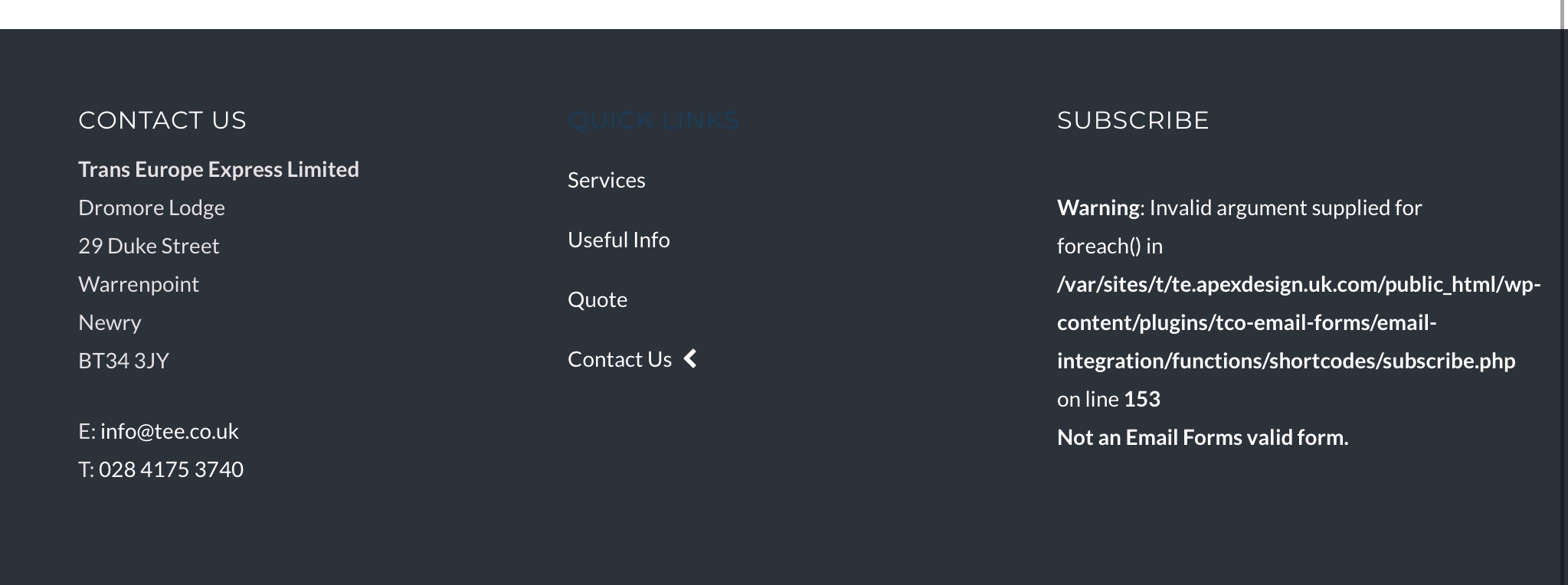
What about the blue text under contact? I’d like to have address here in white.

Also any idea why the error is showing on subscribe side?

Cheers

Hi There,

You can add the following CSS rules as well.

.x-colophon.top .textwidget p {
    color: white;
}

.x-colophon.top .widget_tco_email_form {
    color: white;
}

With regard to the error, try re-creating your email form.

Hope that helps.

Hey,

Fantastic, that’s corrected it. However see attached the “Quick Links” section is blue (Navigation Menu). Can you provide CSS foe this plwase. And also to change the link colour.

On your agency demo on the contact page you have a map at the bottom. How can I recreate this to show a full width map on my contact page similar to the Agency style. I’ve tried but failed in this.

Thanks

Hello @ApexDPD,

Thanks for asking. :slight_smile:

Please add following CSS to change tile and link hover color:

.h-widget {color: #fff;}

footer.x-colophon.top a:hover {color: #fff;}

To display maps you can use Cornerstone maps element to display Google Maps on your website. However, please note that you need to get API key in order to show maps. For further instructions, please refer following documentation:

https://developers.google.com/maps/documentation/javascript/get-api-key

Thanks.

Hi,

Thanks for this

The above CSS is overwriting the content dock also. So if I apply the CSS the Quick Links goes white and the Content Dock title too. How can I get it so it’s just the Quick Links title in footer that changes not the content dock.

Here’s

Hi There,

You can use this css only for footer.

footer .h-widget {color: #fff;}

footer.x-colophon.top a:hover {color: #fff;}

Thanks

This topic was automatically closed 10 days after the last reply. New replies are no longer allowed.