Hi
I have a double column navigation menu in my footer and am concerned due to the preview showing me one thing in the editor, yet it looking completely different in a browser.
Here it is in the editor

And this is how it looks when viewed in a browser
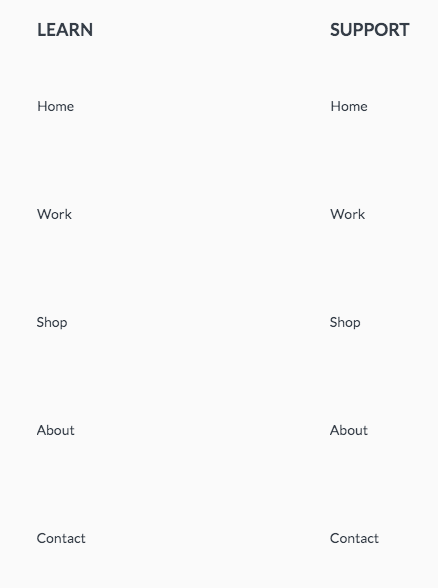
There is some CSS to control the navigation in the header
.x-menu > li > a .x-anchor-text-primary {
    padding-top:40px;
  	padding-bottom: 40px;
}
but why would this affect anything other than the header? It is not global CSS it is placed only in the header. I then put the same code into the footer but changed the values and it affected the navigation bar in the header. What gives? I thought only global CSS affected multiple items.
I’d like to have the above settings work for the navigation bar in the header, but not the footer. Any thoughts on why it is affecting both and how to rectify it?
cheers