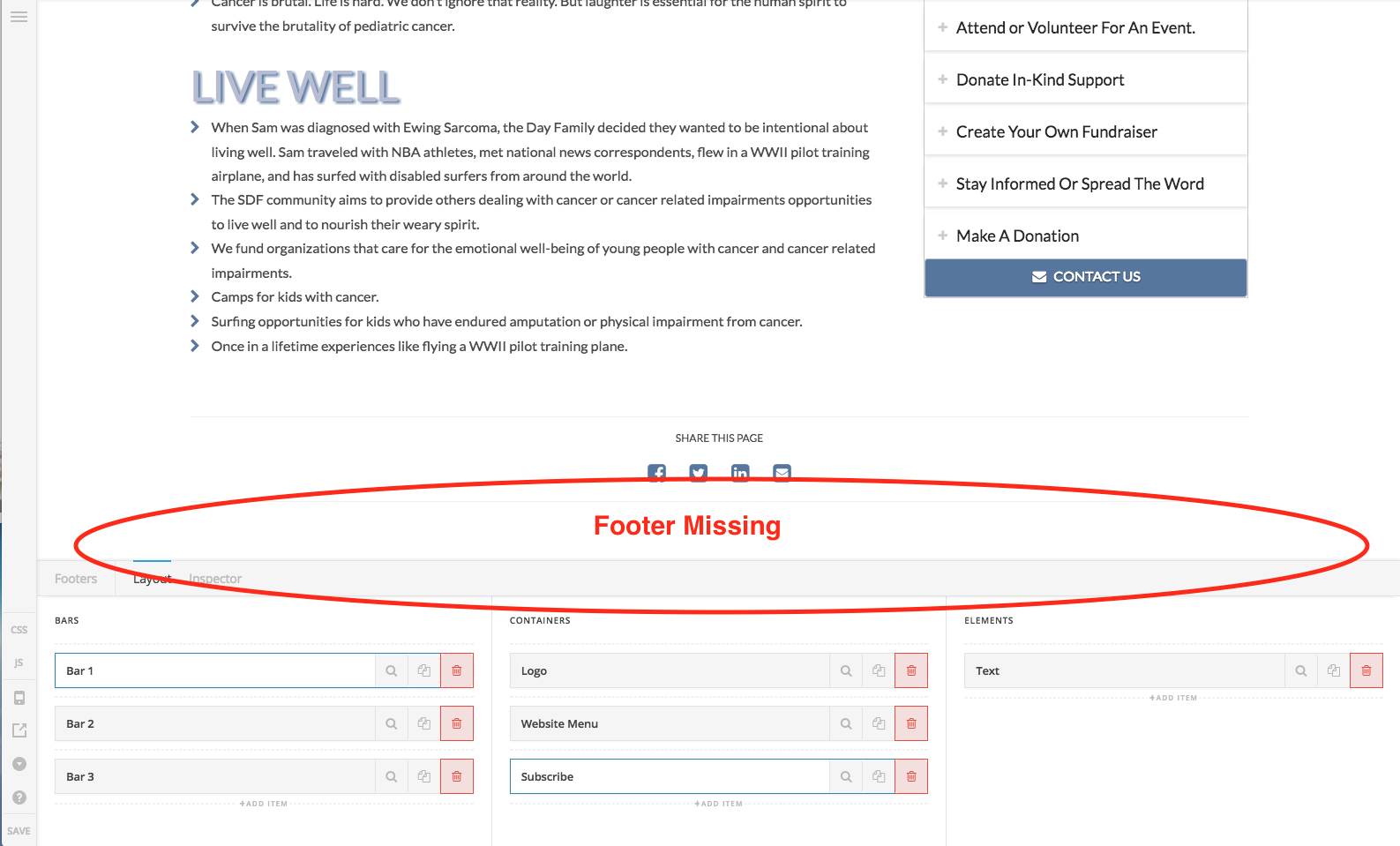
Hi, this is a new issue for me. When I try to edit the footer, it is not visible. No idea where it is, it’s just not on my screen (see screenshot). It is showing up when I’m not in edit mode.
Hello There,
Thank you for the very detailed post information. This is happening because your footer is assigned to display in all pages and the one of those pages is the “Our Community” pages which is the latest page you have created. The problem is that the footer builder is using the latest page created which is “Our Community” page and also it is using the Blank - No Container | Header, No Footer page template and this is why the footer is not showing. I recommend that you only assign the footer to the pages that has a footer or allowed the footer to be displayed. You may need to unassign and re assign your footer to resolve this issue.
Hope this helps. Please let us know how it goes.
Thanks for the clarification. I wondered why the footer was displaying on a random page. I also wasn’t aware I removed the footer from that page.
Appreciate your help!
You’re most welcome.
If you need anything else we can help you with, don’t hesitate to open another thread.
This topic was automatically closed 10 days after the last reply. New replies are no longer allowed.