Footer help

Hi guys,

I’m having difficulty editing the footer.

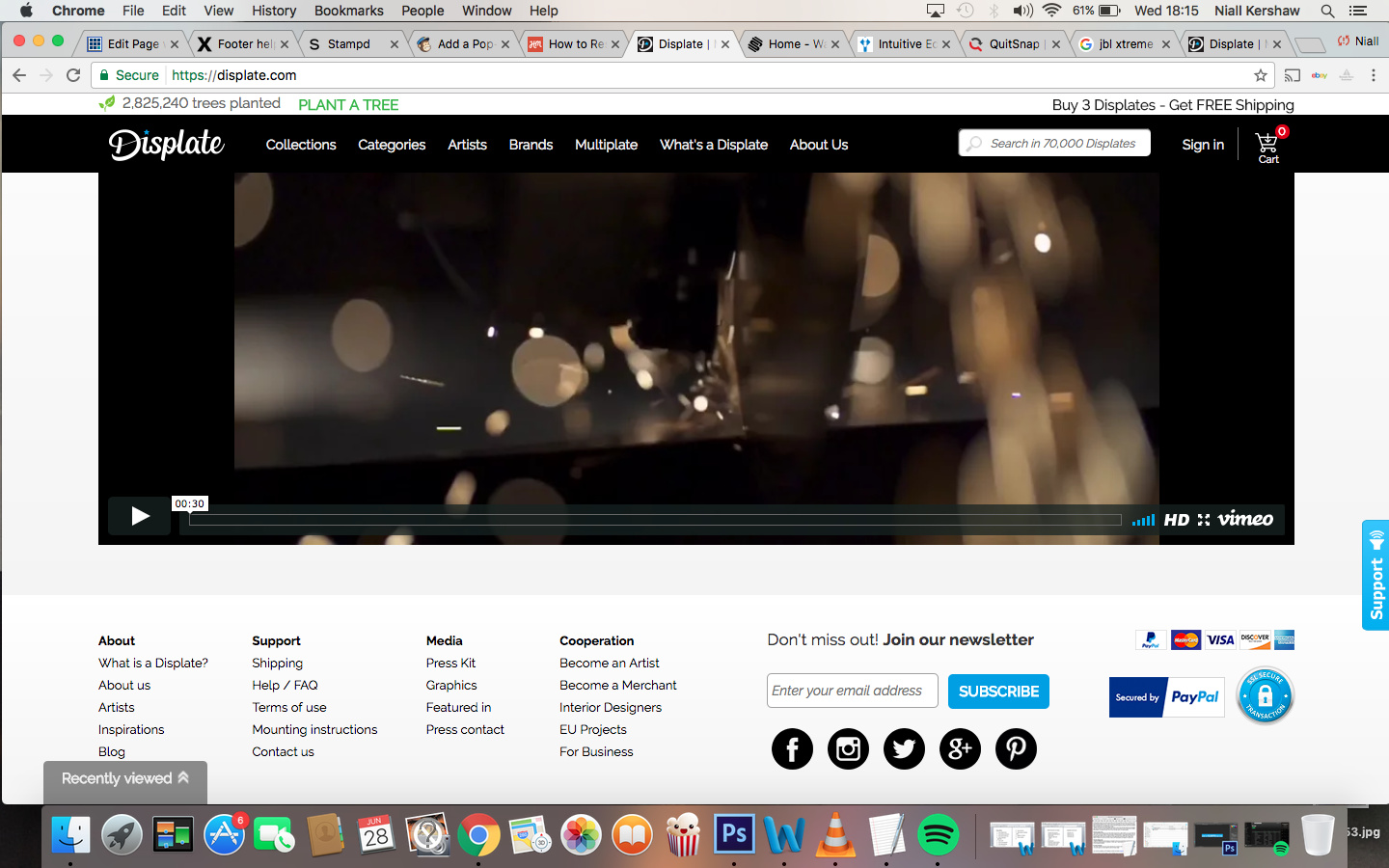
im aiming for it to look something like this www.displate.com.

My overall goal is to have three sections.

. 1st section has a subscription box and underneath some social icons.

. 2nd section to have a menu of the pages

. 3rd section to have my logo

. And a background image to replace the basic white background

Any help would be amazing !
Hello There,

Thanks for writing in!

You can add widgets from Appearance > Widgets.

  1. For subscription box you can use Mailchimp widget.

  2. To add navigation links of pages, please use Custom Menu widget.

  3. Please use Text widget to showcase website logo. In that please use following code:

    Smiley face

Please replace “image path” with the source Url of image.

Let us know how it goes.

Thanks.

hi thanks for the reply. I am aiming for a look similar to the link i provided.

  1. I have used the mailchimp widget but on my site which is live www.theglowto.com the widget is too large and i am looking for a moe professional smaller look and vertical.

  2. thanks i have used the custom menu as advised but again it comes out quite large. Any way to make this smaller.

kind regards

Ive attached my account details as a note. If you could have a look at my custom CSS as i may have added stuff wrong which may be stopping any added CSS from working. I am aiming for a footer that looks as simple as the one below website.

Hi There,

1.) Please give us screenshot on how you want it so our suggestion will be specific.

2.)Can you clarify where is that custom menu? I didn’t see it on your home page. We need to see the actual element where how it is to check if it’s an error on custom CSS. Although, I did check anyway and found that you have double closing curly brace on other CSS declaration. That is considered syntax error. Please be mindful of that. Something like this }}. Double closing curly brace is needed if you have media query. See this: http://screencast-o-matic.com/watch/cb1uDUljsz the first 3 double }} is wrong. We need just one } on that place. But on the last part, it is correct. We need }} to close the custom CSS and the media query.

Hi thank you for the help.

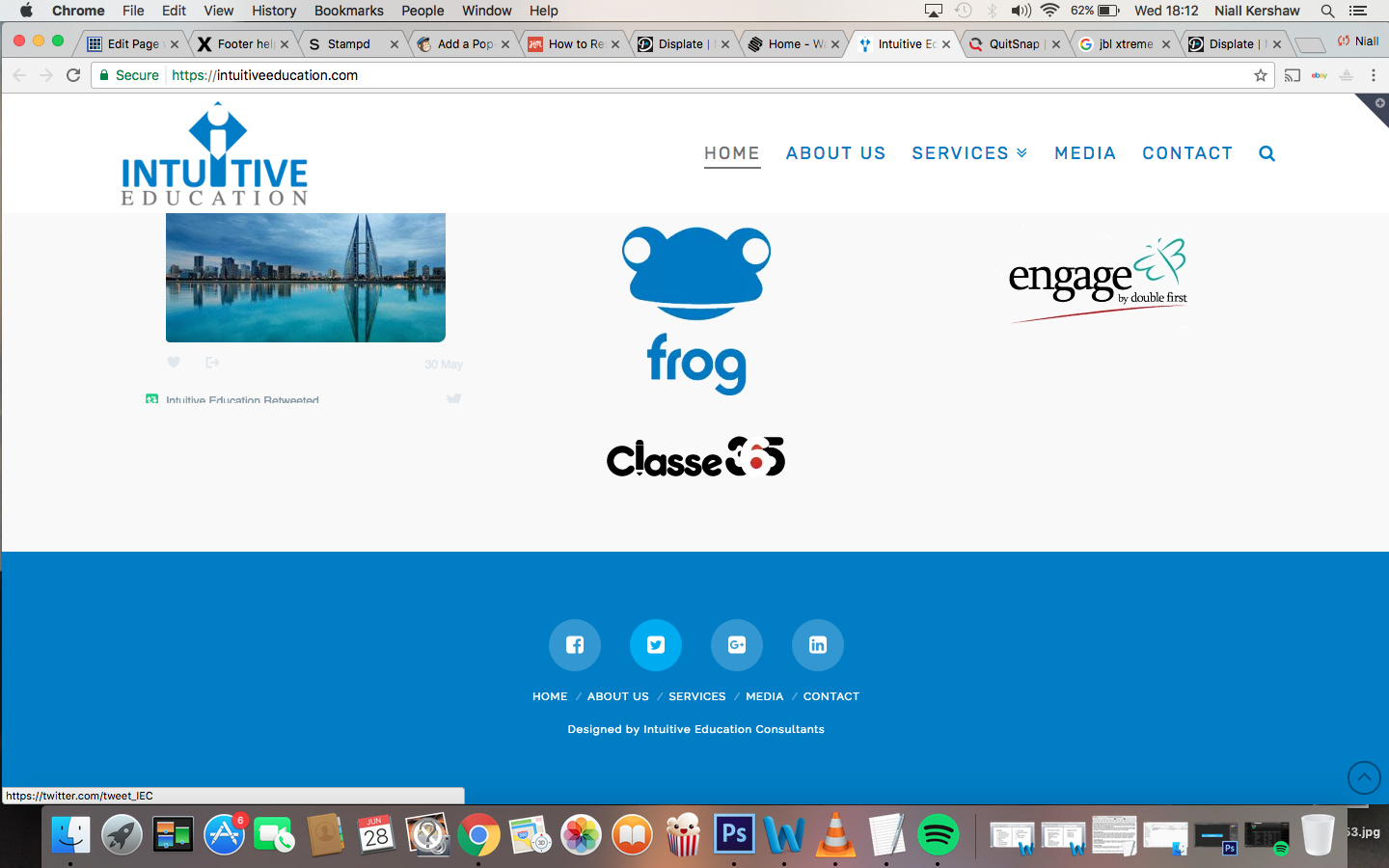
1.I have attached a screenshot of what i’m looking for . Im looking for similar colours, but would like the hover colour of the social icon to be the light blue colour of the twitter icon as seen in the screenshot.

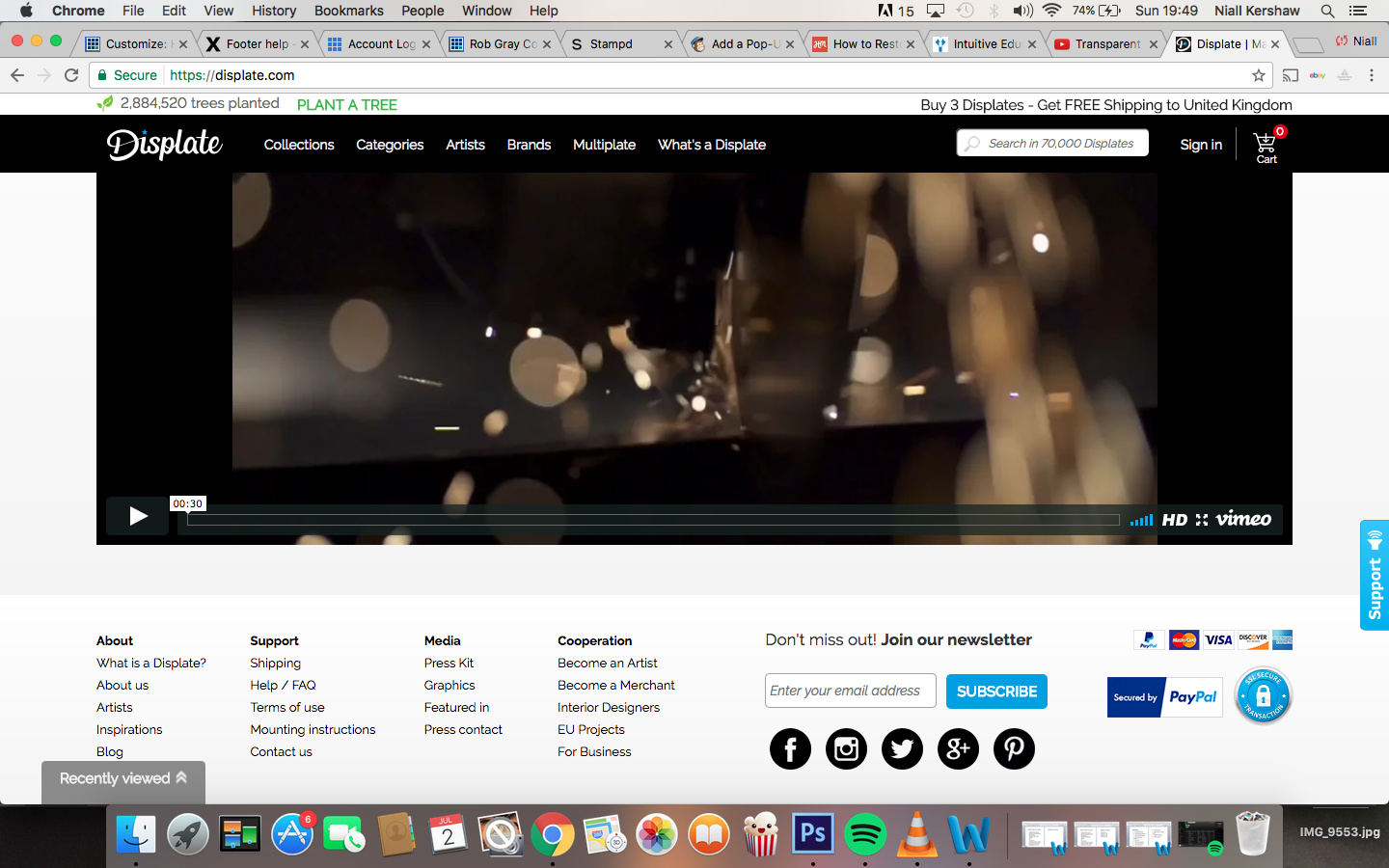
  1. And i would like a subscription bar also to the right of the menu as seen in screenshot three. Ive attach the image in separate response as can only attach one image per message.

Any help would be amazing as i cant think of what else to do

Please see below the screenshot showing the subscription bar on the right i would like to design a similar one on my website.

Thanks again

Hi there,

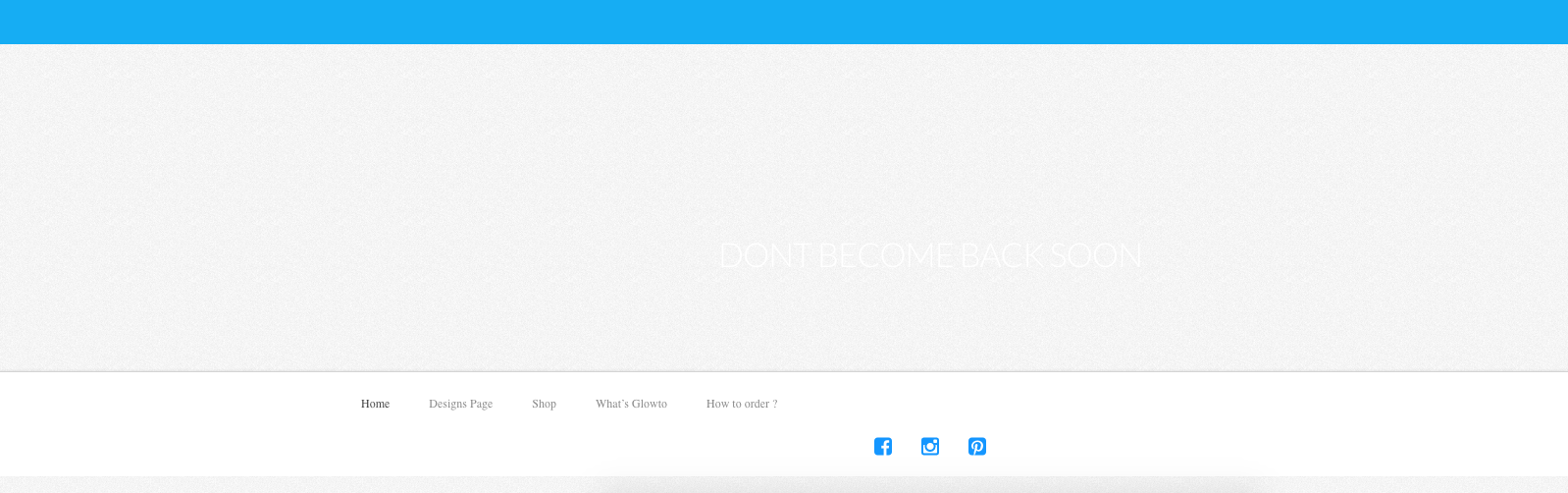
None of the information you mentioned is available on your website now. Here is what I see on your website Footer:

Before any further customization first you need to follow the original answer and add the proper widgets to the footer widget areas so that we can see the content and try to suggest you proper CSS code.

I tried to add few stuff to the Footer Widget area in your website but it seems to have problems. Kindly make sure that Widgets section of your Wordpress installation works ok. To do so check for any plugin conflicts, and also I see that you have unsigned SSL certificate on your website that seems to be troublesome.

Thank you.

Thank you for the reply.

I have installed an SSL certificate which will be active soon. i deactivated the widgets on purpose as they where too large and i couldn’t make them smaller.

On my footer it has a menu above the social icons. I am looking to centre this and make this light blue aswell (same colour as the icons) and when you have them to make them dark blue. is this possible.

I would like to put a small subscription bar to the right but i dont know if this is possible.

Thanks for the help

Hi,

  1. You can achieve that with some css codes.

Add the code below in Appearance > Customize > Custom > Edit Global CSS

.x-colophon.bottom .ubermenu-nav {
    text-align:center;
}

.x-colophon.bottom .ubermenu .ubermenu-item {
   float:none !important;
}

.x-colophon.bottom  .ubermenu .ubermenu-target {
    color: #4663bd !important;
}
  1. Can you provide us an image on how you would like the subscription bar to look like.

Thanks

that worked perfectly thank you!

i’ve attached the photo from a website called displate.

if possible i’m looking for the subscription bar to be on the left of the menu.

Hi again,

I tried to login but It’s not accessible on my end (see screenshot)

Can you please disable the security plugin for a while so we can take a look? In the mean time please add footer widgets and add subscription form in one of your footer widget.

Thanks!

hi i havent got any security plugins, but ive come out of the site, which may be why you coudnt get in.

I have tried the widgets but doesnt give me the look im after and im not sure what code i should be using to achieve as close to the look i desire as i can.

Thanks for the help.

Hi again,

I’m still getting the same error, can you please provide the admin panel URL? I tried wp-admin and wp-login.php and both didn’t work. Make sure to use Secure Note for the URL.

Thanks!

Hi,
Ive attached a securer note to my previous comment,

Strange its not working as previous members could access it, Ive recently applied an SSL cert from my user bluehost if that makes a difference.

Kind regards

Hi There,

The Mod_Security seems to be preventing some of us from accessing your site, please read this thread.

Regarding to your issue, the bottom footer (your current footer) can not achieve what you need. Please enable the Footer Widget Areas, 3 columns and put your widgets/element on those footer areas. We’ll provide the Custom CSS to make it look good.

Thanks.

Thanks for the help.

I’ve disabled the mod security as advised so hopefully you can access the site ok now.

I have also also activated the three columns and footer widgets have been placed.

Im looking for a similar looking layout to the below screenshot, but only the subscription bar with the social icons underneath. And the menu down the left hand side but a similar size as the screenshot.

Hi,

I can see you already have added the form.

TO make it display inline, add the code below in custom css

.x-colophon.top .widget_x_email_form .x-section {
    padding:0;
}

.x-colophon.top .widget_x_email_form fieldset {
    display: inline-block;
    max-width: 50%;
    float: left;
}

.x-colophon.top .widget_x_email_form .x-subscribe-form {
   max-width:100%;
}

.x-colophon.top .widget_x_email_form .x-subscribe-form label {
   display:none;
}

Then use entry share shortcode for your social icons.

http://demo.theme.co/integrity-1/shortcodes/entry-share/

Hope that helps

Ok perfect thank you for your help.

Glad to hear we managed to help.