Footer Dropdown Menu Alignment

Hey Guys,

Following up on an older thread: https://theme.co/apex/forum/t/footer-menu-dropdown-alignment/59484

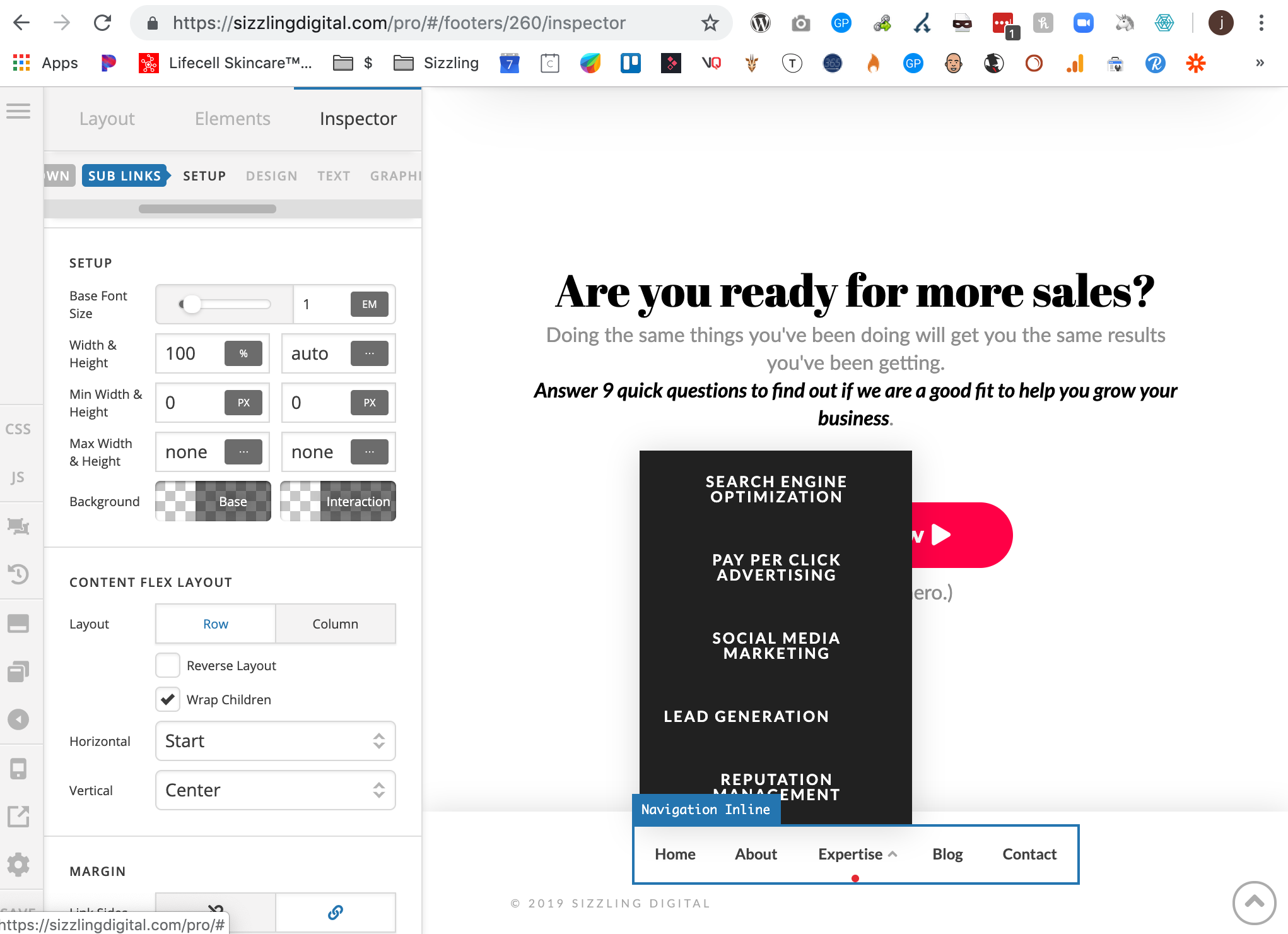
It didn’t end up working, so I settled for the dropdown sub-links being left-aligned, instead of centered…

I just built a site for a client and it actually worked fine centered. So I went back to my site and tried it again per your instructions, and it still didn’t work - Any ideas?
Hello Jonathan,

Thanks for writing in!

In that regards please share the website login details in secure note for us to take a closer look at the setup.

Thanks.

Hello Jonathan,

I have logged in and edited your footer.

The sub menu is now centered.
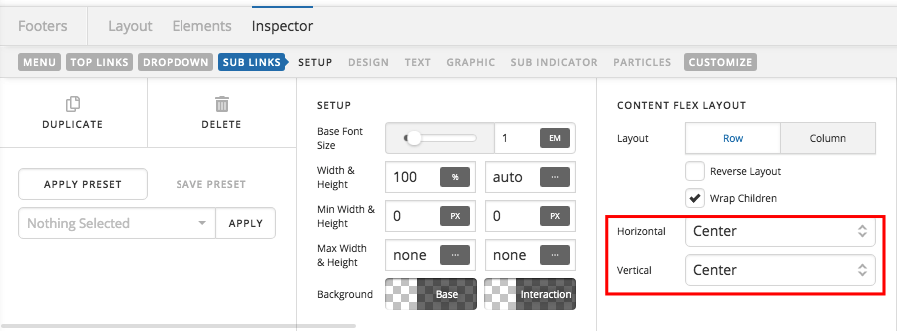
I have changed the Content Flex layout of the sub links into center, center.

In the Customize tab, I inserted an inline element css:

$el .sub-menu.x-dropdown.x-active {
    left: 50%;
    margin-left: -9em;
}

The submenu is now positioned at the center of the menu item.

Please check your footer.

Awesome! Thank you so much! Looks great :slight_smile:

You’re welcome!
We’re glad we were able to help you out.

This topic was automatically closed 10 days after the last reply. New replies are no longer allowed.