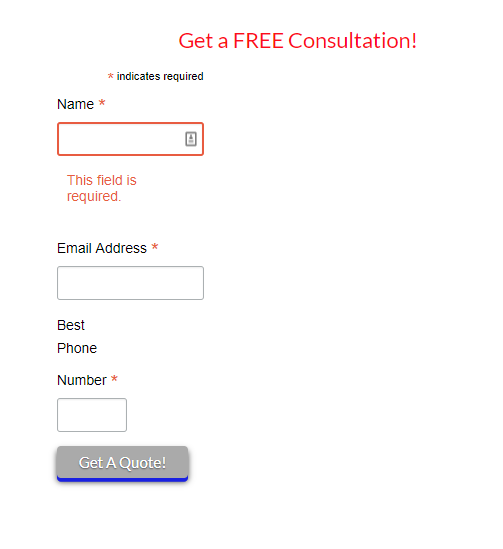
Footer Displays different on Home page than all interior pages

http://ntxbestpest.flywheelsites.com/

Hello,

On my staging website above, I have a mailchimp form in the footer widget that has some horizontal styling to it. It displays on the home page fine, but does not display correctly on all of the other interior pages. As an example, this page, http://ntxbestpest.flywheelsites.com/pest-control/.

I have looked everywhere and can not find the solution. Can you please help me?

Thanks!
Hi @davidkuite,

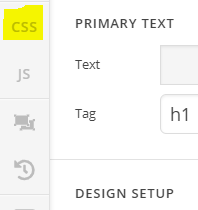
Thank you for reaching out to us. It looks like you’ve added the custom CSS on homepage only, if you want it globally then edit your homepage in Cornerstone, go to it’s CSS section (see screenshot) and copy all the CSS and paste it in the Theme Options > CSS:

Hope this helps!

I am not sure I understand. What do I need to edit on the homepage? I believe I have done as you asked but it does not look the same as the homepage.

Thanks for the help!

Hi,

In your inner pages, you added a form that includes a style that affects the form in the footer.

Try to remove the style in your form

Hope that helps.

Where do I find this? I do not see it anywhere that I have added the code. Not in the page CSS or the Global CSS.

I have found it…thanks!

Glad to hear you got it sorted, David.

This topic was automatically closed 10 days after the last reply. New replies are no longer allowed.