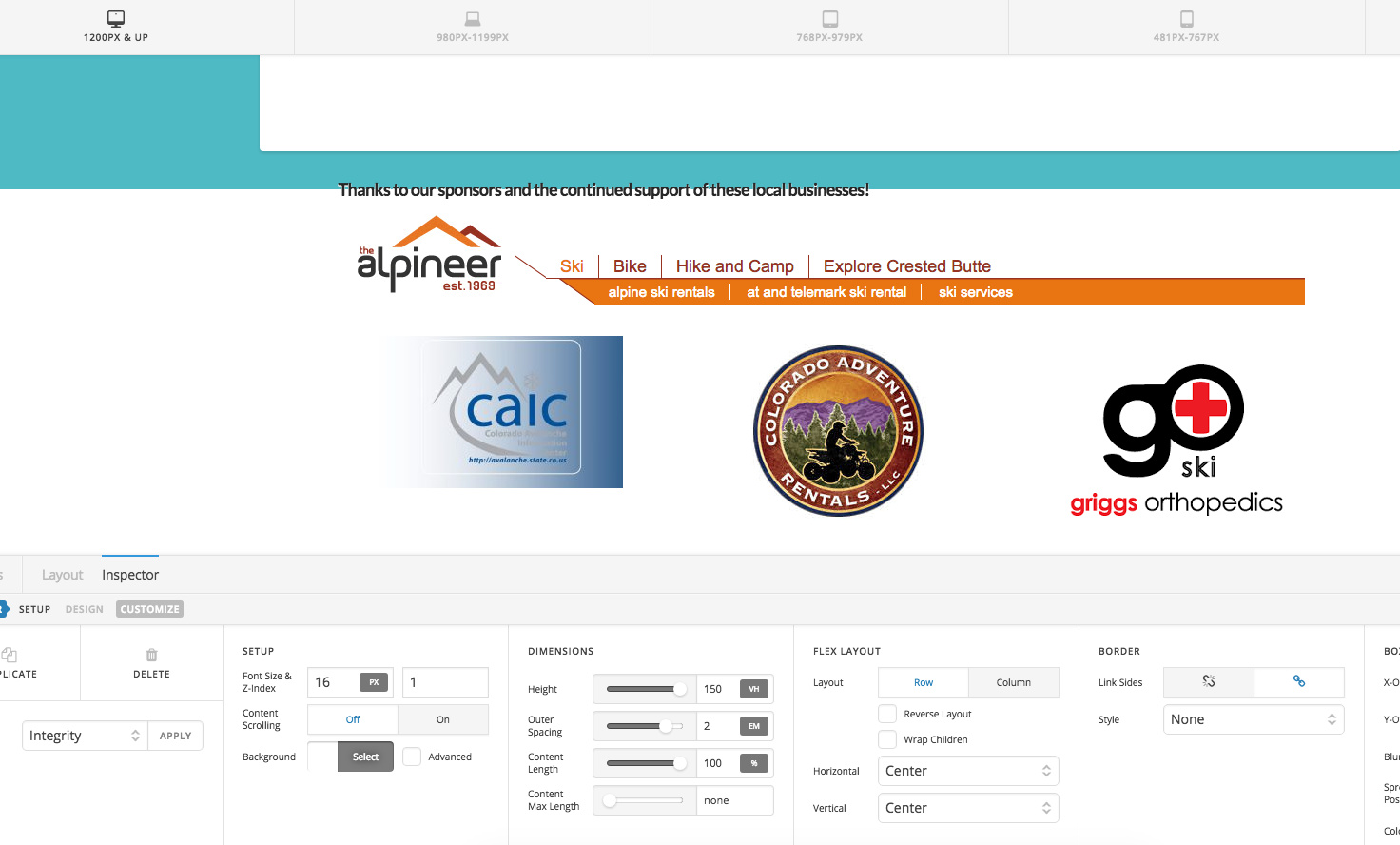
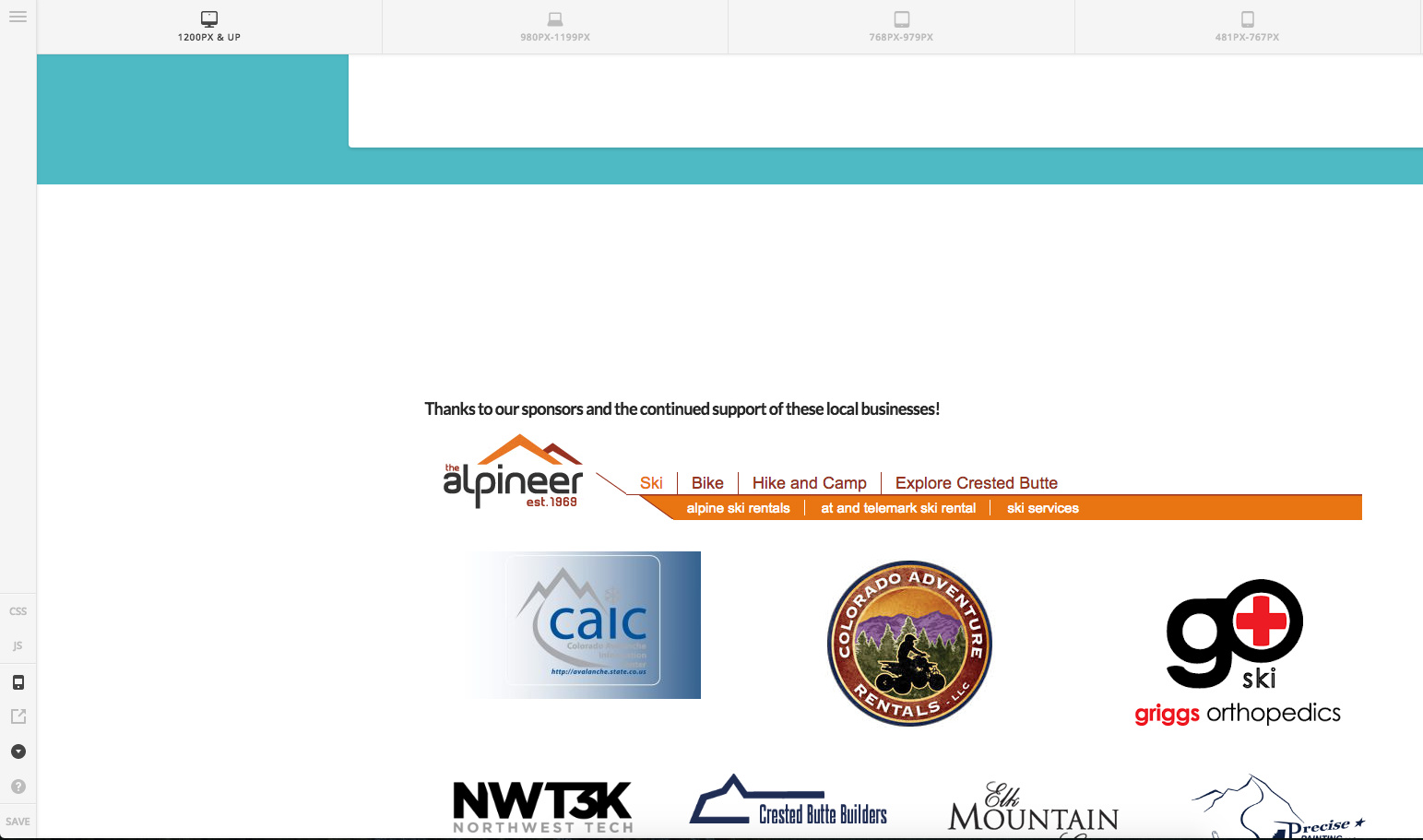
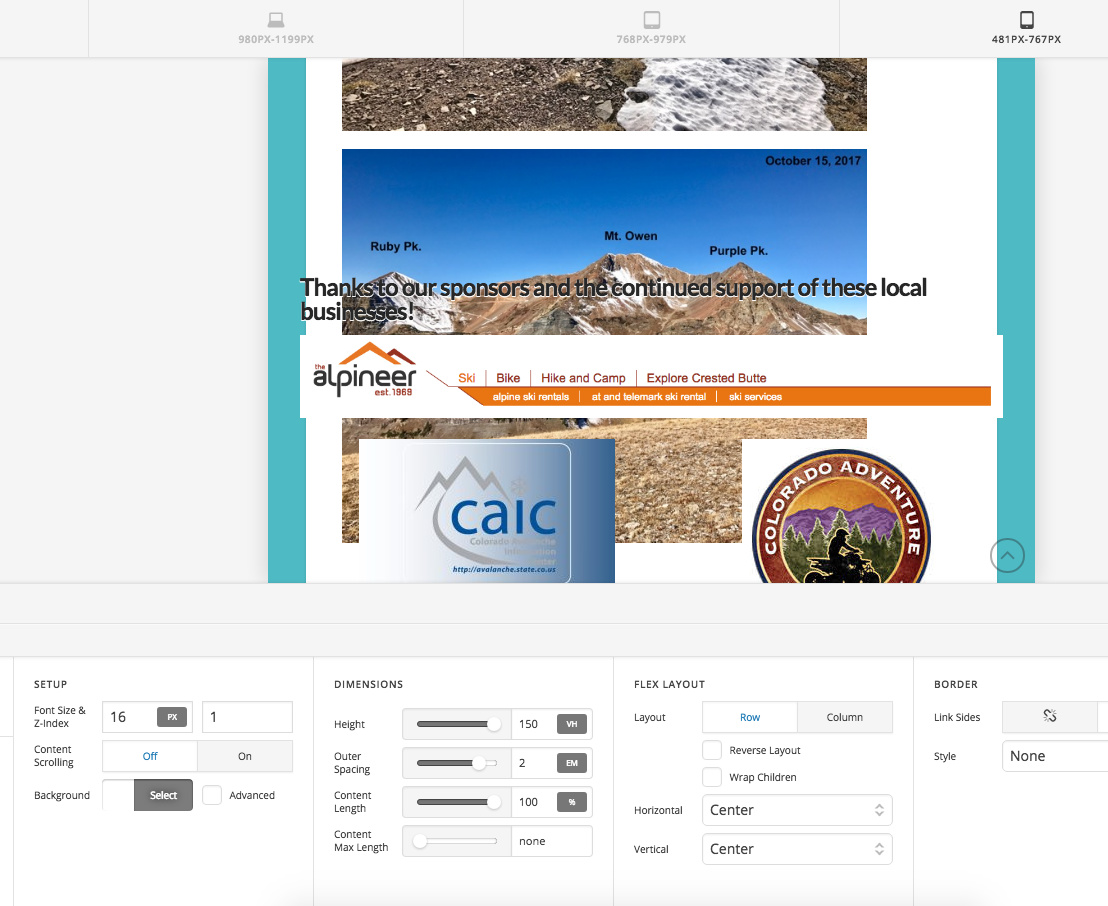
Footer content doesn't stay within the footer container when screen size shrinks

hello,

I have tried to set the Pro Footer to display a widget, among other things (i.e. text and content area), in the footer.
Ultimately the content I want to display are my sponsor logos…
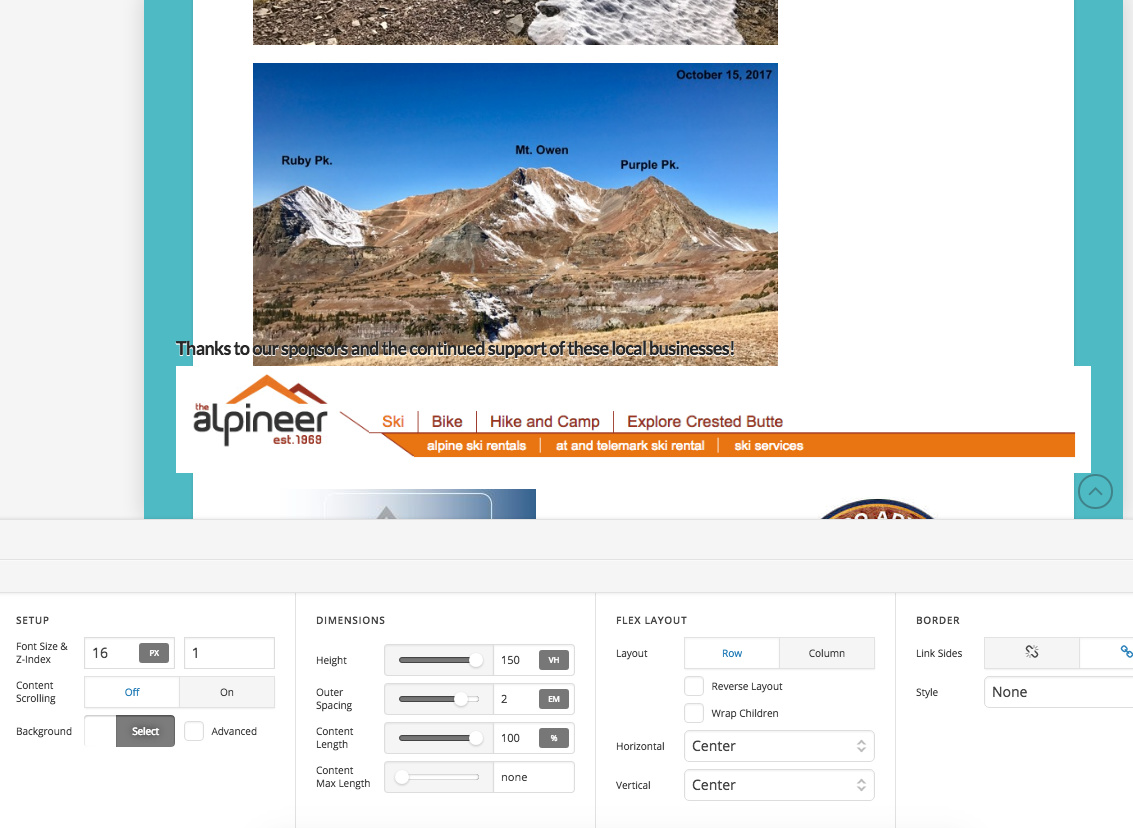
What is happening is when the screen size shrinks the logos move up and cover the main website area, rather than stay within the footer container.

These screenshots should demonstrate the issues… and the URL to see for yourself is: http://cbac.robstrickland.net/

Thanks in advance, I’m sure I have simply missed a setting somewhere.
Rob

Hi there,

The problem is the usage of the X Grid shortcodes inside the Footer Builder. The footer builder is designed to make use of the flex display mode:

That is not the case for the grid shortcode and it does not flex ready and will make unpredictable problems.

If the logos are only on one page I would not add this in the Footer builder at all and would use the Pro Editor to add them to the page itself.

But if you insist to use the Footer Builder, You will need to add the Image Element for each logo and use the options of the flex available in the container of the footer to sort them out.

Thank you.

ah ha… thanks.
I was hoping to have an easy way to manage 12 - 15 sponsor logos and have them display on every page. If you have ideas, other than adding each logo to the xPro footer one-by one, pls let me know.
Thank you!
Rob

Hi There,

You could create a grid using The Grid using a image post type as a source.

After that you can add the grid shortcode to a text element on the footer builder.

Hope it helps

This topic was automatically closed 10 days after the last reply. New replies are no longer allowed.