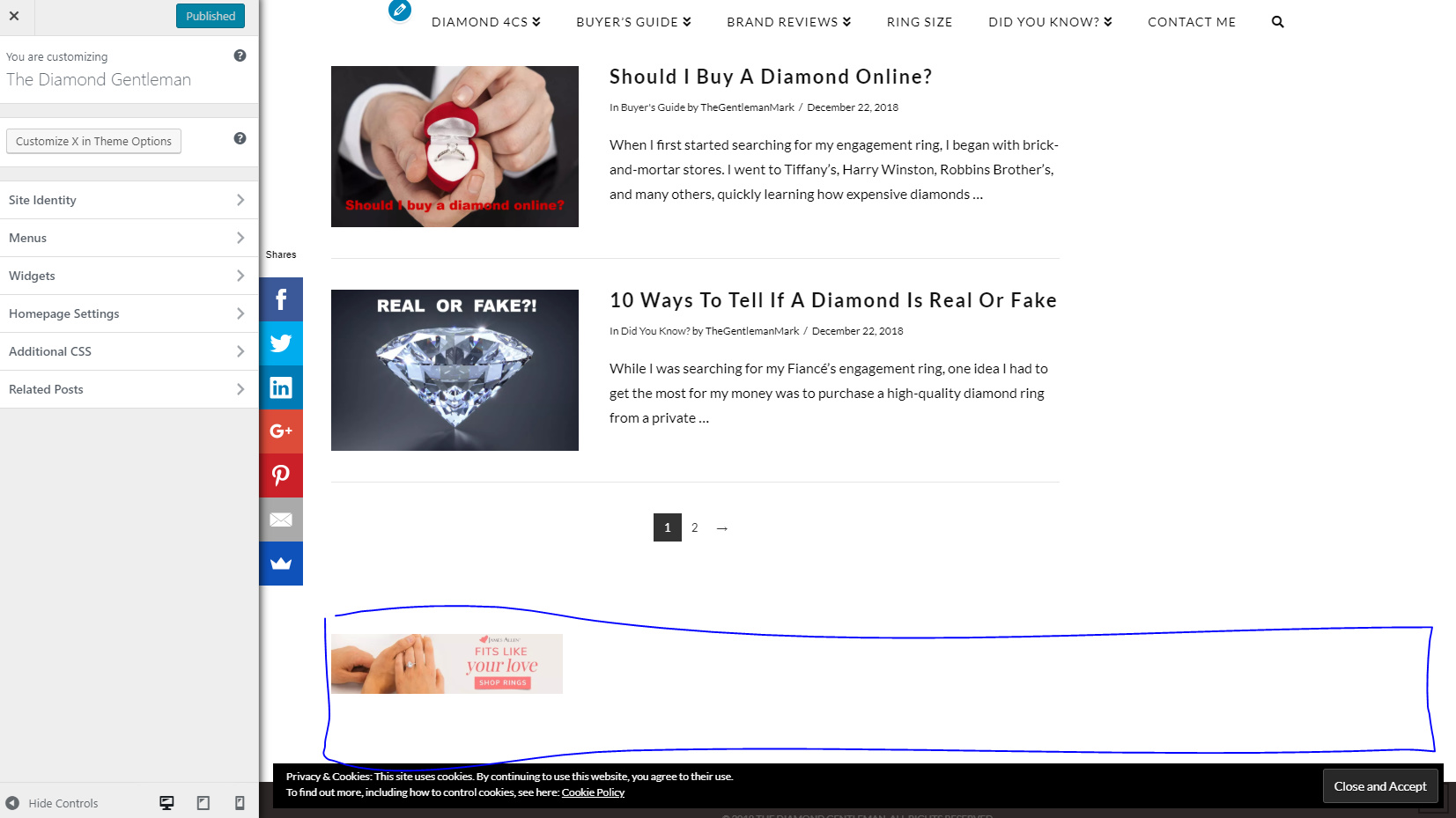
Please help me I would like my footer banner to be center and full size (fill up the blue space in image). Thank you in advanced!
Please help me I would like my footer banner to be center and full size (fill up the blue space in image). Thank you in advanced!
Hello Mark,
Thanks for writing in!
As you are not using rest of Footer widget area, I suggest you have One Footer widget Area from X > Theme Options > Footer > Footer Widget Areas.
After that add following CSS under X > Theme Options > CSS:
footer.x-colophon.top .x-column {
    text-align: center;
}

footer.x-colophon.top .textwidget img {
    width: 100%; /* This code is optional. If you would like to further adjust the width then use this code */
}
1- I have found the proper CSS code selector using the Chrome browser Developer Toolbar: https://www.youtube.com/watch?v=wcFnnxfA70g
2- For the CSS code itself, I suggest that you get started with this tutorial: https://www.youtube.com/watch?v=yfoY53QXEnI
Thanks.
Thank you, this worked but now when I scroll down there’s a huge space that appears between the footer and the bottom (brown) footer. My Site Here Please advise how to stop that from happening.
Hi Mark,
The space is coming from another image added by jetpack LazyLoad feature. Could you try disabling your jetpack or just that feature and test it again?
Thanks!
This topic was automatically closed 10 days after the last reply. New replies are no longer allowed.