Hi there.
Im using x theme for the past year. I’m moving some content over from a classic raw content block over to a content area.
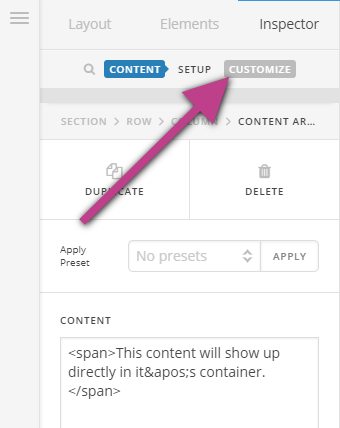
But there is no style area like there used to be (id, class, style), so how do I make the font white?
Would really appreciate some help on this - the text in the old classic raw content element is rendering badly, with some words not having spaces in firefox and chrome, despite them being there in the back end.
THanks
you answered this here, https://theme.co/apex/forum/t/font-syling-issue/16116
But where does the CSS go?
here’s how it used to work