I used a templete provided by corner stone, however the font and its size are different from the theme, how can I make it the same as the theme? Thank you!!
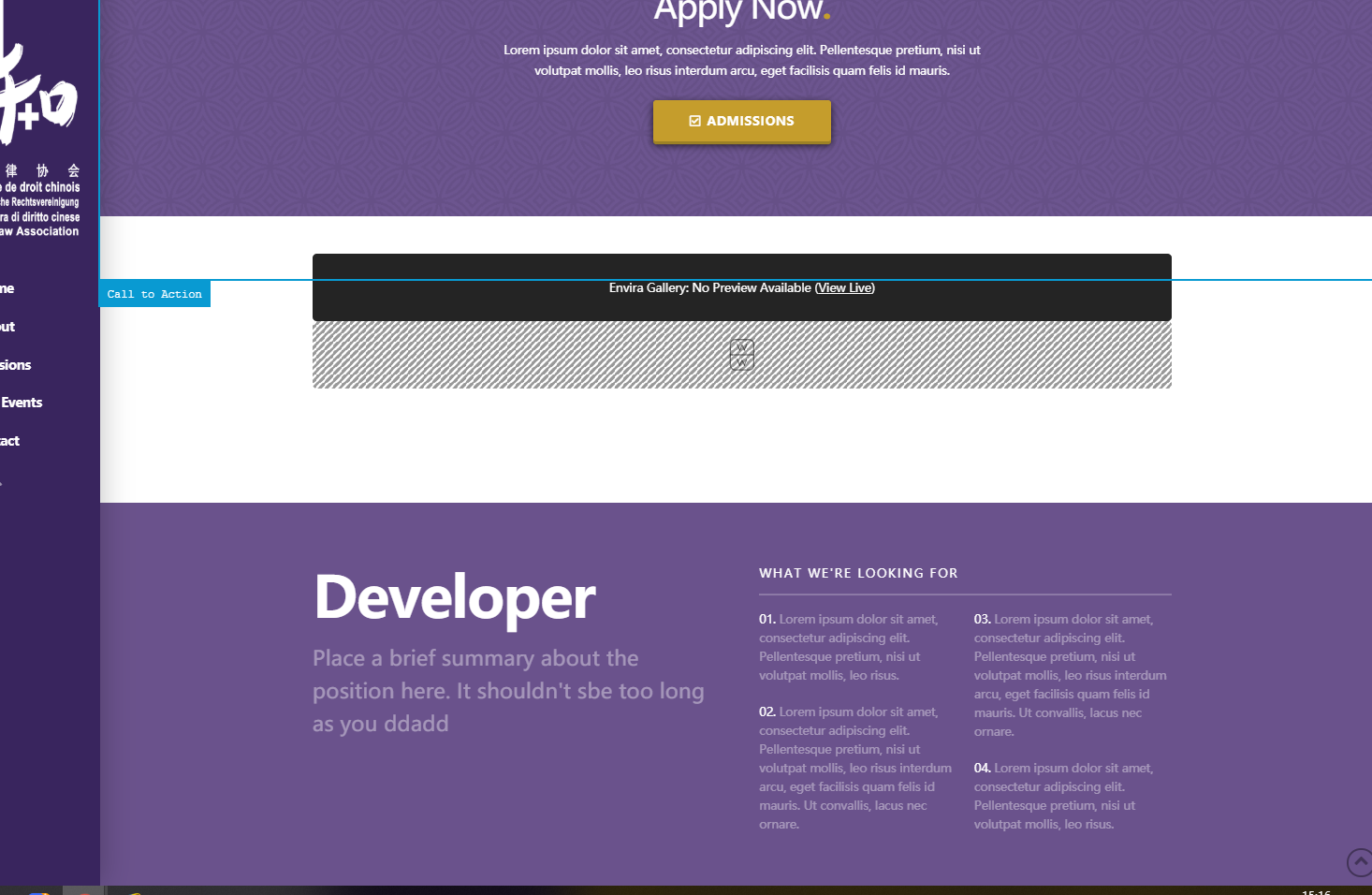
The difference is starting from “Developer…” we want to make this paragraph the same
I used a templete provided by corner stone, however the font and its size are different from the theme, how can I make it the same as the theme? Thank you!!
The difference is starting from “Developer…” we want to make this paragraph the same
Hi Tianze,
Please note that there are two types of Headline elements which are the Classic Custom Headline elements and the Headline element.
The classic headline element will follow the settings in the Theme Options. Most of the headlines that are in the homepage of your site are Classic Custom Headline except the Developer headline which is a v2 headline element which will have the styling based on the settings you have set to the element.
If you want the developer text to look the same as the other headlines, try using a Classic Custom Headline element.
Hope this helps.
Thank you very much!
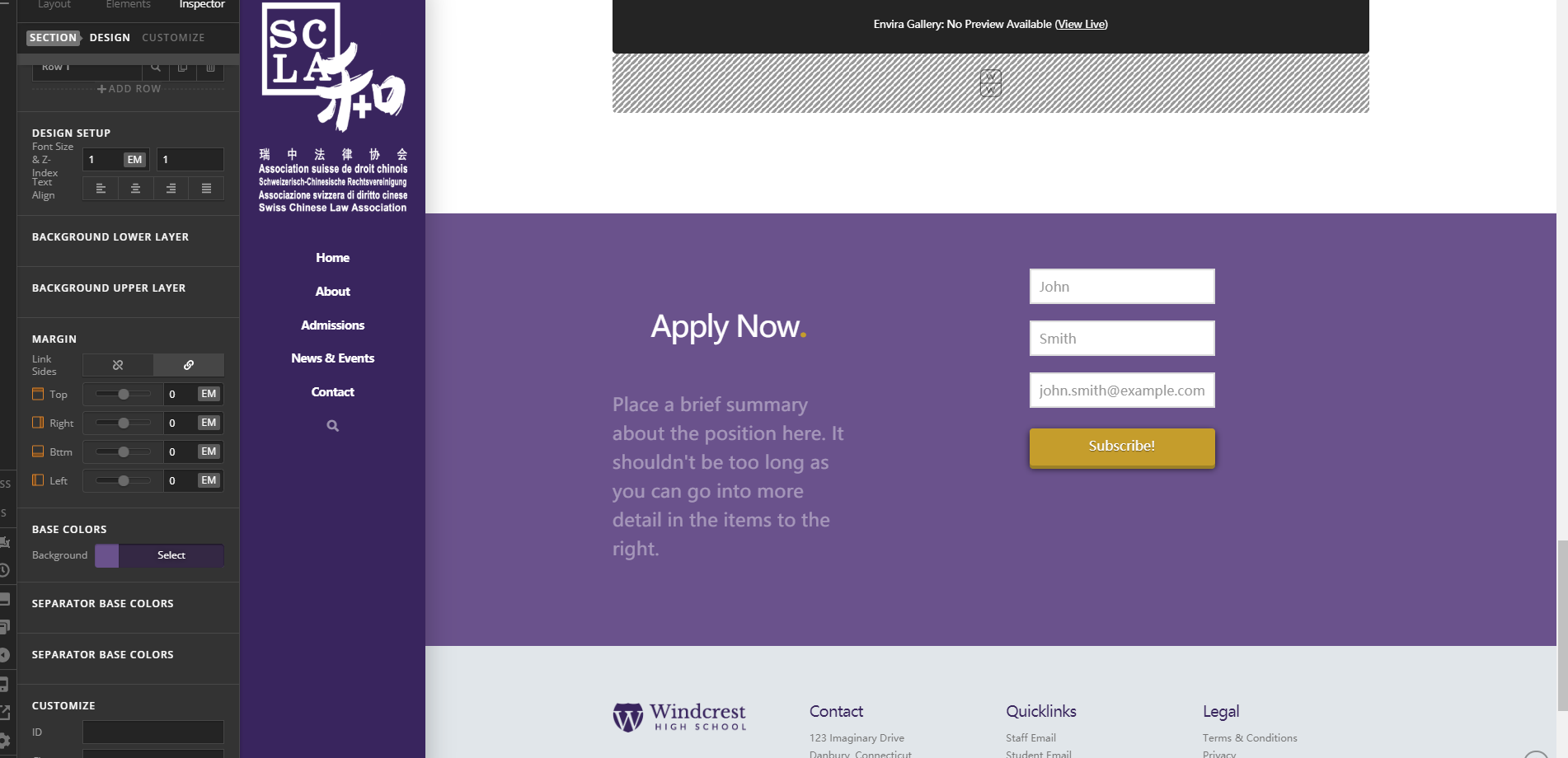
Follow up question, how to substitute the background color to a image?
Thank you very much!
Hi Tianze,
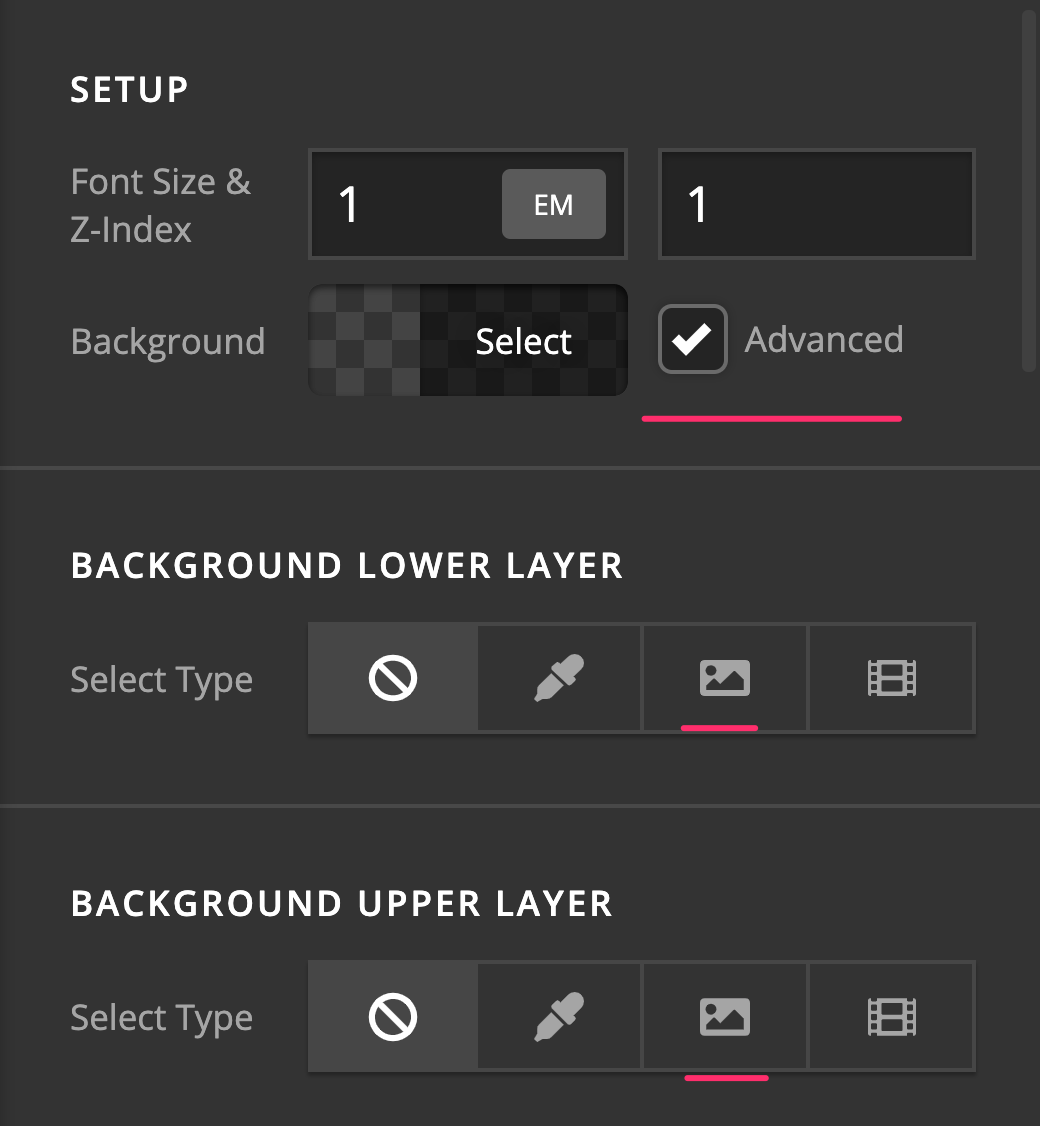
Please click on the cog icon on the settings area then enable the Advanced Mode option.


Once you have the Advanced Mode option enabled, you should have the full options avaiable in the settings including setting a background image to the section.
Hope this helps.
This topic was automatically closed 10 days after the last reply. New replies are no longer allowed.