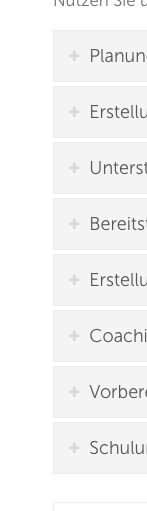
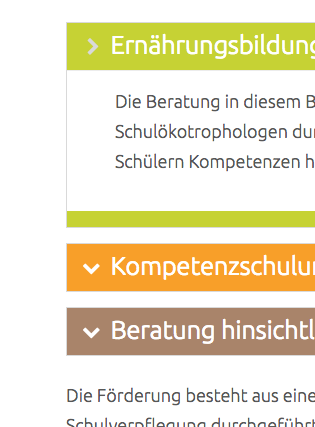
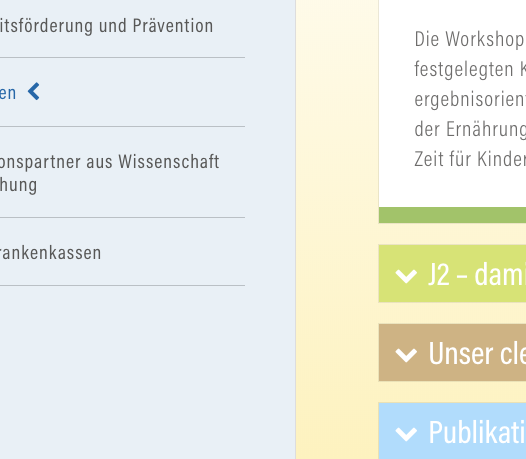
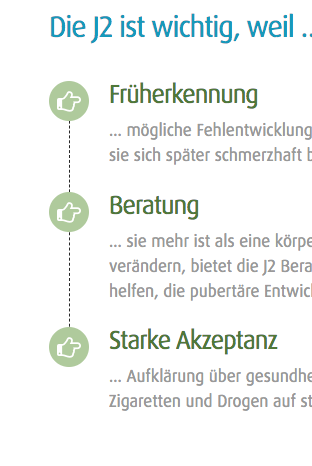
Font Awesome icons not showing up after update on all my websites

Hi there,

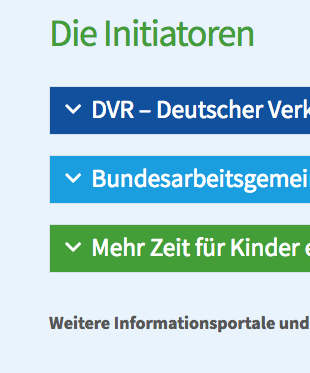
after the latest update, the Font Awesome icons are not shown on nearly all of my websites. How to fix that? Could you please check and help me to solve this.

You can see here:
https://mzfk.net/massnahmen-praevention/

and here: https://www.j2-info.de/die-j2/j2-gut-zu-wissen/

and also here: https://www.cleveres-esszimmer.de/foerdermoeglichkeiten/

and here: https://www.dokuit.de/unsere-angebote/projektunterstuetzung-it-dokumentation/

But it is shown here: https://www.coolekidsgeben8.de/die-initiative/

Thank you in advance.

Yours
Stephen
Hi There,

Thanks for writing in!

I can see all of your icons are coming fine in the mentioned pages above.

Please clear your browser cache and check. Its always recommended clearing plugins and server cache if any after an update the theme or plugins.

Thanks

Could it be Firefox Problem? Wich Browser did you use? In Chrome and Safari, it works.

By the way, the first picture you show is the one I wrote: „it is shown“.

Please have another look.

Thank you.

It definitely is a Firefox Problem! I also checked with other devices. Please have a look.

Thank you.

Try fully clearing your cache in Firefox. Or try just viewing the site with private browsing. It’s likely that Firefox is just holding on to stale resources from a previous time you viewed the site.

Still nothing. One Question: did you look at it with Firefox? Or are just writing what could be, because you think customers are stupid anyway?

I found the solution here: https://github.com/FortAwesome/Font-Awesome/issues/11946

Font-weight has to be set to 900. Now it works. Keep in mind, if someone else has this problem. :wink:

Glad to hear you got it sorted and thanks for sharing the solution.

Cheers!

This topic was automatically closed 10 days after the last reply. New replies are no longer allowed.