Flex Box unusual distribute between columns

Hi there,

I am not sure why there is no space between the 1st and 2nd columns.

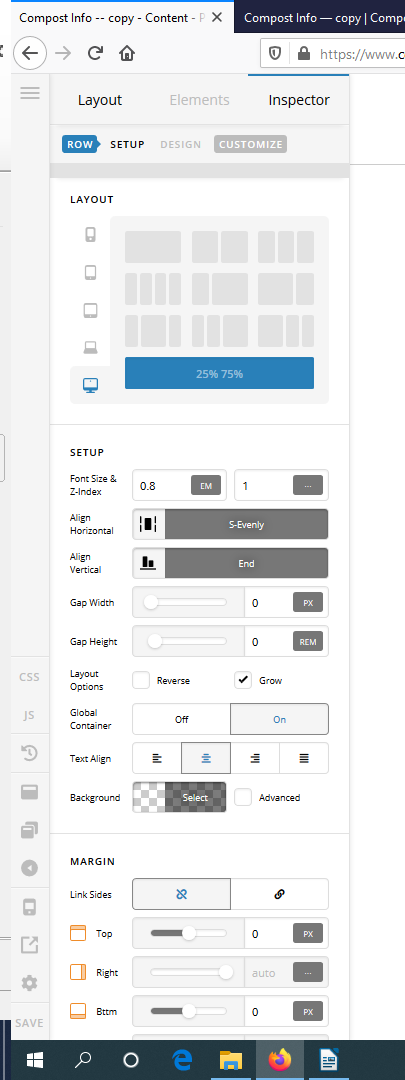
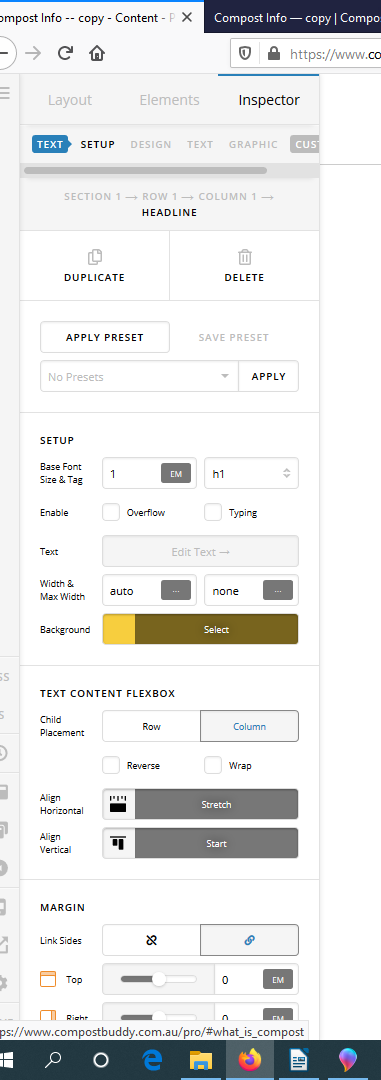
The flex container and children are set as per the attached screenshots.
How to set the space between column 1 and column 2 to have evenly distributed with the other columns in one row.

Many thanks.

Hi @Symbiosis,

Thank you for writing in, please see the video below on how to use the Column Gaps as Dividers

Layout Tricks: Using Column Gaps as Dividers

Hope it helps,
Cheers!

Hi,

I am sorry it doesn’t fix my issue. Yes it added the column gap but not evenly throughout the row. I attached here the screenshot so you understand the issue here.

Thanks

Hello @Symbiosis,

Thanks for updating in.

You are having this issue because your added this:

<h5> <a href="#what_is_compost">What is Compost?</a></h5>
<h5> <a href="#benefits_of_compost"> Benefits of Compost

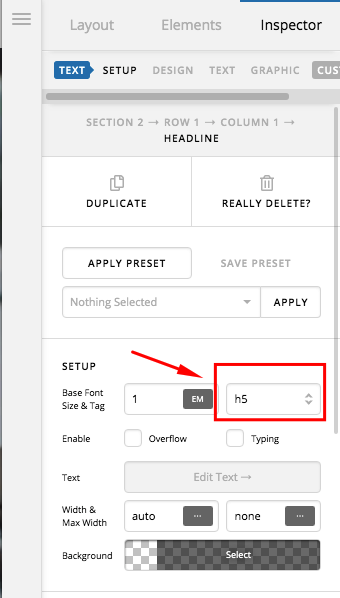
Since you are using headline element, please do not use <h5>. Use the tag option in the headline element settings instead:

And make sure that you have properly closed the link <a href="#">link text here</a> code.

Hi there,

Thanks for the recommendation. It works.

However, the height of the 2nd and 3rd columns are higher than the other columns. How to fix them to be equally tall all around.

Many thanks.

Hello @Symbiosis,

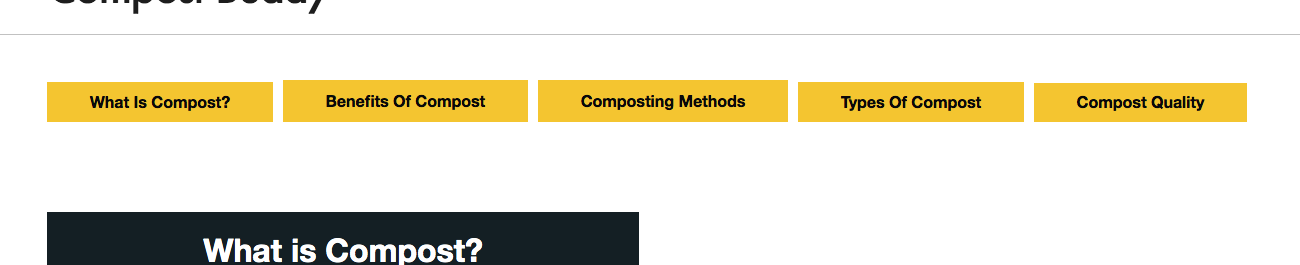
I have checked your site and I am seeing this:

Please refrain from using % unit in your padding. I would highly recommend that you use em or px for a better and uniform padding in all screen sizes.

Hope this helps.

Thank you. It is good now.

We are delighted to assist you with this.

Cheers!

This topic was automatically closed 10 days after the last reply. New replies are no longer allowed.