Hey Jeremy,
Before I provide you the code, please note that the giving of custom code is not a part of our support service. We will not provide fixes if issues arise from the use of the custom code and we will not continually provide enhancements and further customizations. The custom code we provide here only serve as a guide. Please see our Terms.
To show the filters, you will need to add this code in Theme Options > CSS. Since the filter toggle has no use anymore, it’s best that you hide it.
.option-set .x-index-filters-menu, .option-set .x-portfolio-filters-menu {
    display: block !important;
}

.x-index-filters {
    display: none !important;
}
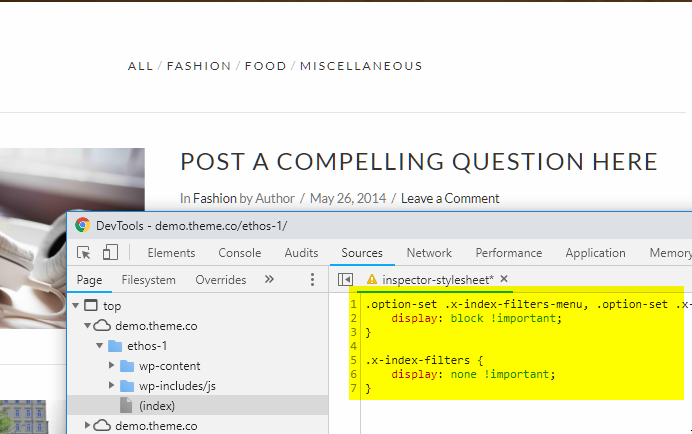
The CSS should work as you can see in the screenshot. If that does not work on your end, it’s possible that you have a syntax error in your CSS. In that case, you will need to hire a third party developer to troubleshoot.
Hope that helps and thank you for understanding.


