Hello all, for some reason my featured images are not showing up on the home page of this website. My Wordpress and themes are up to date, and the posts have featured images attached as you can see when you click on the link. Any help is appreciated. Thank you!
Hi Evan,
Thank you for writing in, I see you added this custom CSS somewhere:
.x-recent-posts-img {
    padding: 0 !important;
}
Please recall where did you added it and remove it.
If you need to remove the white padding around the feature image. Please add this to Theme Options > CSS instead.

.x-recent-posts a {
    padding: 0;
    border-width: 0;
}
Hope it helps,
Cheers!
Thank you for the help. However, I cannot find where the first custom CSS was put in, I don’t recall ever putting that code in, unless Pro Theme did it when I was editing somewhere else?
Hello Evan,
Please try checking it in X > Theme Options > CSS:

If you cannot find it there, try checking the CSS panel of the homepage in Cornerstone. Edit the page in Cornerstone and the lower right panel, you will still see the CSS option just like what is in the Global CSS.
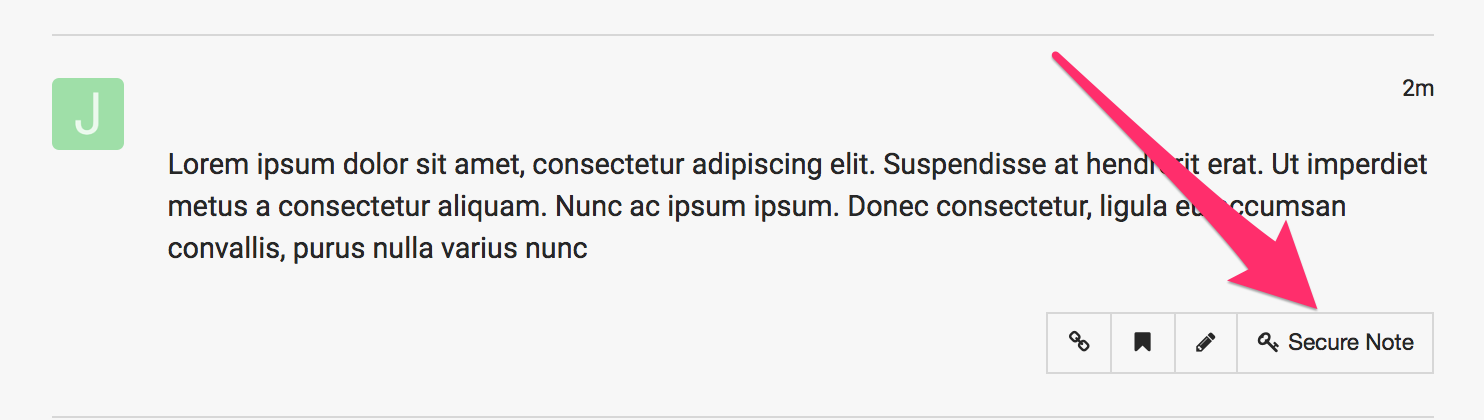
In case you can’t still find it, please provide us with the admin access to your site in a Secure Note:
Thanks for the help, but I looked in both of those places and could not find it, here is the info you need. Thanks!
Hi Evan,
I am not certain where you were looking for the CSS but it is in the Global CSS panel.

I have removed the code and the images are showing up now.
If you want to get rid of the white area around the image, kindly add the CSS code @friech previously suggested.
Hope this helps.
This topic was automatically closed 10 days after the last reply. New replies are no longer allowed.