Hi,
Some of my feature boxes are going out of alignment on tablets. Please refer to the screenshot. Any ideas?
Many thanks in advance

Hi,
Some of my feature boxes are going out of alignment on tablets. Please refer to the screenshot. Any ideas?
Many thanks in advance
Hi there,
I double checked my local installation and it seems every thing is ok:
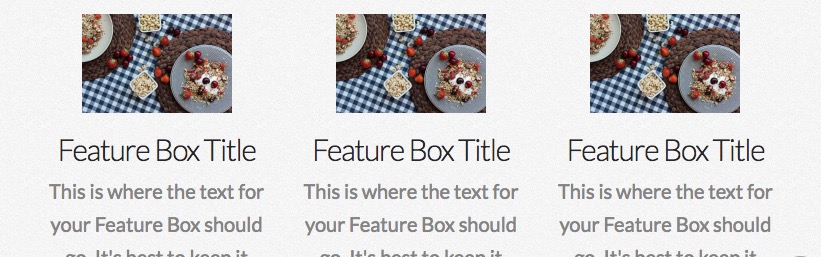
Maybe something is overriding the normal flow of the Feature Box on your installation. Just make sure that the Graphic Size option is set exactly as the image width:
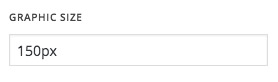
If you still experiencing problems kindly get back to us with the URL of the page and we will give you quick CSS snippet which you can add to your theme installation to fix the issue.
Thank you.
Hi,
Many thanks for the reply. I checked the graphic size but I’m still having the same issue. It’s not on all screen sizes - but you can see the issue quite clearly at 768 x 1024 (see attachment).

Hey there,
Thank you for providing the URL of the website. Please kindly add the CSS code below to X > Launch > Options > CSS:
.x-feature-box-graphic-inner {
    width: auto;
}
Thank you.
Thanks Christopher. Worked perfectly!
