Feature Box Animation Issue

Hi guys,

Just noticed that the animation of the feature box here: https://kryptonitecreative.com/ doesn’t get activated until you scroll passed that section. Graphic animation delay and offset is set to 0.

I did notice this after updating to the new version of cornerstone, not sure if it is related to it or not. Any ideas what is causing that behavior?

Thank you,
Petar
Hi there,

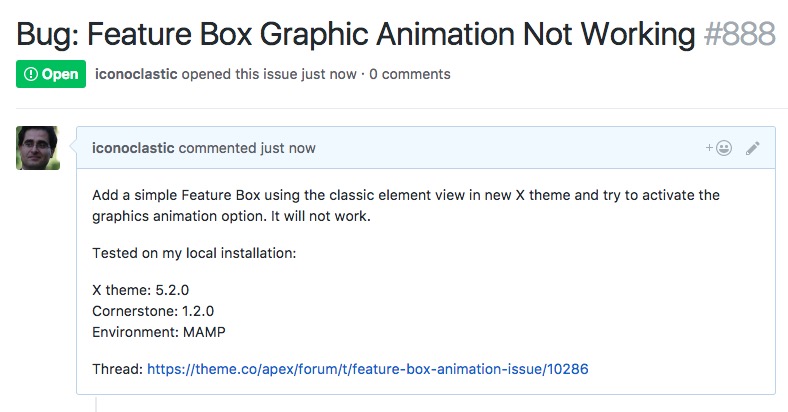
Thank you for your report. We reported this in our internal system and our development team will follow up the case:

Meanwhile, as an alternative solution, you can use the new Headline v2 element to achieve the same functionality. For more information:

https://theme.co/changelog/#theme-x-5-2-0

Thank you for your patience and understanding.

I’ve taken a look at this, and it isn’t actually a bug.

The animation offset is based on distance from the top of the screen. If it’s zero, the element must reach the top of the viewport before animating. Try setting it to 50% at least - this is the default value when a new feature box is added and works in most cases.

1 Like

Thank you so much for the help, it does work “normally” now.

You’re welcome. Thanks for confirming!