Favicon Uploaded But Not Showing

Hey,

Everything is updated.

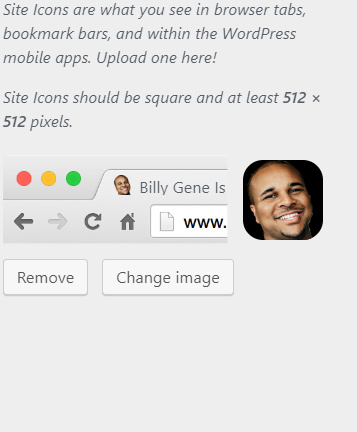
I added the favicon to my theme but its not showing. I followed the instructions in another thread and trying another image, or clearing the cache does not work.

I’ve attached my login info in a private note.

Here is the website:
Hi Billy,

Thank you for writing in, actually, the correct icon is showing up on other browsers except on Chrome and its only on the front-end on the back-end (admin dashboard) it shows fine.

It seems you uploaded that red favicon on the root directory of your WP installation?

Please remove that, or replace with your new favicon.

Hope it helps,
Cheers!

Hello,

Thank you for writing. I have never uploaded anything in the root directory and I’m not sure how to access it. All I’ve done is add the favicon in the image attached above.

Hi,

I checked the code and can see that the favicon meta is inside the <body>...</body> instead of <head>...</head>

You could try testing for a plugin conflict. You can do this by deactivating all third party plugins, and seeing if the problem remains. If it’s fixed, you’ll know a plugin caused the problem, and you can narrow down which one by reactivating them one at a time.

Let us know how it goes!

This topic was automatically closed 10 days after the last reply. New replies are no longer allowed.