I’ve read through support threads. Turned off all plugins to detect conflicts but still can’t Edit with Pro. It simply will not load and times out.
Hi Jonathan,
Thank you for reaching out to us. I checked couple of your pages in Content Builder and they are loading fine on my end:
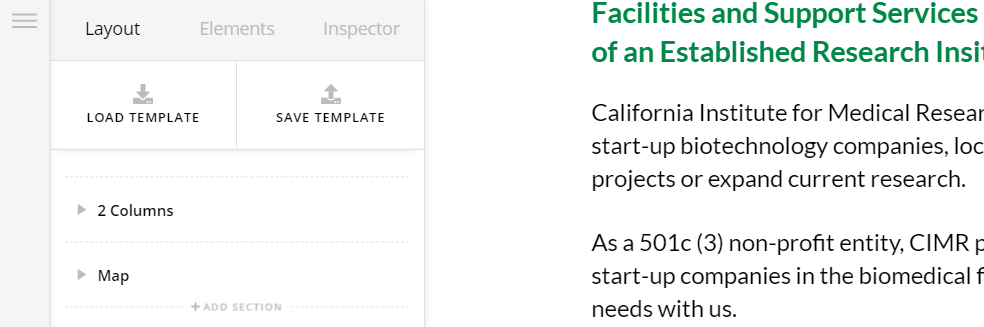
However there was a syntax error in custom JS section which was triggering an error, I went ahead and commented the problematic code. Please clear your browser’s cache and try editing the page again.
Let us know how this goes!
Thanks. For some reason my PC regardless of browser choice will not resolve. However, mobile iPhone using Chrome does. Things that make you go Hmmmm.
Hi Jonathan,
I can reproduce it but not all the time, it reloads fast on next reloads. One thing I noticed is javascript error, and it’s caused by this code from Theme Options > JS
/*
2010<script>new Date().getFullYear()>2010&&document.write("-"+new
ate().getFullYear());</script>
*/
The issue is the </script> and it appears not seen as commented code. For that, I recommend removing it all.
Then please clear your browser cache and test it again.
Thanks!
Taking that code out completely (even though it was commented out) and clearing the cache worked. Thanks.
This topic was automatically closed 10 days after the last reply. New replies are no longer allowed.